Free digital signage for one TV, no account needed
Screenbird's free version is free digital signage for one TV: it shows one photo, video or tool at a time, with a small Screenbird mark in the corner. You need no account, no password and no credit card, and there is no trial period that runs out.
- No account, no password, no card
- Photos, videos, clocks, weather and more
- No trial period, no end date
The free version at a glance
Updated November 2026
- Price
- Free. No payment details are asked.
- Screens
- One TV
- Account
- None. You confirm your email address with a code and never set a password.
- What plays
- One photo, video or tool at a time. Sending something new replaces it.
- Photos and videos
- Up to 1 GB per file, as long as it fits on the TV
- Tools
- Clock, world clock, weather, countdown, timer, message, QR code and a template with your own text
- YouTube and Vimeo
- A public video from YouTube or Vimeo, or a YouTube playlist, sent as a link. It plays muted and on repeat. The TV streams it, so it needs to stay online.
- Screenbird mark
- A small mark in the corner of the screen
- Devices
- Amazon Signage Stick, Fire TV, Android, Google TV, Windows, macOS, Linux, Raspberry Pi and a web browser
- Sending
- From your phone or computer. The TV and the phone or computer both need to be online when you send.
- Where it is stored
- On the TV itself, not in an account
- How long
- No trial period and no end date
How it works
Three steps, from a TV with nothing on it to your first photo or message on screen.

Put Screenbird on your TV
Install the Screenbird app on your TV or player, or open player.screenbird.app in the TV's browser. The screen shows a code.
Connect your TV with the code
On your phone or computer, go to screenbird.app/free and enter the code from the TV, or scan the QR code next to it. Then confirm your email address with a code we send you.
Choose what to show
Pick a photo, video or tool and send it. The TV shows it right away, and sending something new replaces it.
Works on these devices
No Screenbird app on your smart TV, as on many Samsung and LG models? Open player.screenbird.app in the TV's browser. The clock, weather, messages and other tools work there; photos and videos only work if that browser supports them.
What you can show for free
Pick one item at a time. Each one covers a job that comes up in shops, cafes, offices and waiting rooms.
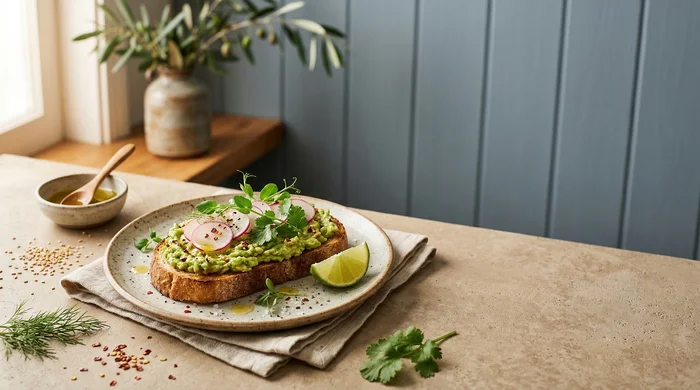
Photo or video
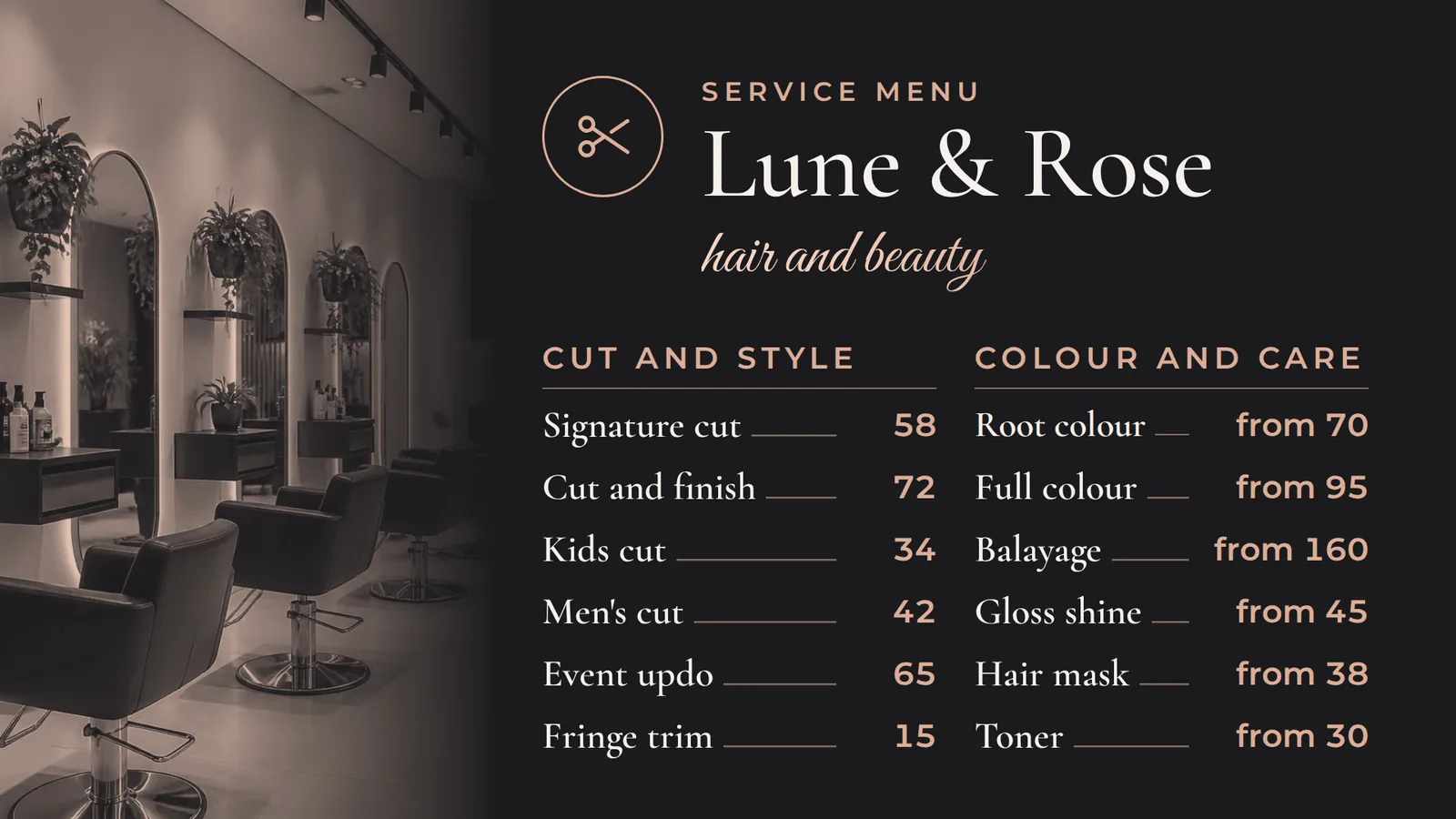
A product photo, today's lunch deal or a short promo video, up to 1 GB.
Choose a file on your phone or computer, pick whether it fills the screen or fits inside it, and send it. The file is stored on the TV itself, so once it is on screen you can put your phone away.
Template
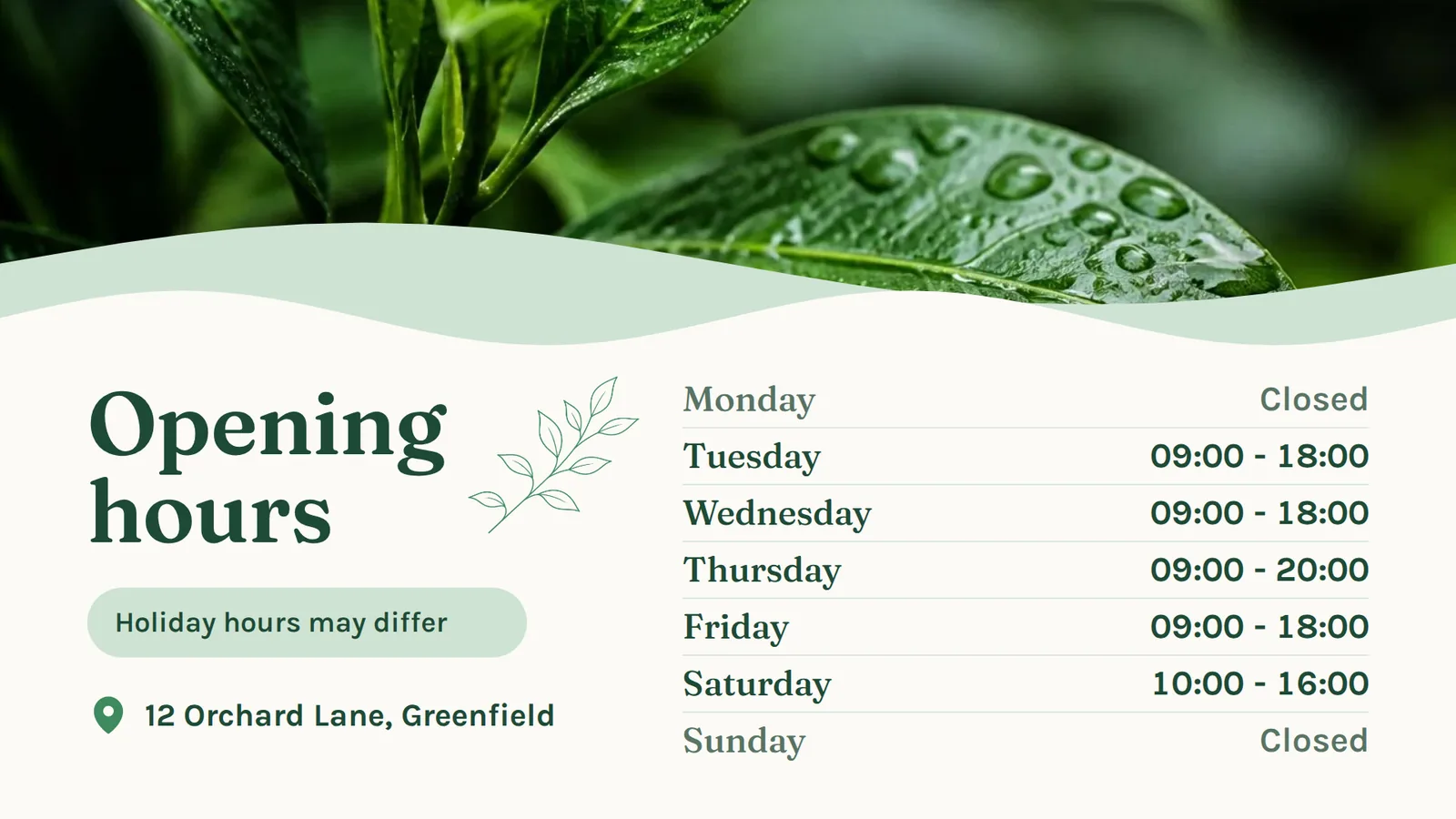
A ready-made design, such as opening hours or a welcome sign, with your own text.
Pick a design from the template library, type your own text and send it. The photos, colors and layout stay as they are; changing those is done in the designer, which comes with the free trial.
YouTube or Vimeo video
A public video from YouTube or Vimeo, or a YouTube playlist. It plays muted and on repeat while the TV is online.
Message
A welcome note in reception or a notice for staff in the break room.
Countdown
A countdown to a grand opening, a sale or the next event, with your own title.
Clock
A large digital or analog clock for a waiting room, workshop or gym.
Weather
The weather for a place you choose, in a lobby, cafe or on a terrace.
World clock
The time in up to six cities, for a team that works across time zones.
Timer
A timer or stopwatch for workouts, a break or a cooking demo.
QR code
A link to your menu, review page or sign-up form, with a short caption.
Showing several items in turn, scheduling and apps such as Google Slides, Canva and Power BI come with the 7-day free trial.
Free version, free trial or paid plan
The free version is not a plan and not a trial. It is a separate, small way to use Screenbird on one TV. This is what each option gives you.
Price
- Free version
- Free
- 7-day free trial
- Free for 7 days
- Paid plan
- From $14 per screen per month, billed yearly
Account
- Free version
- Not needed
- 7-day free trial
- Yes
- Paid plan
- Yes
Payment details
- Free version
- Not needed
- 7-day free trial
- Needed to start. Cancel within 7 days and you pay nothing.
- Paid plan
- Yes
Screens
- Free version
- One TV
- 7-day free trial
- More screens, managed in one place
- Paid plan
- Per screen, as many as you need
What plays
- Free version
- One item at a time
- 7-day free trial
- Playlists of photos, videos and apps
- Paid plan
- Playlists of photos, videos and apps
YouTube and Vimeo videos
- Free version
- One public video or YouTube playlist at a time
- 7-day free trial
- In playlists, plus YouTube channels
- Paid plan
- In playlists, plus YouTube channels
Scheduling
- Free version
- No
- 7-day free trial
- Yes
- Paid plan
- Yes
40+ apps, such as Google Slides, Power BI and Canva
- Free version
- No
- 7-day free trial
- Yes
- Paid plan
- Yes
Templates
- Free version
- Change the text
- 7-day free trial
- Edit everything in the designer
- Paid plan
- Edit everything in the designer
AI designer
- Free version
- No
- 7-day free trial
- Yes
- Paid plan
- Yes
Manage from any device, with your team
- Free version
- No
- 7-day free trial
- Yes
- Paid plan
- Yes
Screenbird mark on screen
- Free version
- Small mark in the corner
- 7-day free trial
- No mark
- Paid plan
- No mark
When to move to the free trial
The free version is enough for one screen that shows one thing. Move up when the screen should change by itself, or when you need more than one screen.
Start the trial from the free version and your TV comes with you and joins your account. The trial needs payment details; cancel within 7 days and you pay nothing.
- Several photos, videos and apps that take turns
- Different content at set times, such as a breakfast and a lunch menu
- More screens, managed from one place
- 40+ apps and the AI designer
- Templates you can fully edit in the designer
- Manage from any device, with your team
- No Screenbird mark on screen
Frequently asked questions
Put something on your TV now
One TV, one thing at a time, no account. When you need more, the 7-day free trial picks up where the free version stops.