Church digital signage for your foyer and halls
Put the welcome, this week's notices and upcoming events on the screens in your foyer, without a laptop or a USB stick. They run by themselves all week. On Sunday, a volunteer switches every screen with one button when the service ends and the coffee starts.
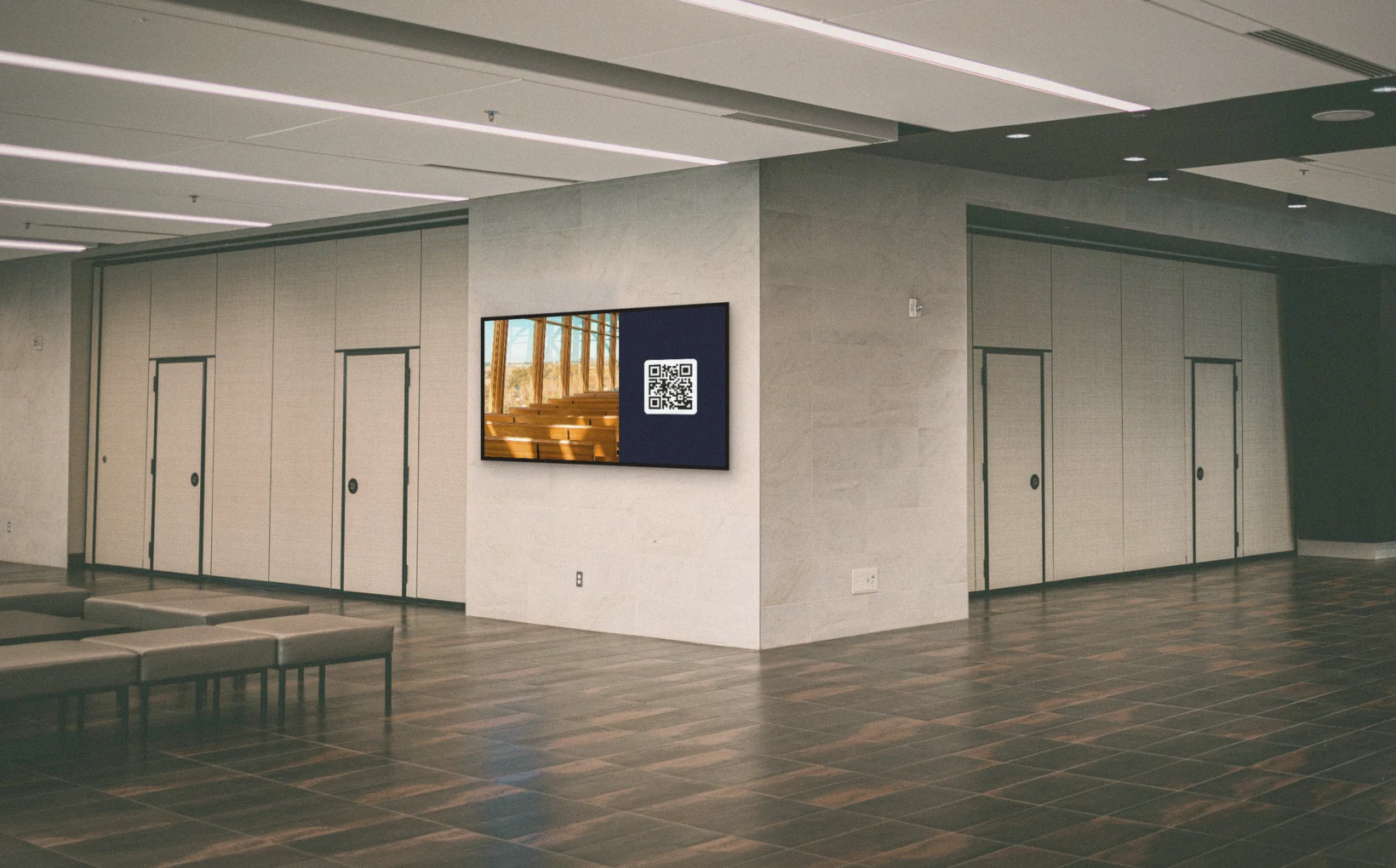
What goes on the screens in your church
People read the foyer screen while they wait and over coffee. Put the welcome there, the week's notices, upcoming events and the children's programme. Someone who missed the notices on Sunday still sees them on Wednesday evening.
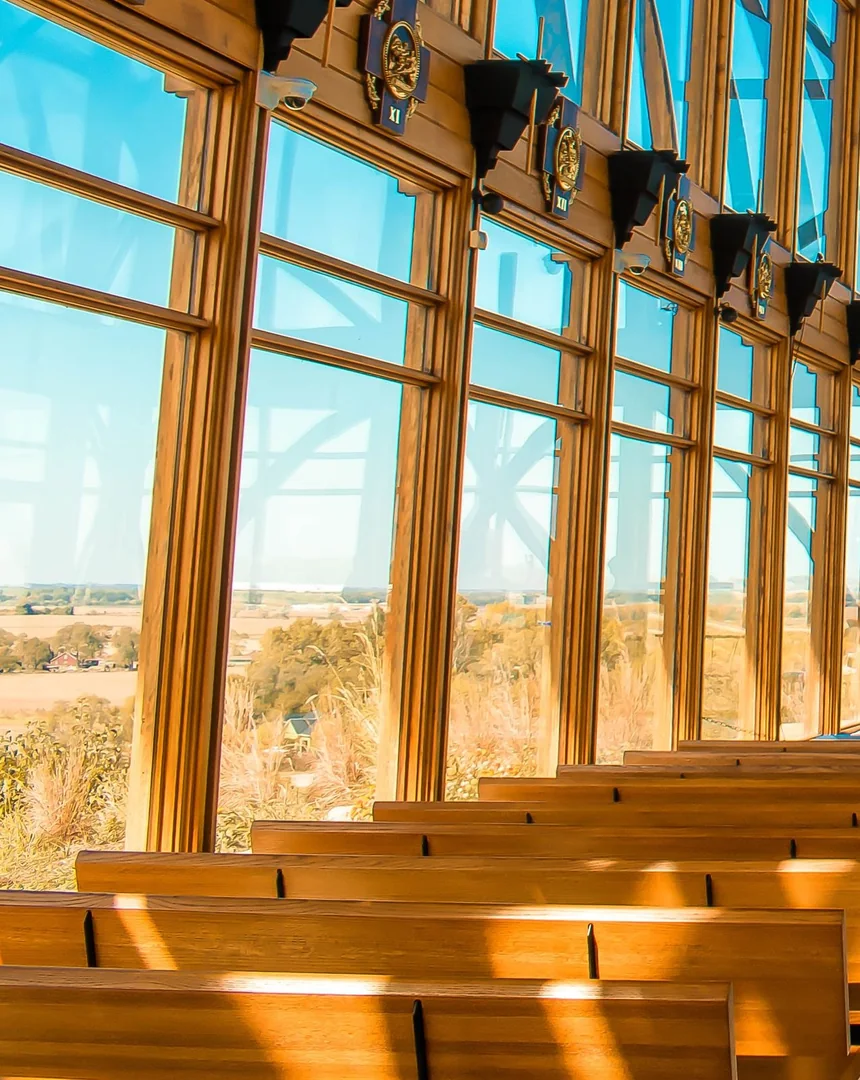
Volunteers keep it running, no technician needed
Church screens often depend on one person. Here, whoever does communications plans the notices ahead, and they start and stop by themselves. On Sunday, a volunteer switches the foyer screens from a phone. With the User role they can start a scene, but they can't change what's in it.
Works with the tools you already use
Connect Screenbird to the apps and services your team already runs on, no extra software required.
Google Calendar
Show the church calendar. Add an event and the screen follows.
Canva
Design your notices in Canva and show them on screen.
Notice Board
Type a last-minute notice, live in seconds.
Bitfocus Companion
Put your scenes on a Stream Deck, next to your slides and sound.
How it works

Create account
Sign up in 30 seconds.
Upload content
Drag & drop your images, videos and designs into the dashboard.
Connect screen
Enter the pairing code on your TV. Your content goes live instantly.
One plan. Everything included. No tricks.
Everything you need for professional digital signage
All features included
No hidden costs. No contract. Cancel anytime.
Want Screenbird to manage your devices? Screenbird+ $32/mo
Does this replace ProPresenter?
No. They do different jobs, and they work well side by side.
ProPresenter or your presentation software
- Lyrics, slides and sermon notes
- The main screens during the service
- Run by someone at the desk
Screenbird
- The foyer, the hall and the corridors
- All week, also when nobody is in the building
- Planned ahead, and one button when you need it
Already using a Stream Deck with Bitfocus Companion? Then one button can trigger your slides and your Screenbird scene at the same time.
Frequently asked questions
Everything you need to know about getting started with Screenbird digital signage. Can't find your answer? Check our help center.
Also interesting


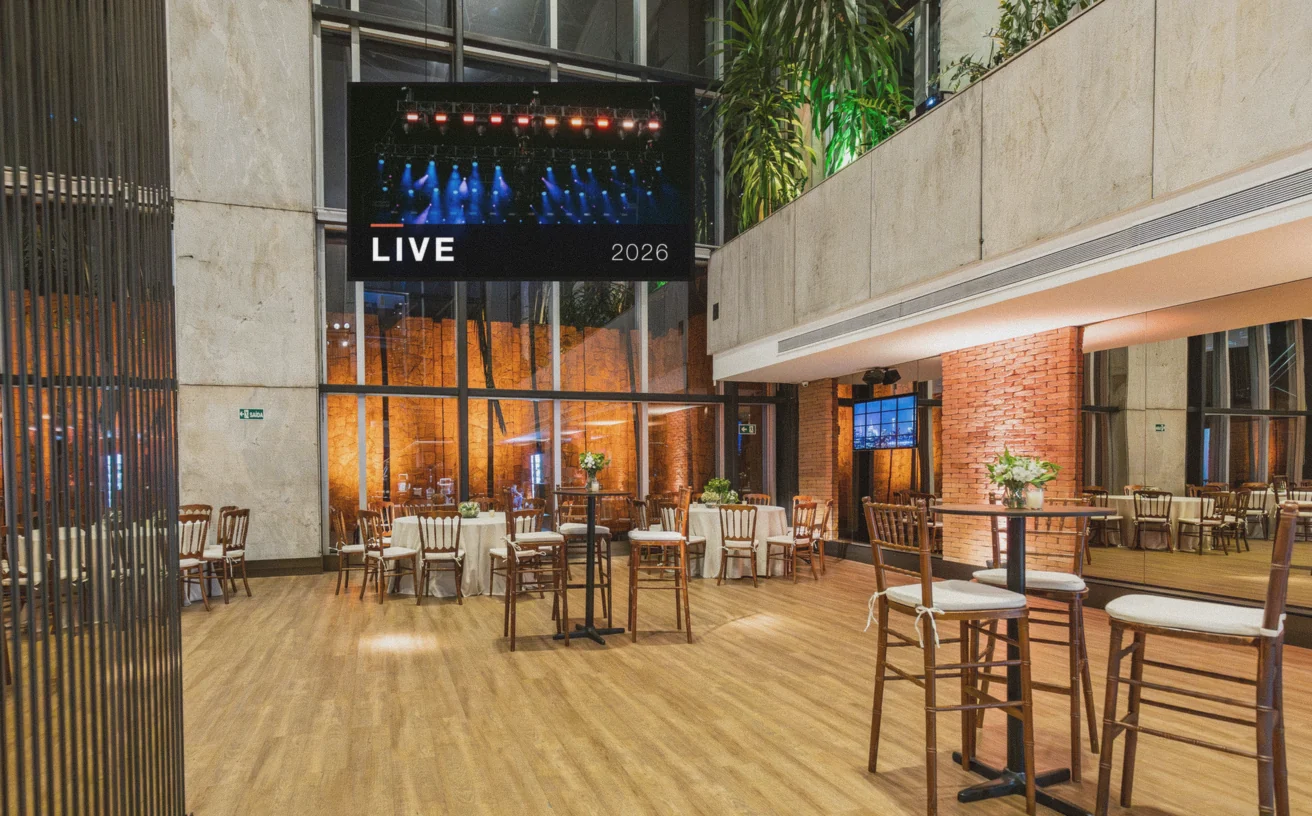
Use cases: Digital notice board · Lobby welcome screen
Background reading: What is digital signage?
Ready to get started?
Start today. 7 days free. No hidden costs. No contract. Cancel anytime.
Start 7-day free trialFrom $14 per screen per month, billed yearly
Every feature included. Cancel anytime.