Digital signage for events and venues
For theatres, concert halls, conference centres and the crews who run them. Show the day's programme, room signs and sponsors on every screen. When doors open, at the break or when a session runs late, one button switches them all, each to its own content.
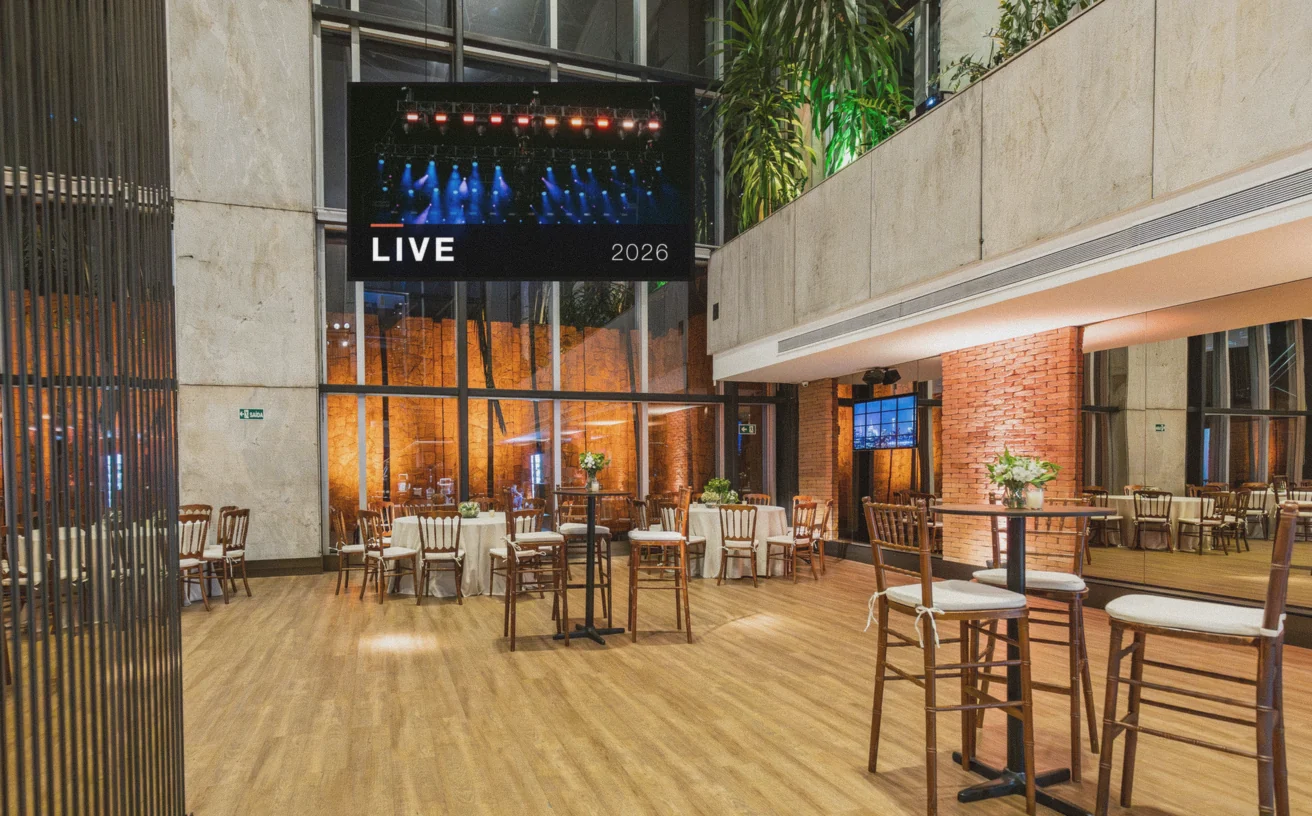
The whole programme on your screens
Visitors want to know what's on, where and when. Put the day's programme in the foyer, the session at each room door, the menu at the bar and sponsors in between. Change a time in your spreadsheet and the screens follow.

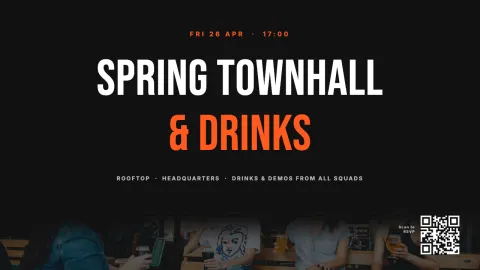
Ready-made designs for your event
Start from a design and change the text and photo.
One button for every moment
A programme rarely runs to the minute. Set up a scene for each moment: doors open, the break, the keynote, the close. Every screen gets its own content. When it's time, press Go from your phone, the dashboard or a Stream Deck at the desk. Stop puts everything back on schedule.


Works with the tools you already use
Connect Screenbird to the apps and services your team already runs on, no extra software required.
Google Sheets
Keep the programme in a spreadsheet, screens show it live.
Show the posts you share during the event.
Notice Board
Type a room change or a delay, live in seconds.
Bitfocus Companion
Put your scenes on a Stream Deck, next to your lights and sound.
How it works

Create account
Sign up in 30 seconds.
Upload content
Drag & drop your images, videos and designs into the dashboard.
Connect screen
Enter the pairing code on your TV. Your content goes live instantly.
One plan. Everything included. No tricks.
Everything you need for professional digital signage
All features included
No hidden costs. No contract. Cancel anytime.
Want Screenbird to manage your devices? Screenbird+ $32/mo
Signage or show control?
Screenbird doesn't replace your media server. It runs the screens around the show.
Media server or video switcher
- The main stage and the LED wall
- Live video and cameras
- Timed to the frame by an operator
Screenbird
- The foyer, the bar, the room signs and the sponsors
- Files, designs and live data from your apps
- Planned ahead, and one button for each moment
With Bitfocus Companion, one Stream Deck button can trigger your show system and a Screenbird scene together.
Frequently asked questions
Everything you need to know about getting started with Screenbird digital signage. Can't find your answer? Check our help center.
Also interesting


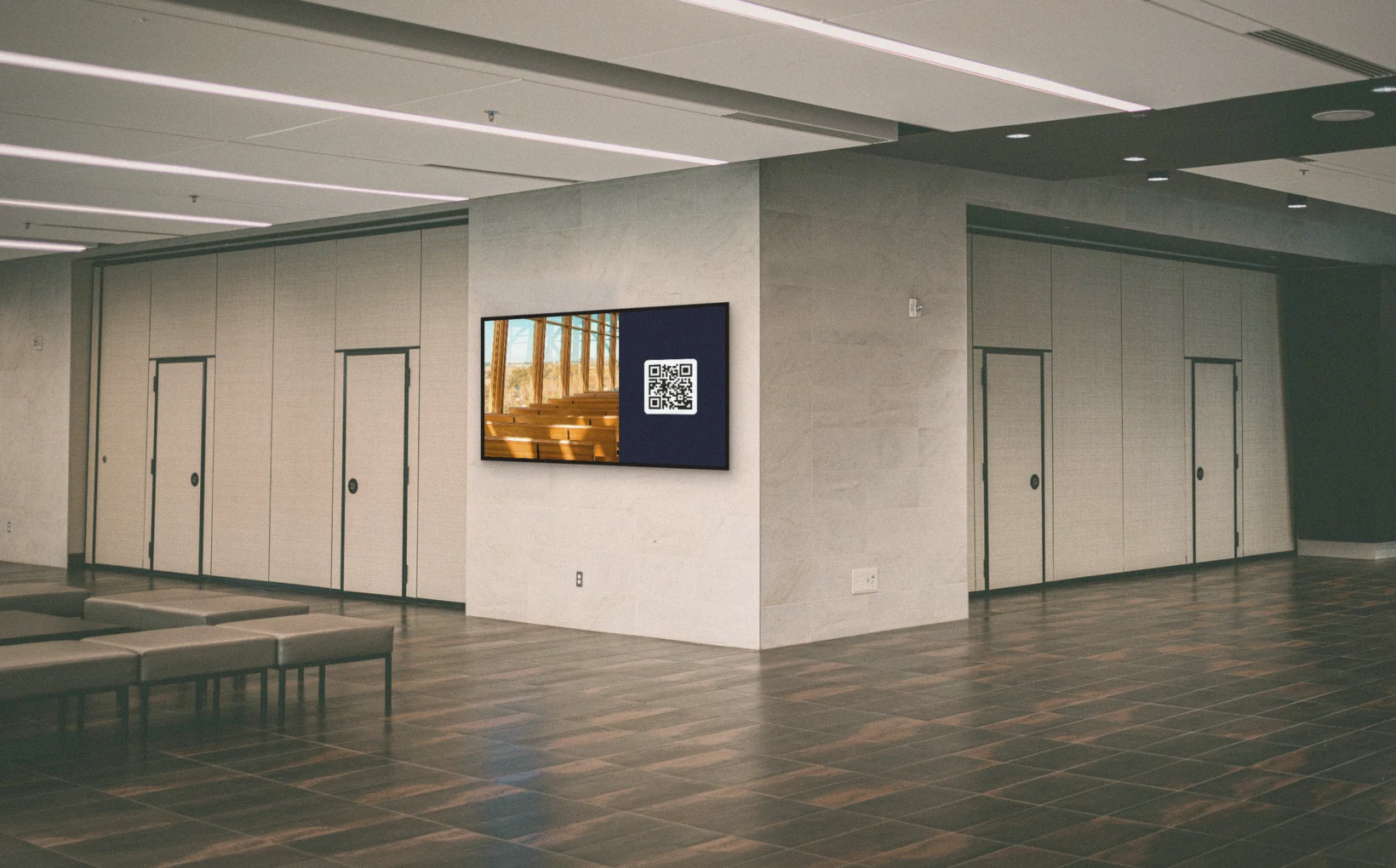
Use cases: Lobby welcome screen · Digital directory board
Background reading: What is digital signage?
Ready to get started?
Start today. 7 days free. No hidden costs. No contract. Cancel anytime.
Start 7-day free trialFrom $14 per screen per month, billed yearly
Every feature included. Cancel anytime.