A digital window display for your store or real estate office
A digital window display is a bright screen facing the street, with a small player behind it. Screenbird shows new stock by day and your opening hours after you lock up.
From $14 per screen per month, billed yearly
7-day free trial. Cancel anytime.

Portrait templates for a store or real estate window
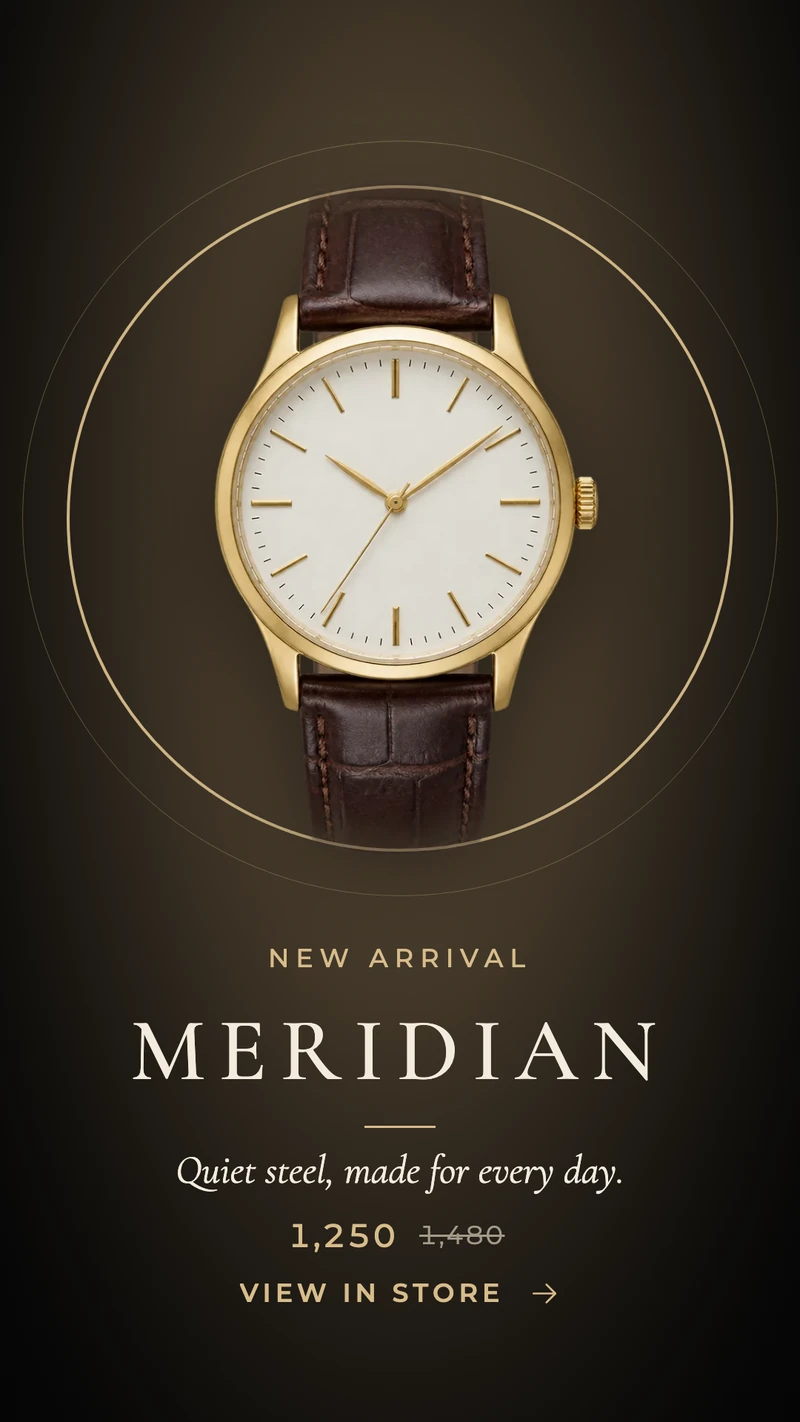
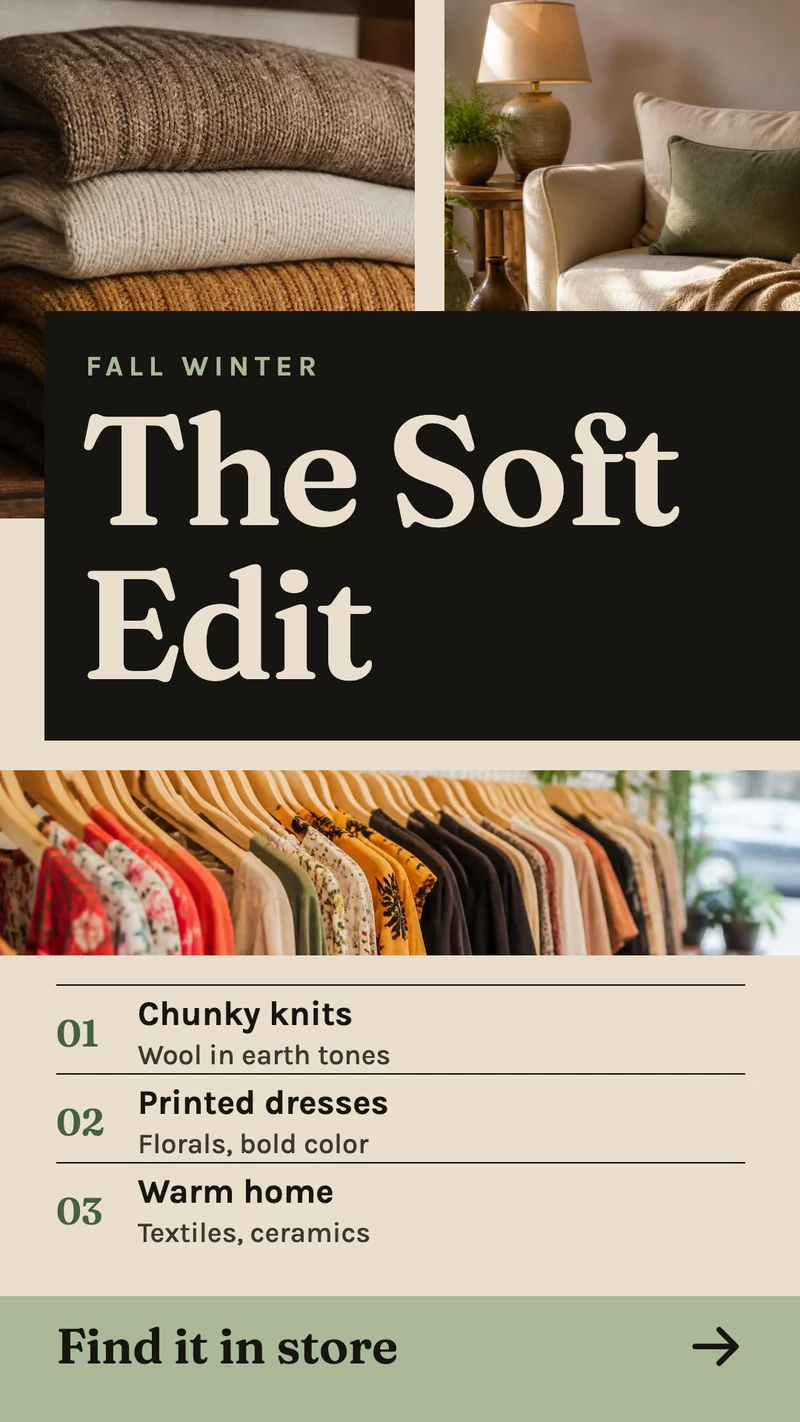
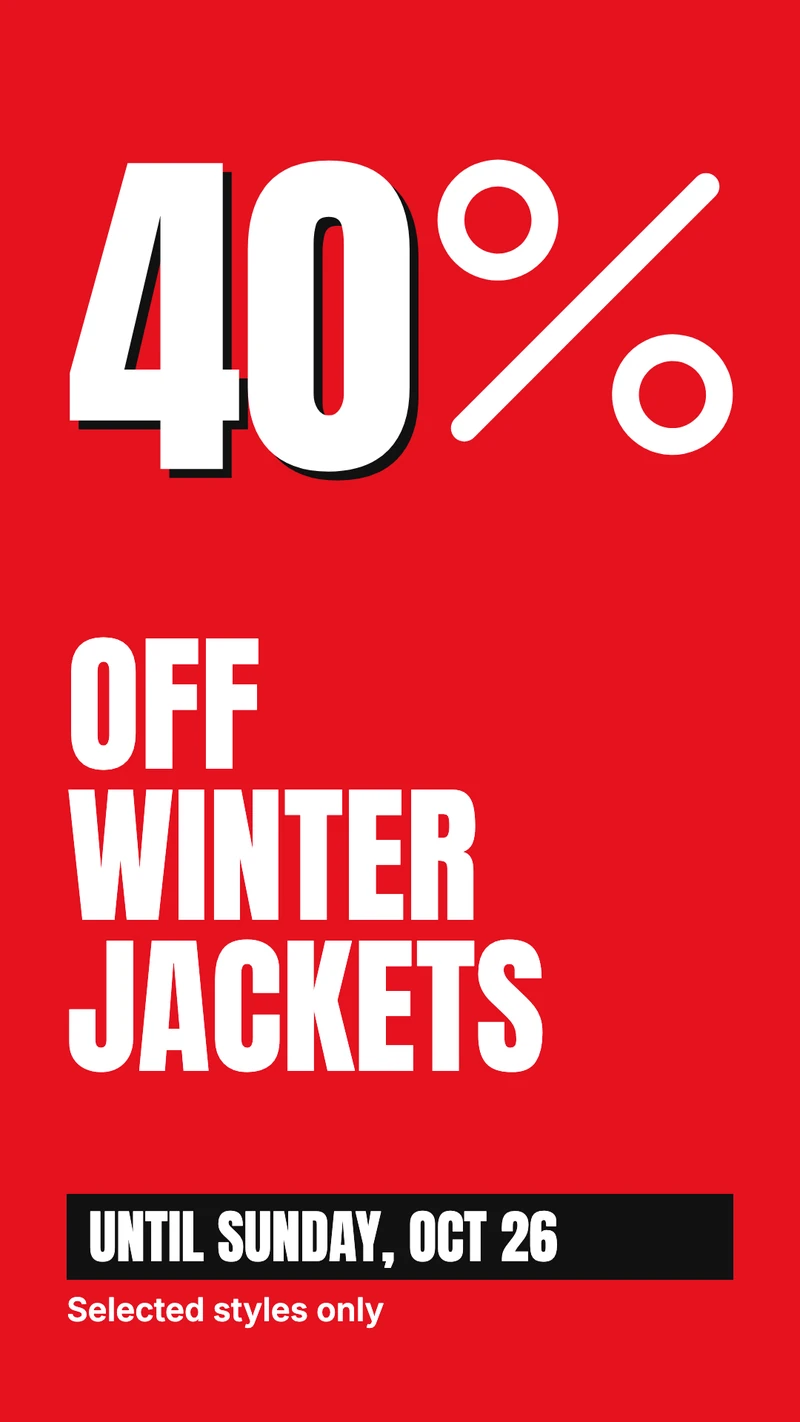
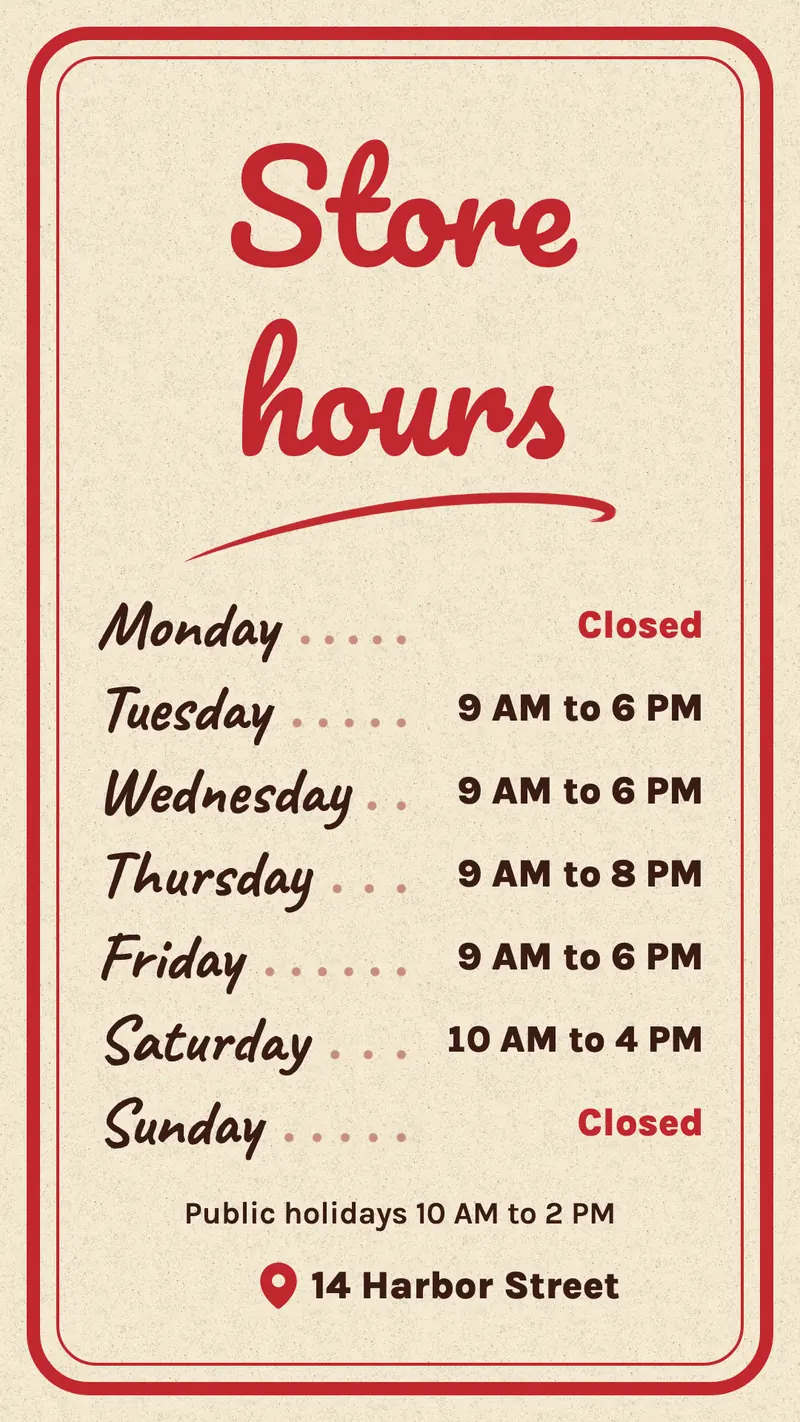
A few of the window designs in the Screenbird Designer, shown in portrait at 1080x1920. Each one also comes in landscape: swap in your own photo, price and text, or describe the poster you want under Design with AI.
What to show on it
- This season's new arrivals, with the price and a QR code to the product page
- The sale poster, with an end date so it comes down by itself
- Opening hours people can read through the door after you lock up
- A featured property with price, bedrooms and a QR code to the listing
- Saturday's open house, and a Sold stamp on last week's listing




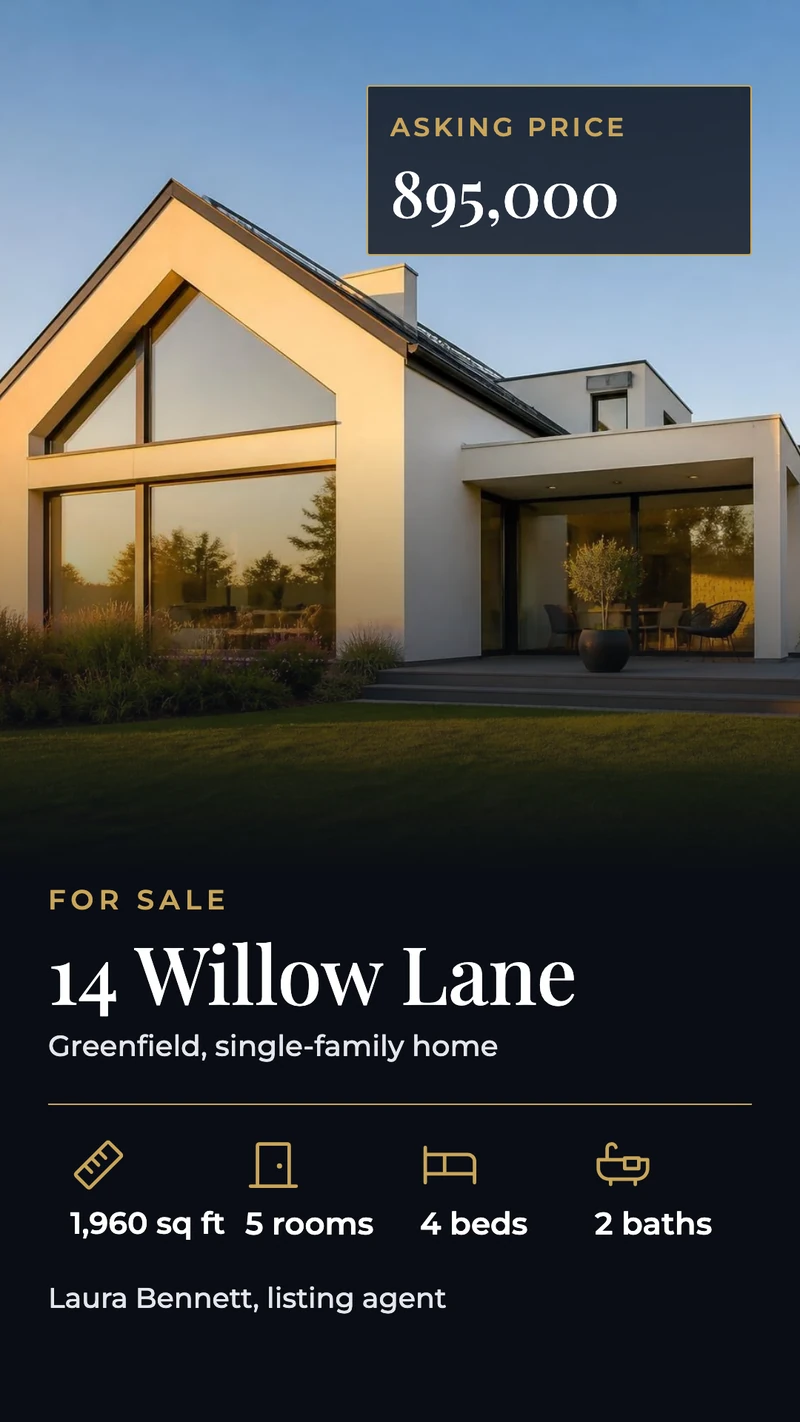
Design for a screen that stands on its end
Most window screens stand in portrait, like a poster in a frame. Start a New design in Portrait, pick a template from Product spotlight, Sale and discount or Featured property, and replace the photo, price and text. A QR code from Elements gives people on the sidewalk a link to the product or the listing on their phone.
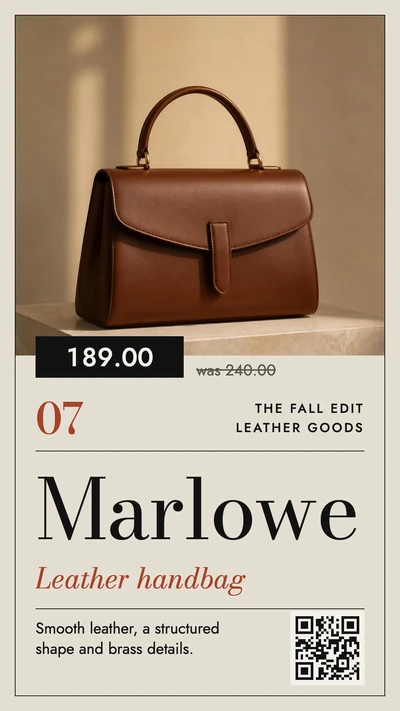
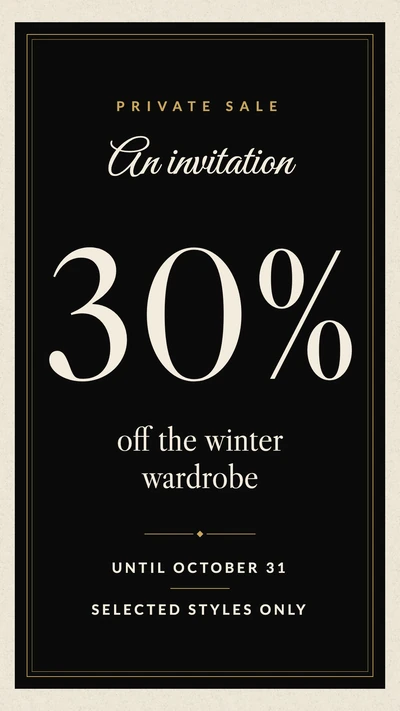
One window by day, another after closing
In Schedules, the window gets a daytime playlist and an evening one: new arrivals and the sale while the door is open, then opening hours and a QR code to your online store once you lock up. A sale poster with Set validity and a Valid until date leaves the window on its own when the sale ends, even if nobody remembers on Sunday night.
Your store's Instagram, in the window
Connect the store's Instagram account in the Instagram app and the window shows your own feed or Stories, refreshed at an interval you set between 1 and 60 minutes. Turn on the account banner with a QR code and the line "Scan to follow". The feed needs the internet to refresh; designs and videos you upload are stored on the player and keep playing when the store's Wi-Fi drops.
Works with the tools you already use
Connect Screenbird to the apps and services your team already runs on, no extra software required.
The photos you post of new stock or new listings, in the window without a second upload.
Canva
Made the sale poster in Canva already? Paste the link and the window follows each edit.
TikTok
Product videos from your own account, playing behind the glass.
Google Slides
A real estate office's property deck, one listing per slide, edited by whoever is in the office.
From box to window in three steps
- 1
Start your trial and open a portrait template from New design.
- 2
Plug a player into the window screen's HDMI port; it shows a 6-character pairing code.
- 3
Type the code in Screens, then send the design or playlist to the window.

Screenbird runs on the display in your window through an Amazon Signage Stick or Google TV Streamer in its HDMI port, or on a PC, Mac or Raspberry Pi. Amazon Signage Stick · All supported players
Which screen does a store window need?
We don't sell or install displays: Screenbird is the software, so the screen is yours to choose. Most of what goes wrong with a window screen is decided when you buy it. This is what we'd check first.
Brightness, in nits
An ordinary TV gives about 300 to 500 nits. Behind glass on a sunny street that turns into a gray mirror by midday. Displays sold as window-facing are built for it and are usually rated 2,500 nits or more. On a shaded street or under an awning, a bright TV can be enough: hold one up in the window at noon before you spend more.
Heat behind the glass
A window in full sun gets hot. Commercial window displays have their own cooling for that, which a living-room TV does not.
Portrait or landscape
Portrait reads like a window poster: one product, one property, one offer. A wide screen fits more photos side by side, for example three listings in a row. A Signage Stick always sends a landscape picture, so you turn the design with Rotate 90° or Rotate 270° in Screenbird.
Size for the distance
From 43 inches up, people walking past can read a price. To be read from across the street, go for 55 inches or more and keep the text short: a name, a price, one line.
Two sides, two screens
Some window displays have a second, dimmer side facing into the store. If each side has its own HDMI input, give each side its own player: in Screenbird that is two screens, each with its own playlist.
One plan. Everything included. No tricks.
Every feature & update included, without limitations or complicated tiers.
Everything you need for professional digital signage
All features included
No hidden costs. No contract. Cancel anytime.
Want Screenbird to manage your devices? Screenbird+ from $21/mo
Frequently asked questions
Everything you need to know about getting started with Screenbird digital signage. Can't find your answer? Check our help center.
Other use cases
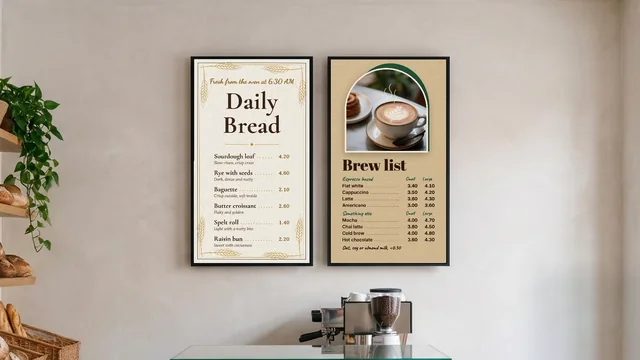
Digital menu board
Your menu and prices on the TV above the counter, switching from breakfast to lunch by the clock.
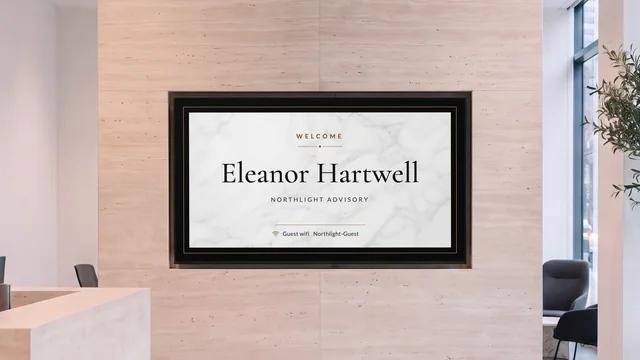
Lobby welcome screen
Greet the visitor by name and show who is on which floor, on the TV in reception.
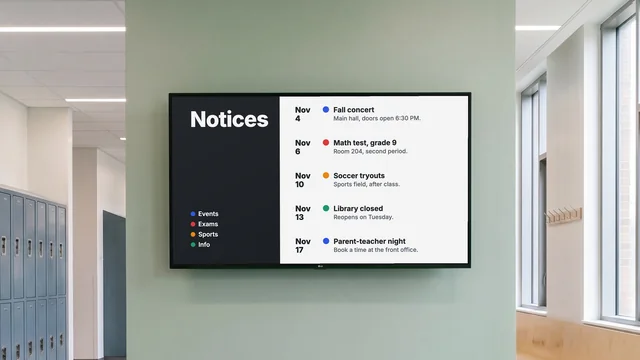
Digital notice board
Room changes, events and closures on the hallway TV, each with an end date.
By industry: Digital signage for retail stores · Digital window displays for real estate agents
Get your window screen running this week
Start with one portrait poster and an evening schedule, then cross the street and see how it reads.
Start 7-day free trialFrom $14 per screen per month, billed yearly
7-day free trial. Cancel anytime.