Lobby digital signage that greets your visitors by name
Lobby digital signage is the TV by your front desk: today's visitor greeted by name, the building directory and the weather, all changed from your browser.
From $14 per screen per month, billed yearly
7-day free trial. Cancel anytime.

Welcome screen templates for reception
Five of them, including the one on the TV above, greet a single visitor by name; the others welcome everyone or show who is where. In the Designer you swap in your own logo, colors and fonts from the Brand panel.
What to show on it
- Today's visitor by name, with their company
- The guest Wi-Fi name and password, with a QR code
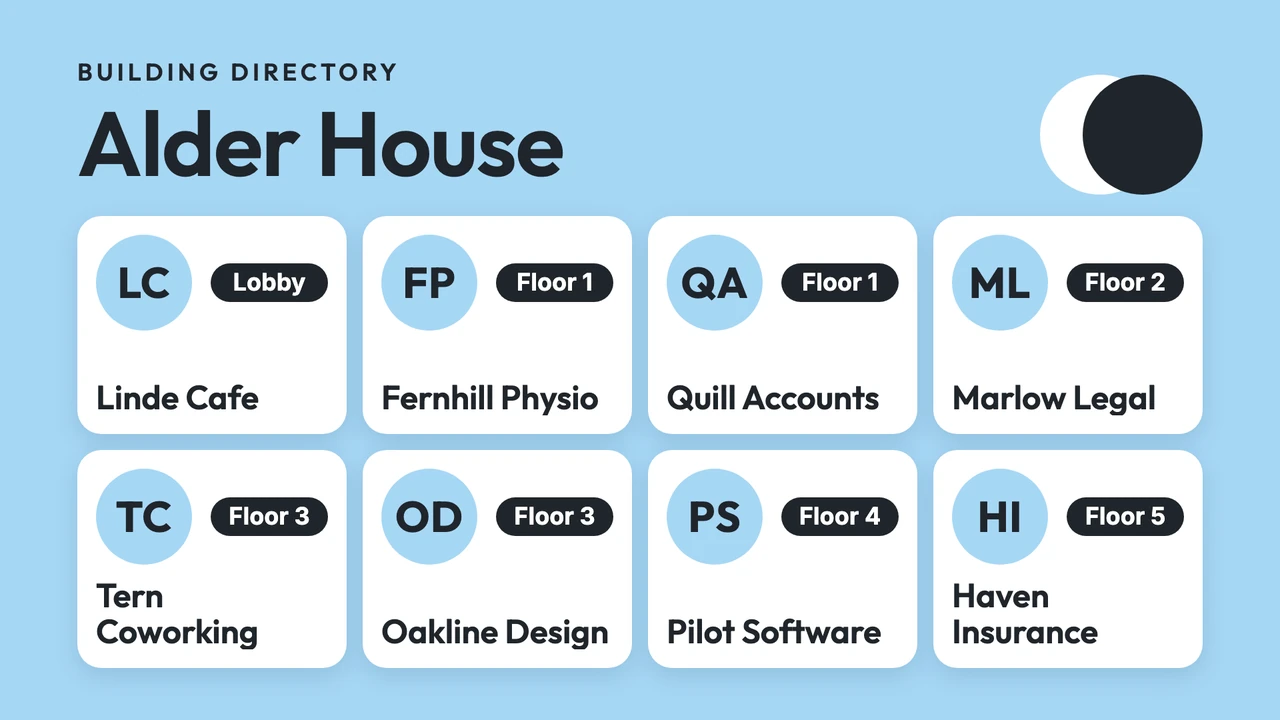
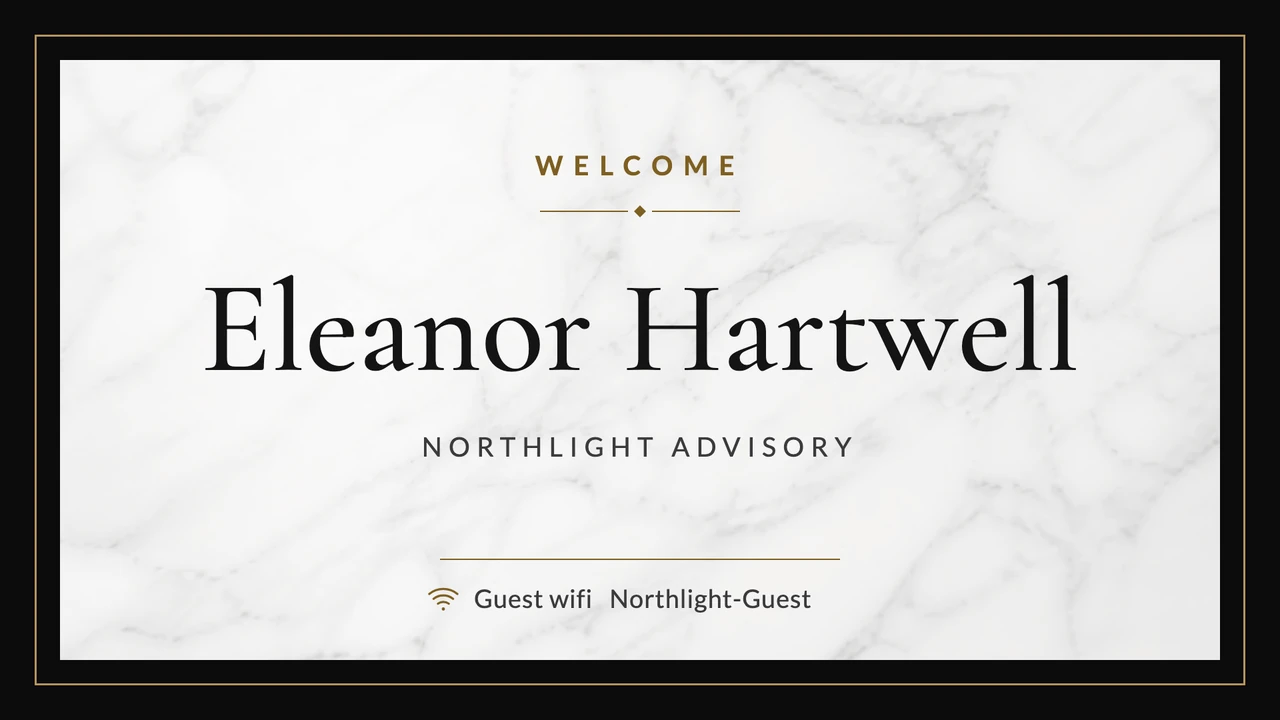
- Which company or department sits on which floor
- Arrows to the elevators, the meeting rooms and the restrooms
- Your logo, a photo of the building and a short hello
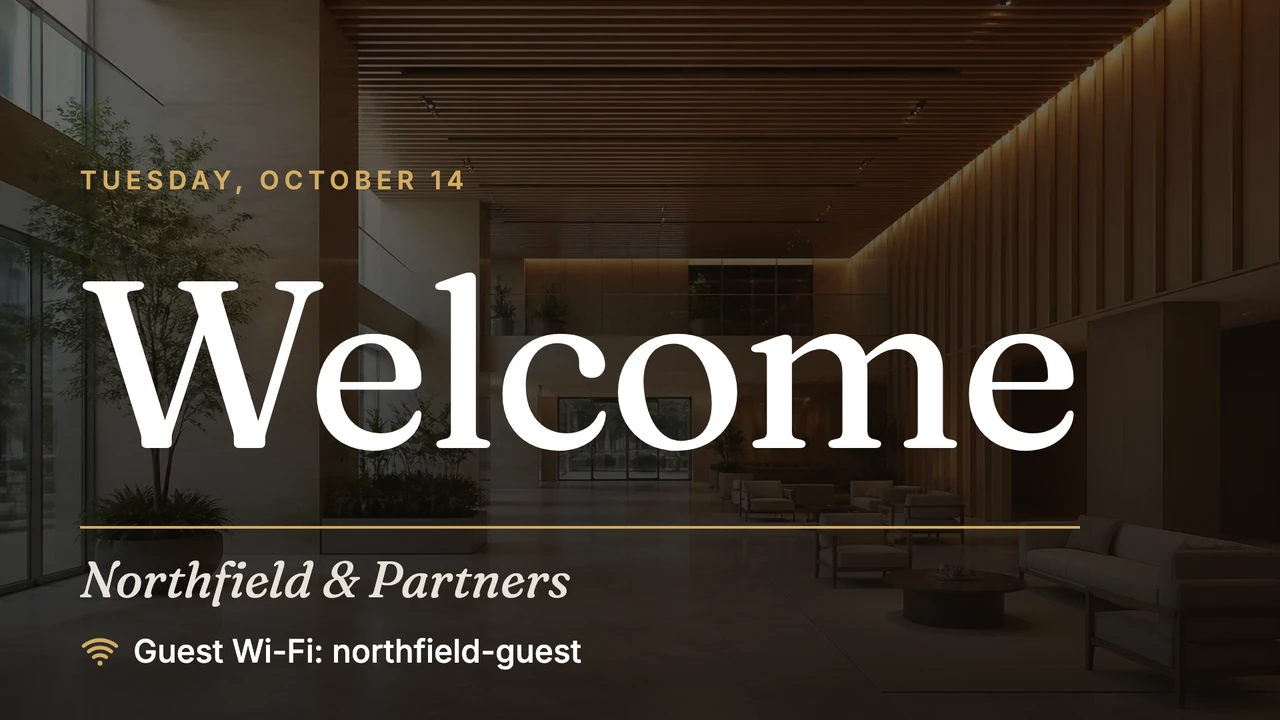
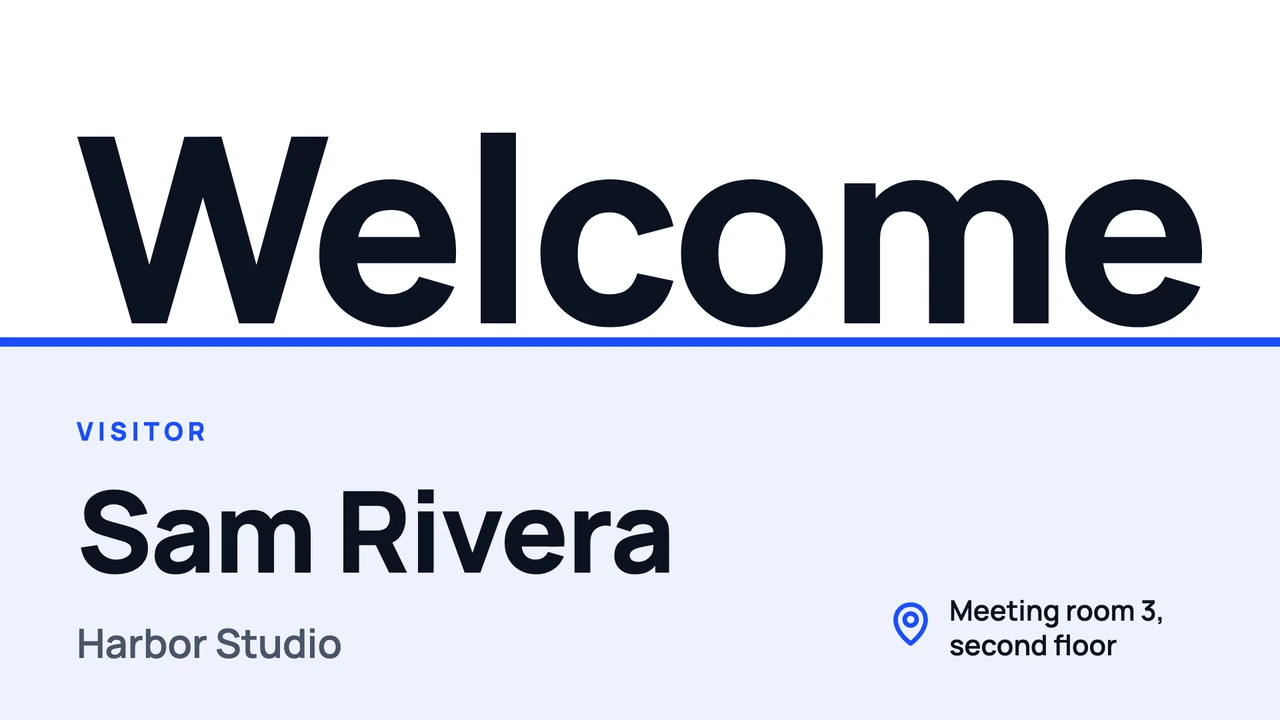
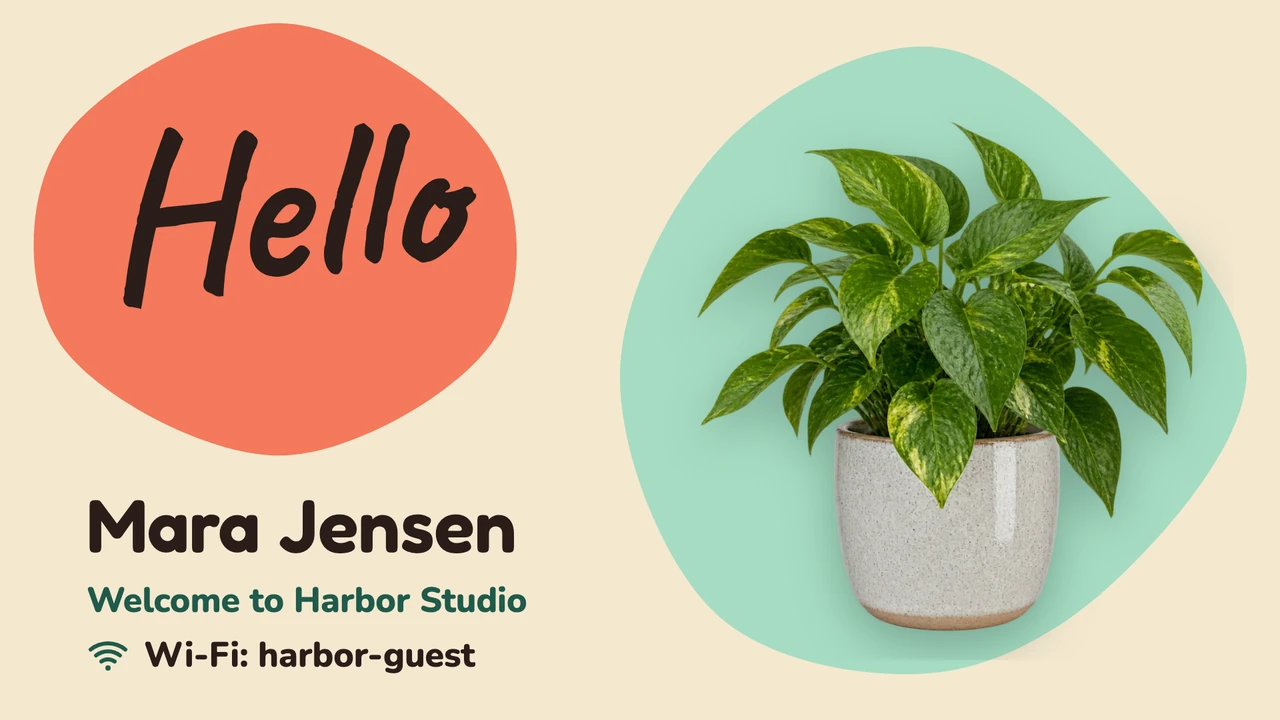
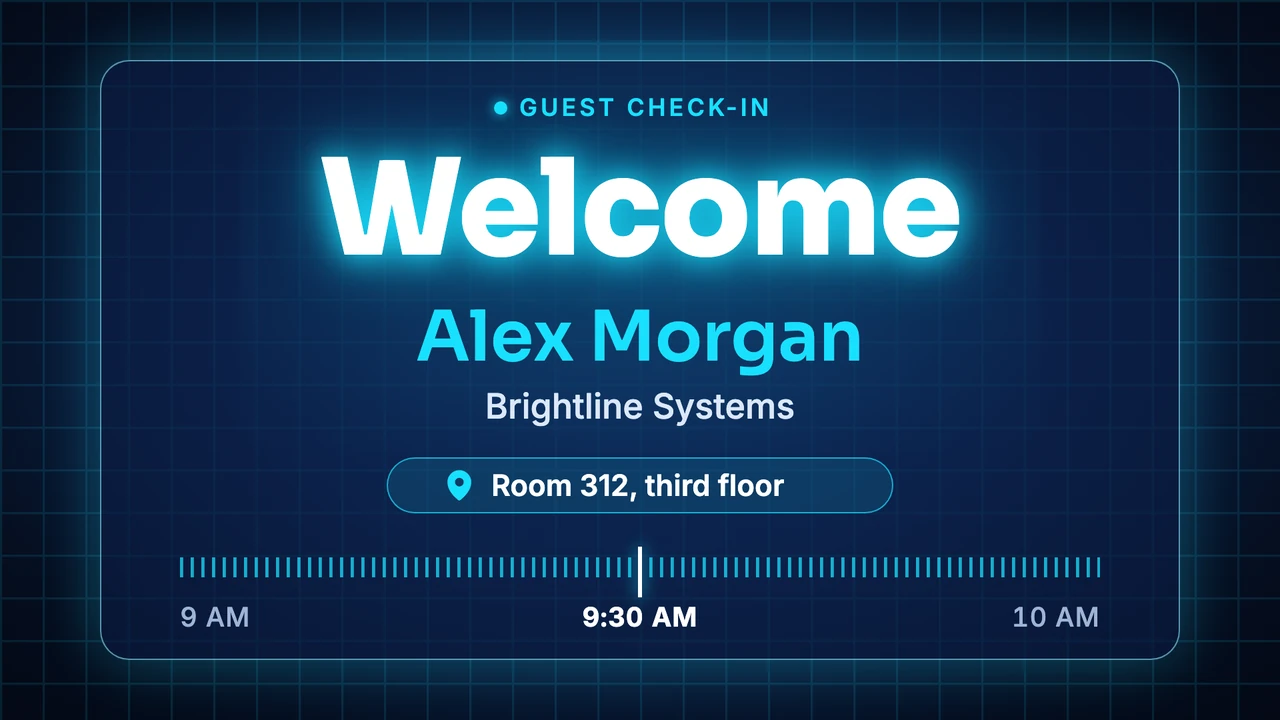
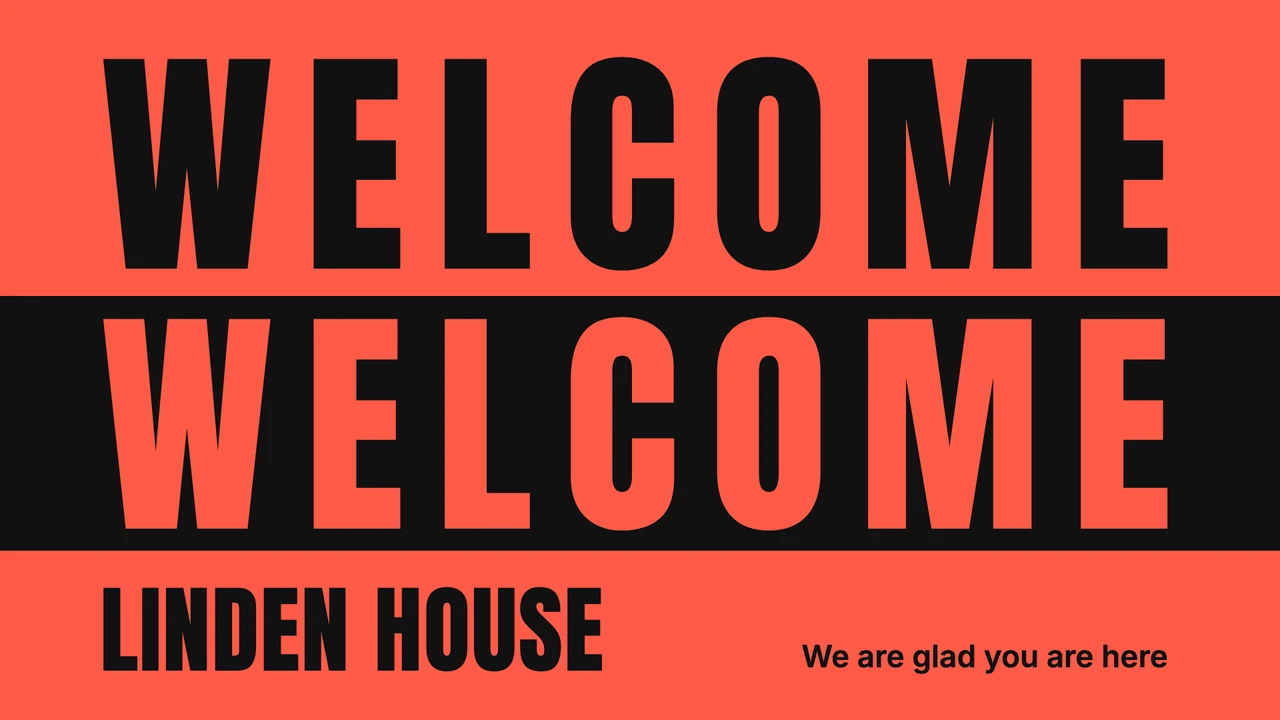
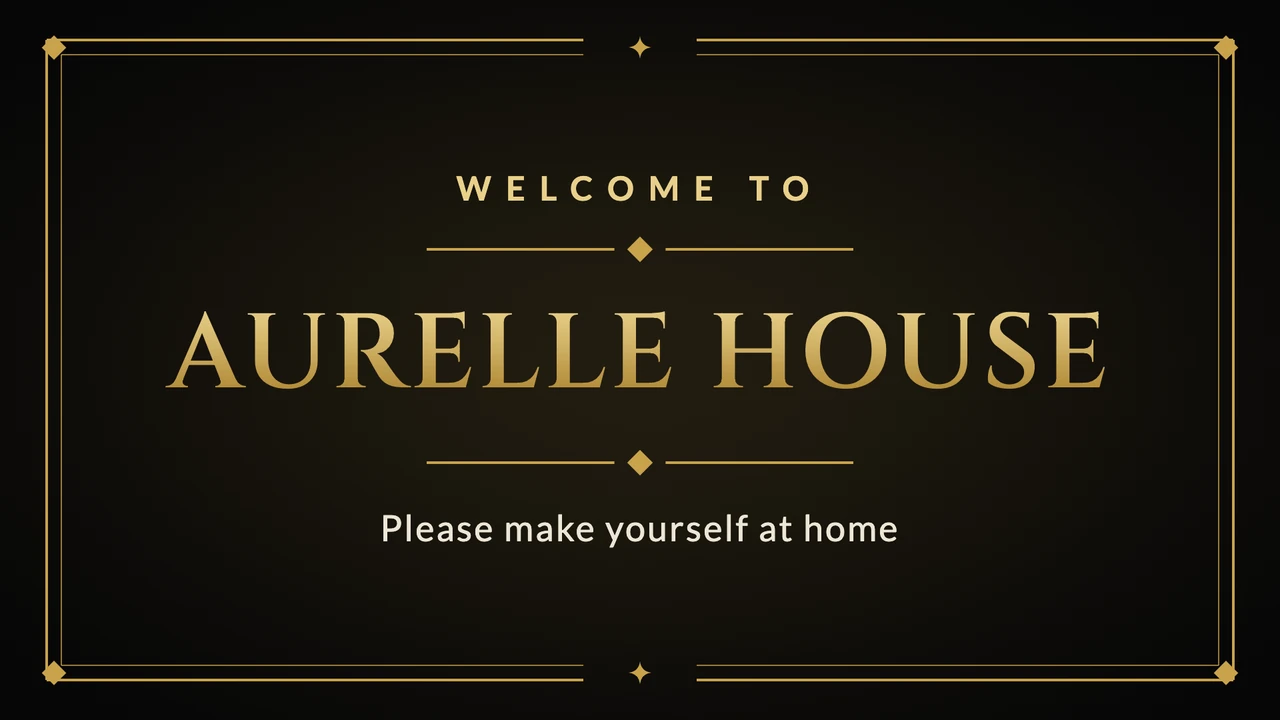
Show more templates
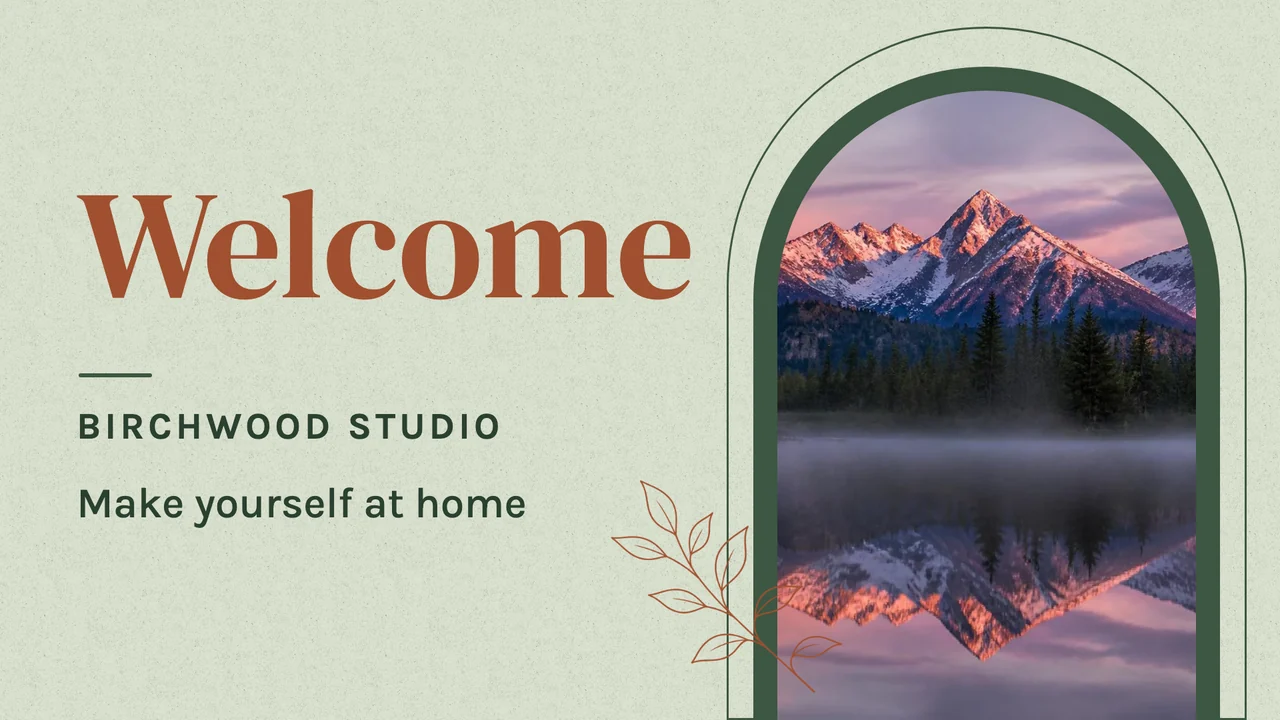
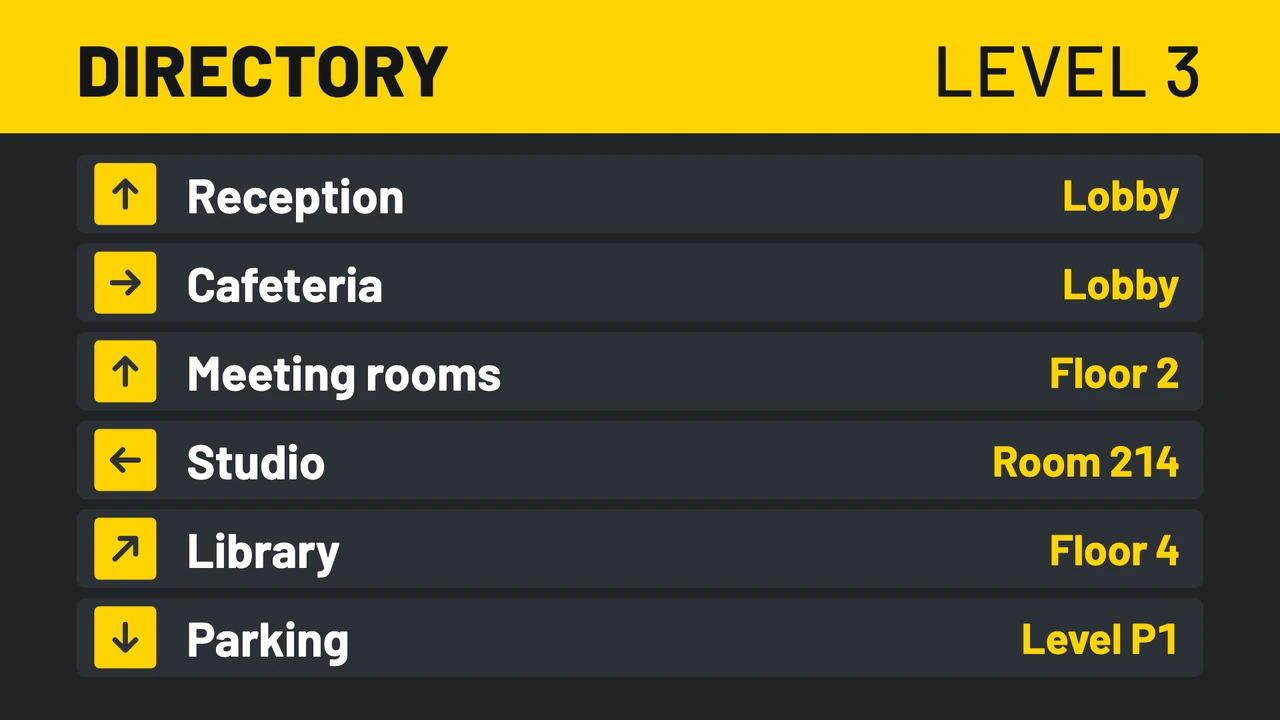
A welcome for one visitor, gone when they leave
Type the name into a Visitor welcome template and use Send to screen with Temporary, until the time the meeting ends. At that moment the lobby screen goes back to whatever it was showing. Booked a week ahead? Give the design a Valid from and Valid until under Set validity and add it to the lobby playlist; it only plays on that day.
Today's meetings from Google Calendar or Outlook
A co-working space or a school office often already keeps the day's visits and events in a calendar. The Google Calendar app puts that calendar on the screen in Agenda (list), Day, Week or Month view, and with Show location on, each event gets its room next to it. An office on Microsoft 365 can show its Outlook calendar with the Outlook Calendar app.
Welcome and weather on one screen
Split Screen divides the lobby TV into areas, each with its own design, app or playlist. A 70/30 split gives the welcome most of the screen and leaves a column for the Weather app. L-shape adds a strip along the bottom for a Ticker with a line of company news.
Works with the tools you already use
Connect Screenbird to the apps and services your team already runs on, no extra software required.
Google Calendar
Show today's visits and events from a calendar of its own for the lobby.
Google Slides
Run the company introduction deck in reception, advancing on its own.
Your own feed in the waiting area of a studio, salon or agency.
Canva
Made a welcome poster in Canva? Paste its link and it shows full screen.
Ready before your next visitor
- 1
Start your trial and, on a computer, go to Files, New, New design and pick a Visitor welcome template.
- 2
Type over the sample name, company and Wi-Fi details. The Designer saves as you go.
- 3
Install the Screenbird player on the lobby TV or stick and enter its 6-character pairing code in your dashboard.

Runs on the TV you already have with Amazon's Signage Stick, built for 24/7 signage, or a Google TV Streamer. A smart TV's built-in browser, a PC, a Mac or a Raspberry Pi work too. Amazon Signage Stick · All supported players
Where the lobby screen goes, and what it says
A reception TV is read by people who are standing, often with a coat on and a bag in hand, for the minute or two until someone comes down to get them. That decides the spot and the layout.
In view of the person waiting
Behind or beside the desk, at eye height for someone standing at it. A screen above the entrance door is behind the visitor once they're inside.
Wall TV or a portrait column
Every template exists in landscape and portrait. A directory reads better as a tall column by the elevators: hang the TV on its side and set Orientation to Rotate 90° in the screen's settings.
One name at a time
We'd show one visitor's name, for the hour they're in the building, and keep the day's full guest list off the wall. Everyone who walks past a lobby screen can read who is meeting whom.
Dark after closing time
Automatically turn screen on/off sets on and off times per weekday, and outside them the screen goes black. On a player such as the Signage Stick, the TV itself can also go to standby through HDMI-CEC, which not every TV supports, so test it once after saving.
Two screens, two jobs
In a building with several tenants, put the welcome at the desk and the Building directory by the elevators. Each screen gets its own playlist, and folders keep the screens of each building together.
One plan. Everything included. No tricks.
Every feature & update included, without limitations or complicated tiers.
Everything you need for professional digital signage
All features included
No hidden costs. No contract. Cancel anytime.
Want Screenbird to manage your devices? Screenbird+ from $21/mo
Frequently asked questions
Everything you need to know about getting started with Screenbird digital signage. Can't find your answer? Check our help center.
Other use cases
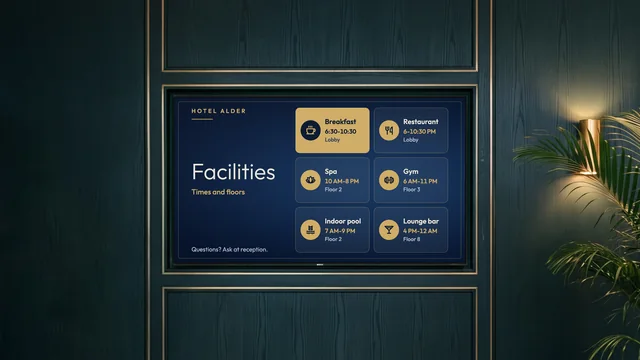
Hotel information screen
Breakfast hours, facility times, Wi-Fi details and today's events, by reception and the elevators.
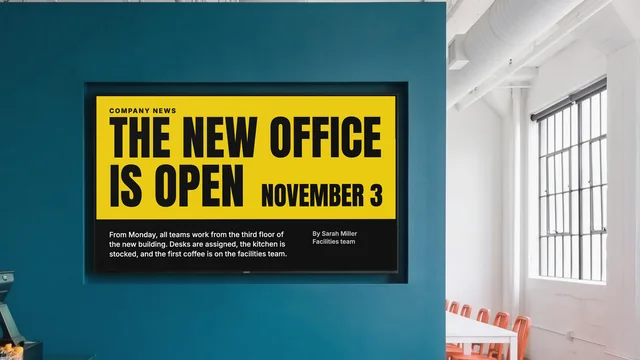
Internal communications
Company news, figures and new hires on the TVs in your break room and corridors.
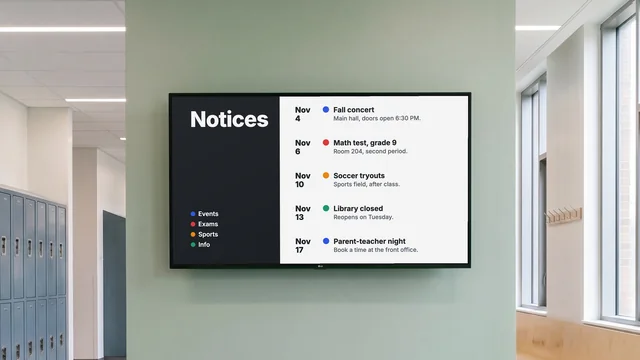
Digital notice board
Room changes, events and closures on the hallway TV, each with an end date.
By industry: Office digital signage for meeting rooms · Digital signage for schools and campuses
Greet your next visitor on the lobby TV
Pick a Visitor welcome template, type the name of whoever is coming in today and send it to the reception screen until their meeting ends.
Start 7-day free trialFrom $14 per screen per month, billed yearly
7-day free trial. Cancel anytime.