A waiting room TV that shows your own practice
A waiting room TV shows your hours, your team and health tips on the TV you already have. Change a slide at the front desk and every waiting room follows.
From $14 per screen per month, billed yearly
7-day free trial. Cancel anytime.

Waiting room templates for your practice
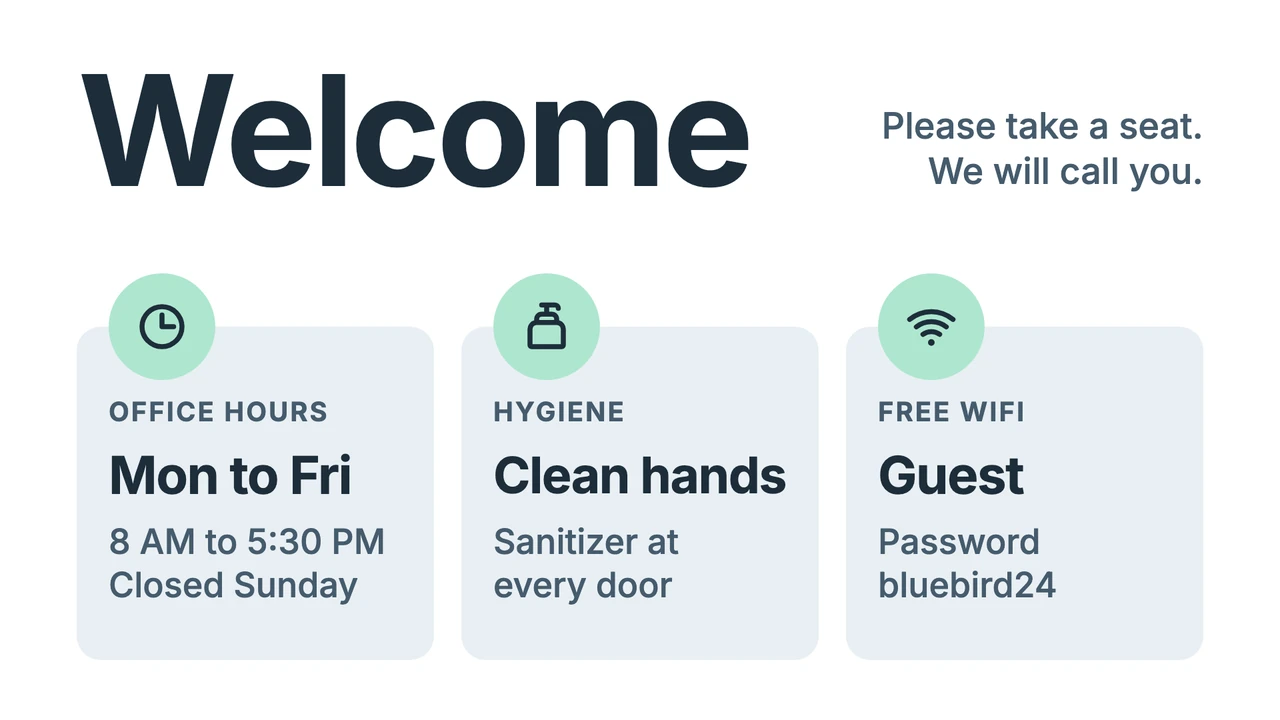
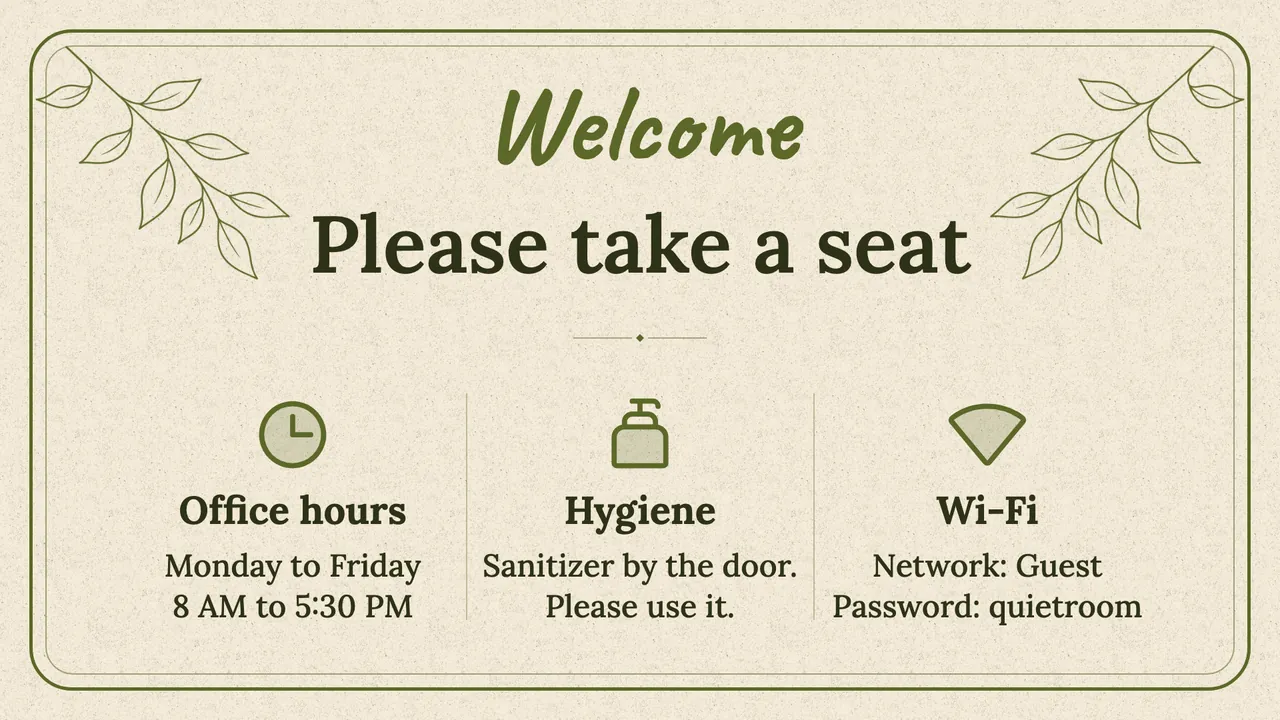
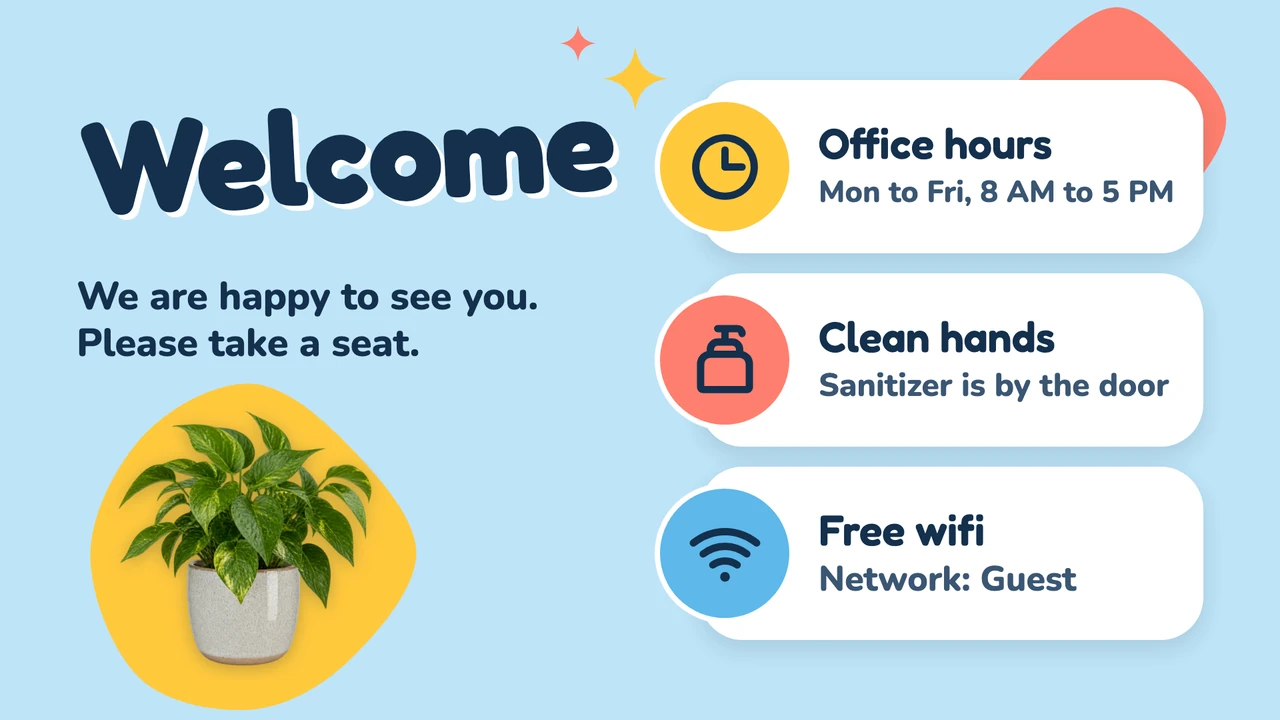
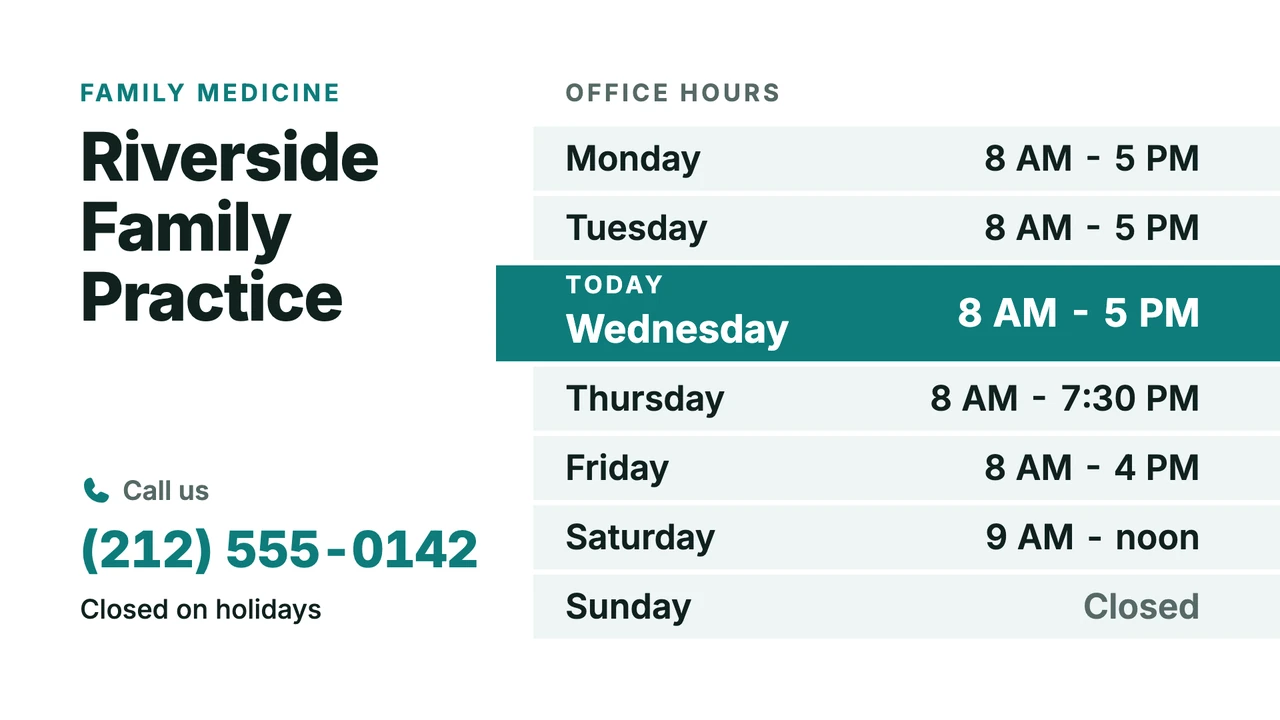
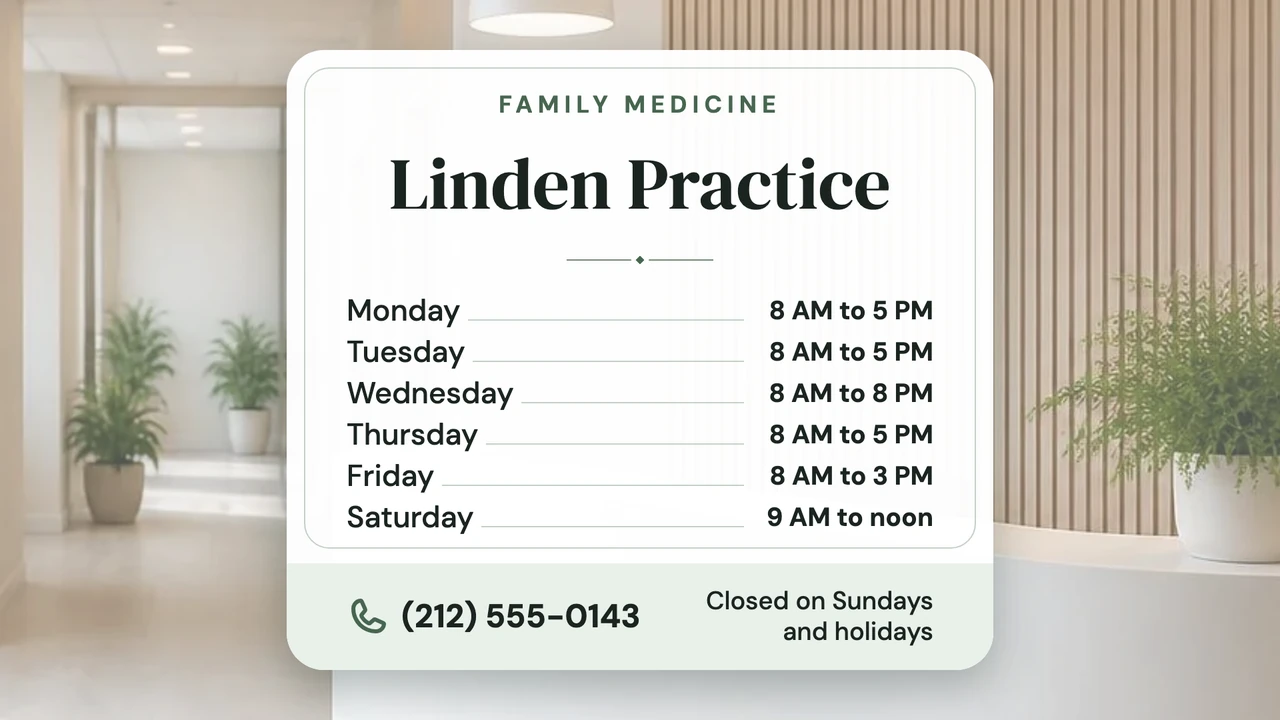
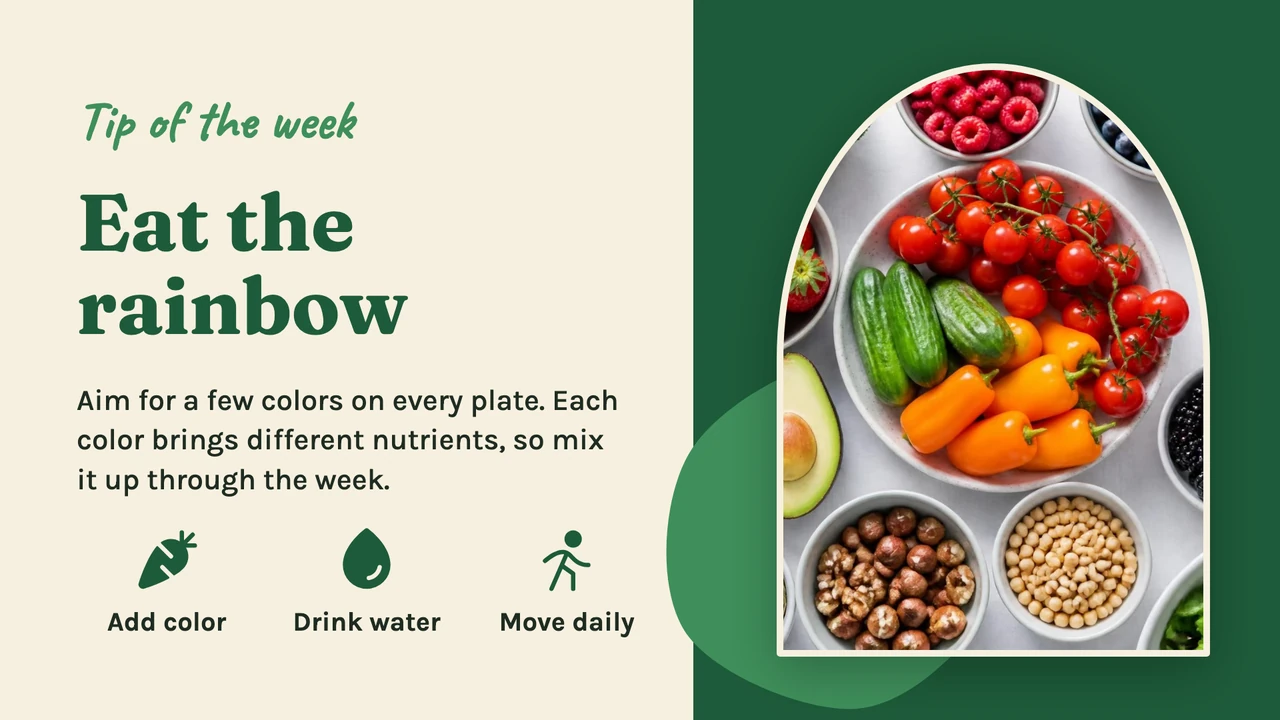
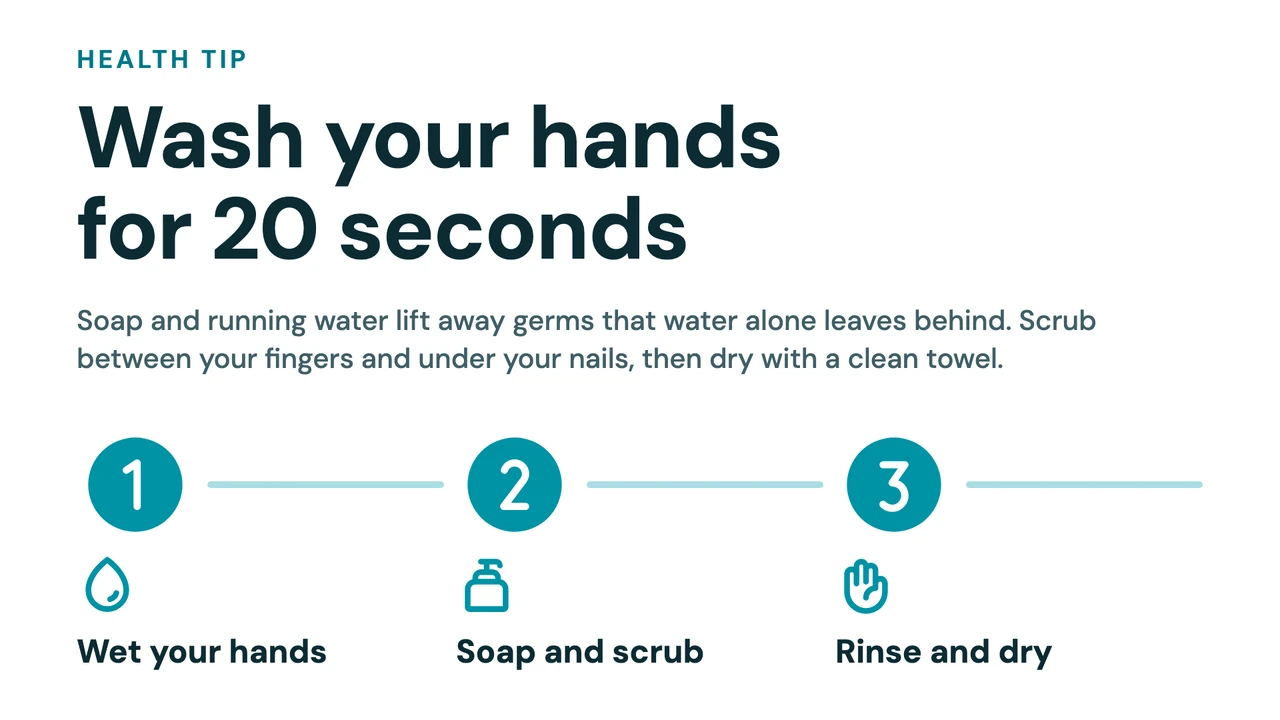
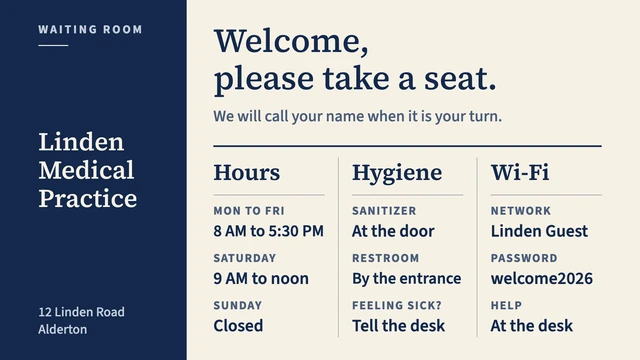
These come from the Designer's library of more than 250 templates, each in a wide and a portrait version. Under Design with AI you can also describe your practice in a sentence, and it picks a template and fills it in.
What to show on it
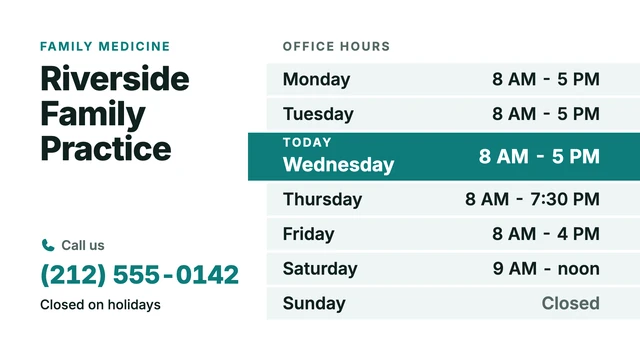
- This week's hours, including the Wednesday afternoon you close
- Who's who: the doctors, the dental hygienist or the physical therapist, with a photo
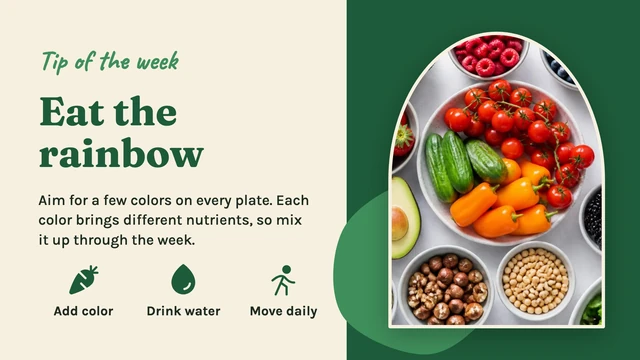
- A health tip, like the dates of the flu shot clinic
- The Wi-Fi network and password
- Where the hand sanitizer is and what to do if you feel unwell
Show more templates

One playlist from the first appointment to the last
Put the welcome slide, the hours, a health tip and a short video in one playlist, and it loops all day. Six slides at 20 seconds make a two-minute loop, so someone who waits a quarter of an hour sees the closure notice several times. We'd leave the sound off: the people in your waiting room are listening for their name.

Dark after closing, on again before the first patient
In Screen control, turn on Automatically turn screen on/off and set the hours per weekday: 7:45 am to 6 pm on most days, 7:45 am to 12:30 pm on a Wednesday when the afternoon is closed, Off on Saturday and Sunday. Outside those hours the screen goes black on every player.
A short-notice message in every waiting room
Dr. Hall is ill and this afternoon's appointments move to Monday. Make the notice, choose Send to screen, check Select all screens and send it as Temporary until 5 pm. When that time passes, the normal playlist comes back by itself.
Works with the tools you already use
Connect Screenbird to the apps and services your team already runs on, no extra software required.
Google Slides
Already keep a patient information deck in Google? The waiting room plays it slide by slide.
Canva
Design the flu shot poster in Canva, paste the link, and the screen picks up your edits.
Your practice's own posts or Stories next to the hours, refreshed at an interval you set between 1 and 60 minutes.
Notice Board
Type "Dr. Hall is running 30 minutes late" and send it, from your phone if needed.
What a Screenbird waiting room TV shows, and what it doesn't
Many waiting room TV services are channels: programming made by someone else, sometimes paid for by advertisers. Screenbird is software for your own slides. Here is where the line runs.
Your own practice information
Hours, team, services, health tips, Wi-Fi, a closure notice. Nothing appears on the screen that your practice did not put there, so there are no ads and no sponsored spots between your slides.
No patient calling or queue numbers
Screenbird does not call patients, show live queue numbers or link to your appointment system. The Queue number template is a design you edit by hand. If your queue system has a public display page that allows embedding, the Website app can show it next to your slides in a split screen.
No ready-made TV program
There is no medical video library or channel subscription. You bring the videos: upload your own, or add them from YouTube or Vimeo. Those two stream, so they need the internet.
No patient data on screen
Screenbird does not connect to your practice software. Keep names and medical details off the screen. Our data processing agreement is public, so you can read how your files are handled before you start.
On the wall this afternoon
- 1
Start your 7-day free trial and open a waiting room template on the reception computer.
- 2
Type over the sample practice name, hours and Wi-Fi details, then add a health tip to a playlist.
- 3
Plug the player into the TV, enter its 6-character pairing code in the dashboard, and send the playlist.

Runs on the TV you already have: add Amazon's Signage Stick or a Google TV Streamer, or use the TV's browser, a PC, a Mac or a Raspberry Pi. Amazon Signage Stick · All supported players
One plan. Everything included. No tricks.
Every feature & update included, without limitations or complicated tiers.
Everything you need for professional digital signage
All features included
No hidden costs. No contract. Cancel anytime.
Want Screenbird to manage your devices? Screenbird+ from $21/mo
Frequently asked questions
Everything you need to know about getting started with Screenbird digital signage. Can't find your answer? Check our help center.
Other use cases
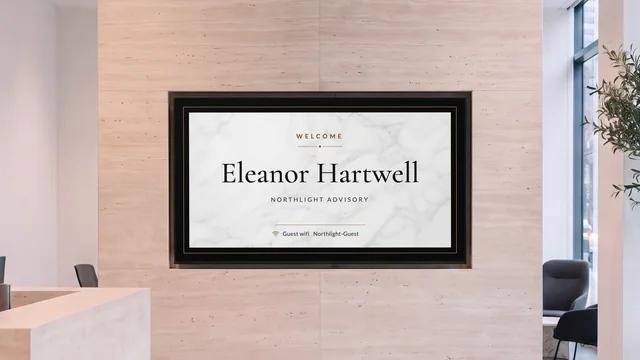
Lobby welcome screen
Greet the visitor by name and show who is on which floor, on the TV in reception.
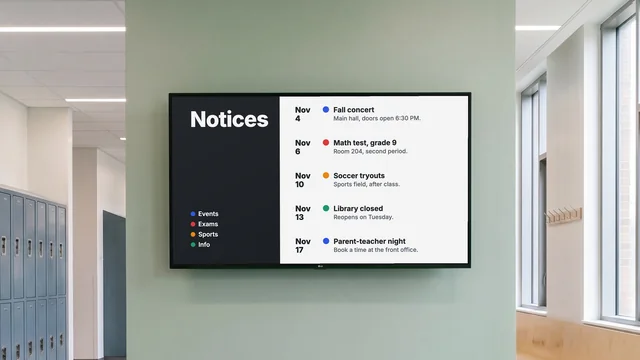
Digital notice board
Room changes, events and closures on the hallway TV, each with an end date.
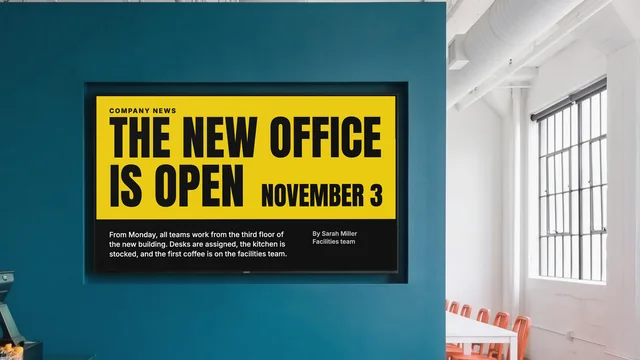
Internal communications
Company news, figures and new hires on the TVs in your break room and corridors.
By industry: Waiting room digital signage for hospitals and clinics
Put your own hours on the waiting room TV
Start from a waiting room template, pair the TV with a 6-character code, and change any slide from the front desk.
Start 7-day free trialFrom $14 per screen per month, billed yearly
7-day free trial. Cancel anytime.