Digital notice board for your school, office or building
A digital notice board is a TV in the hallway or staff lounge that shows this week's notices. In Screenbird you type or design them, set an end date and send them.
From $14 per screen per month, billed yearly
7-day free trial. Cancel anytime.

Notice board templates, ready to type over
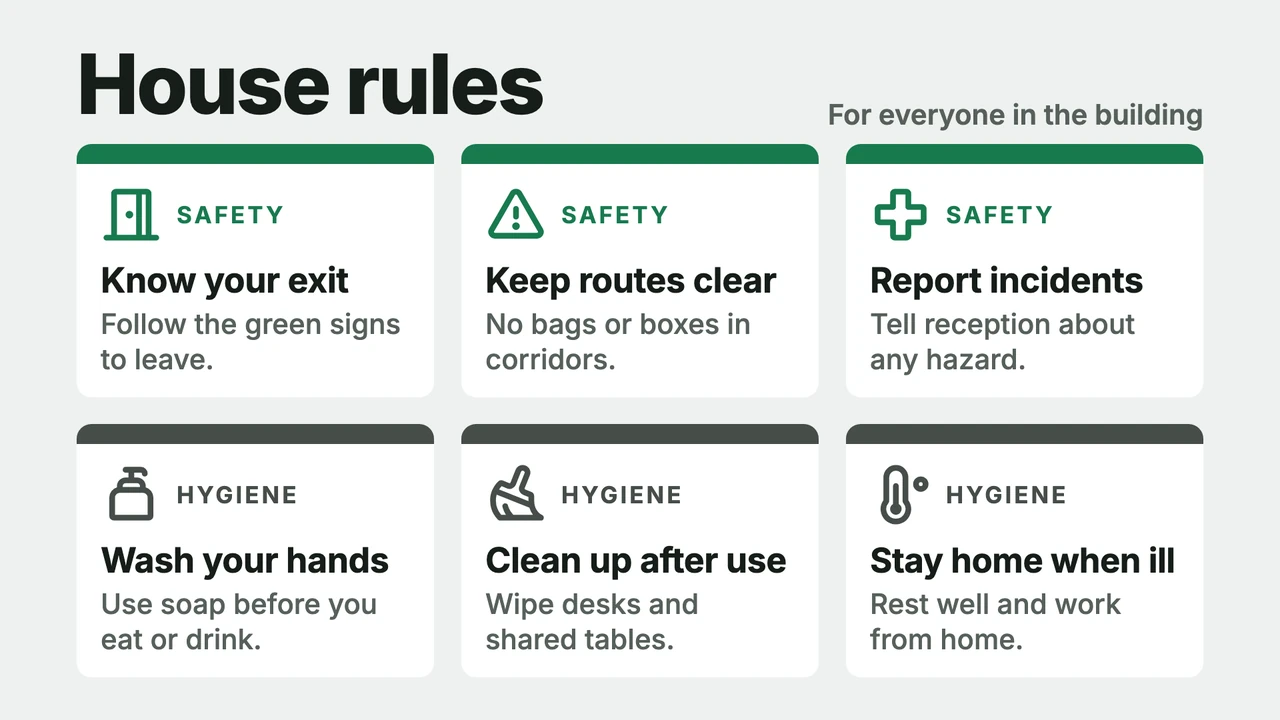
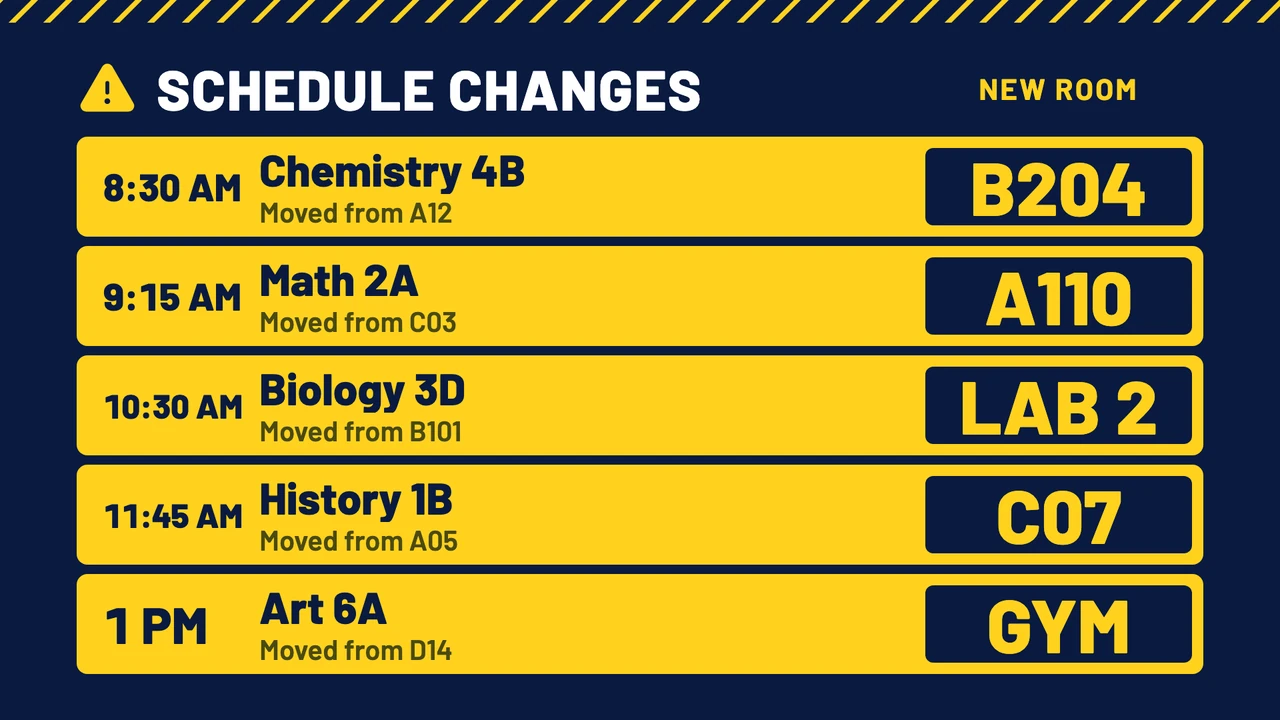
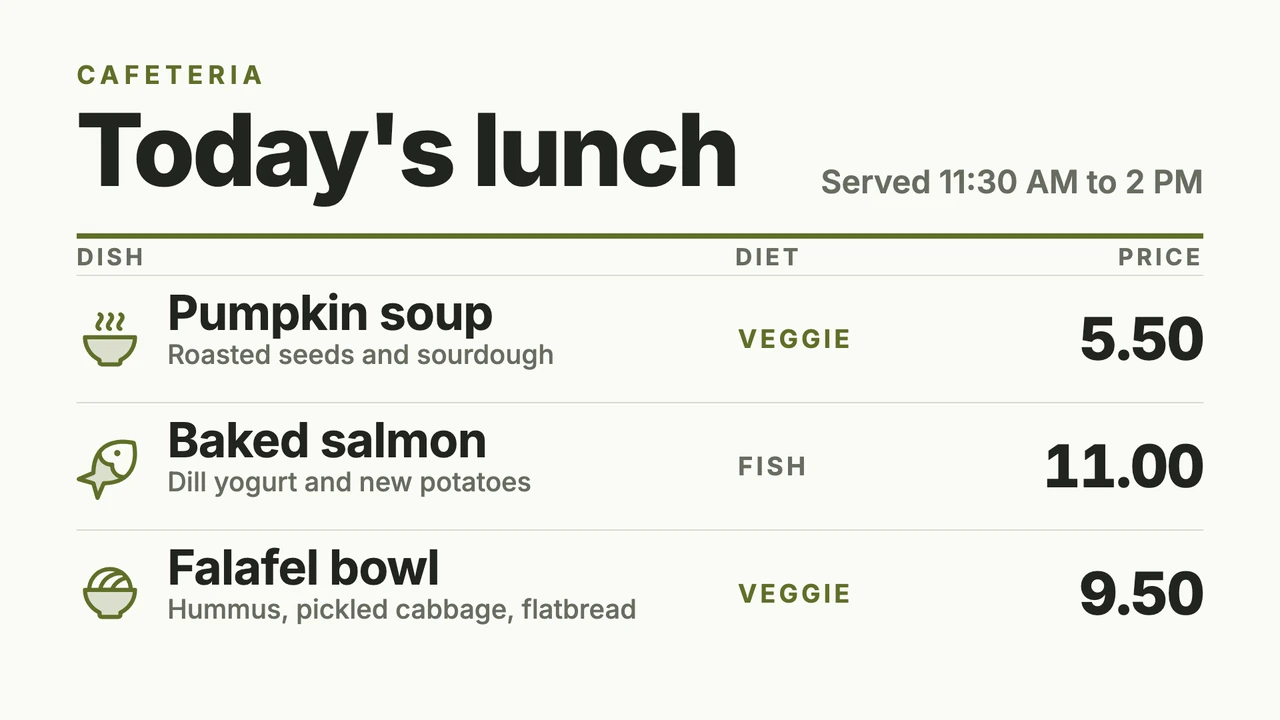
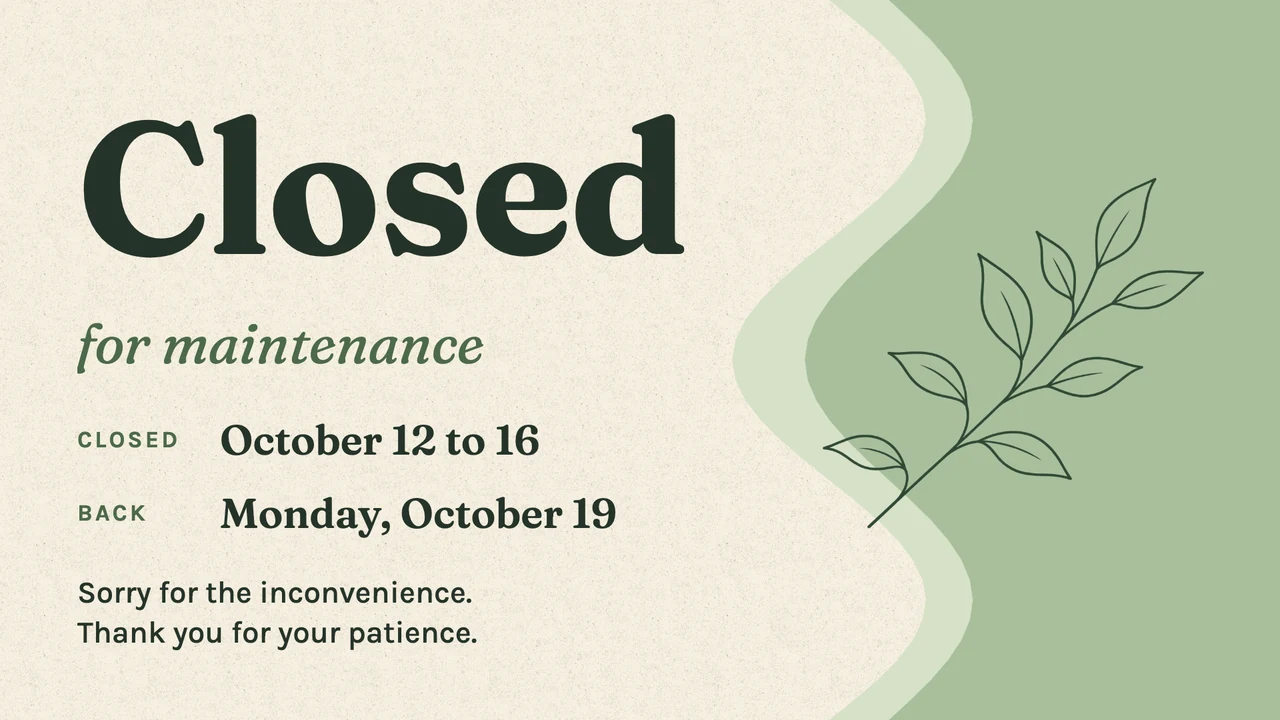
Each one is in the Designer's template library in landscape and portrait, with sample notices you replace. Besides the Notice board category itself, look under House rules and safety, Schedule changes, Canteen and lunch, and Closed or notice.
What to show on it
- Today's room and schedule changes
- This week's events, with day and time
- The lunch menu with vegetarian and vegan tags
- A closure or early finish that ends on a set date
- New hires and this month's birthdays
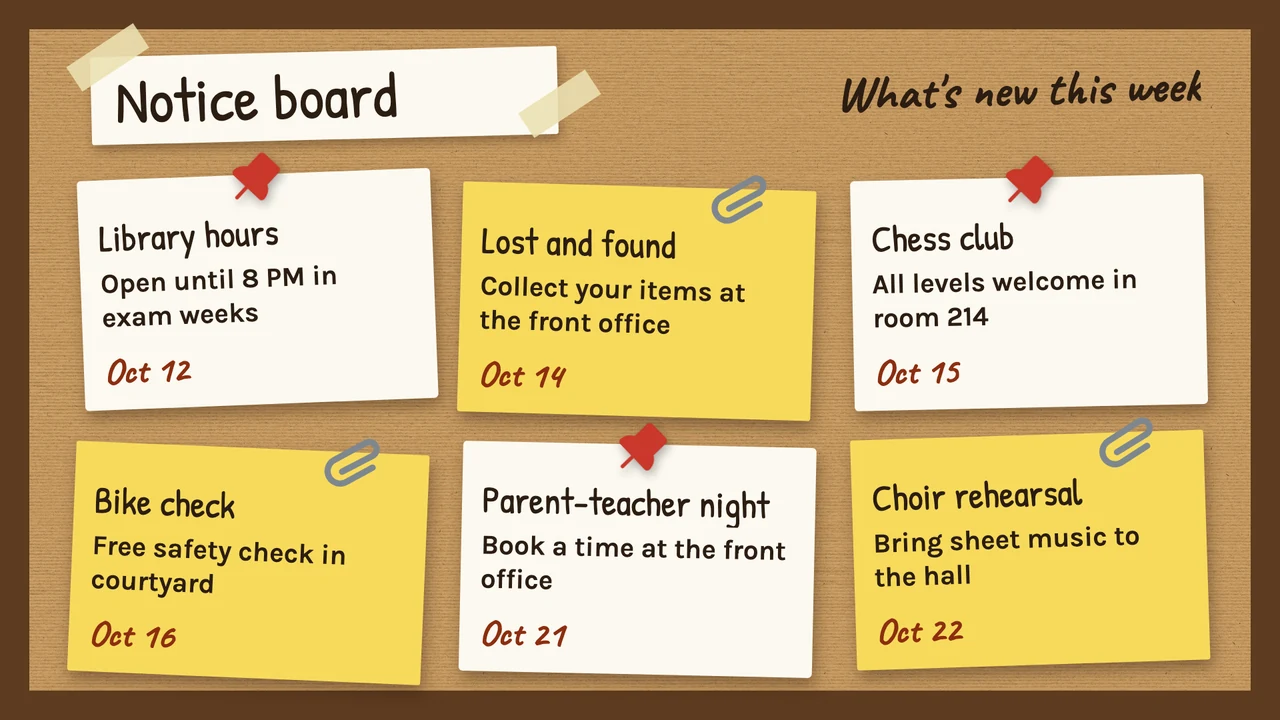
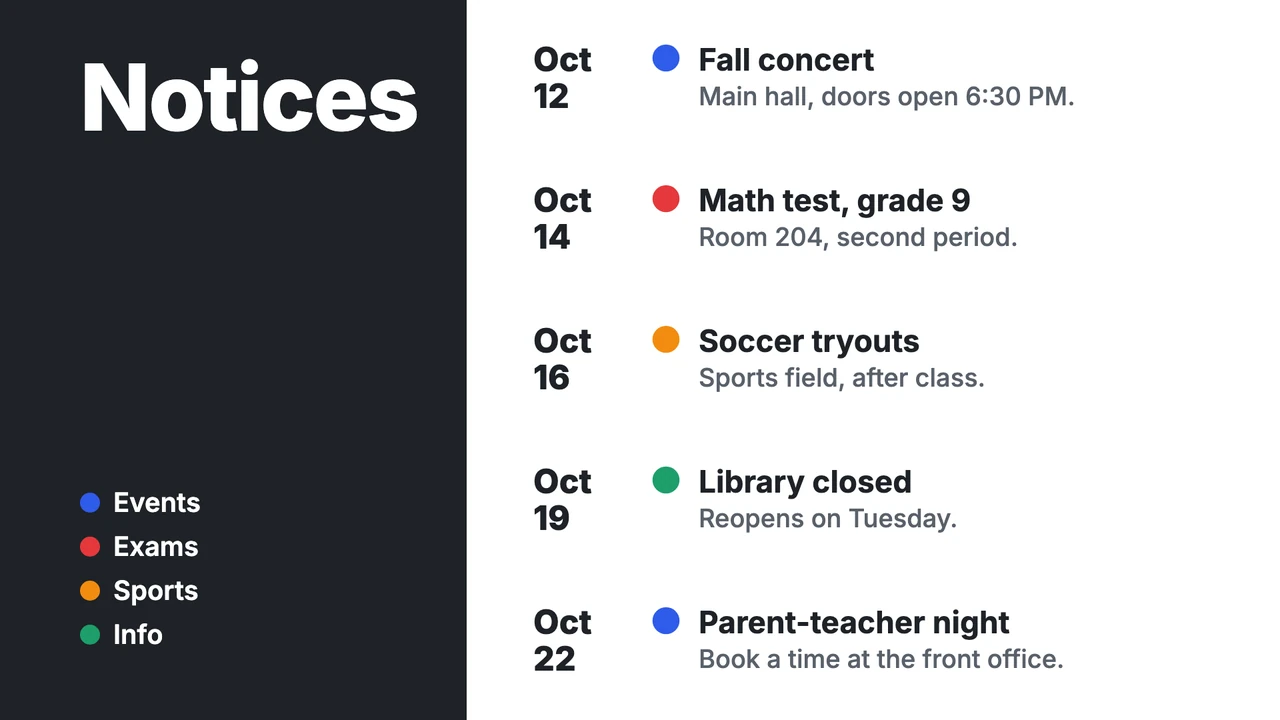
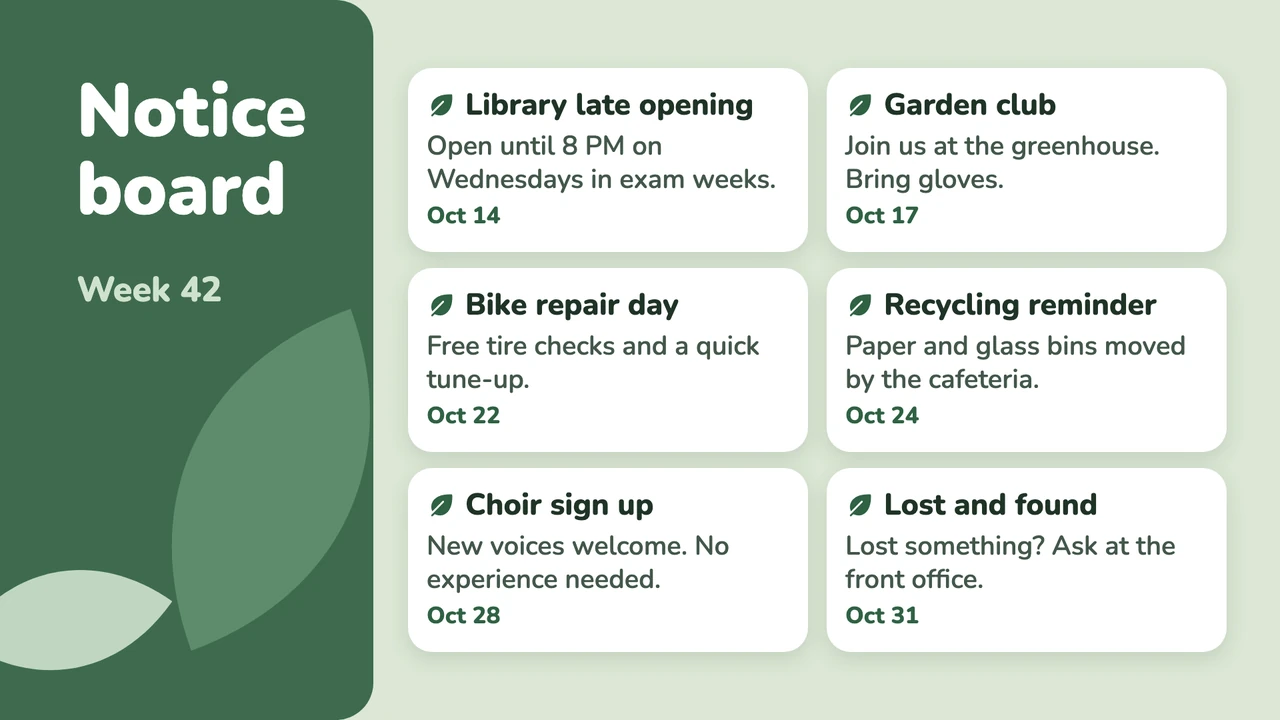
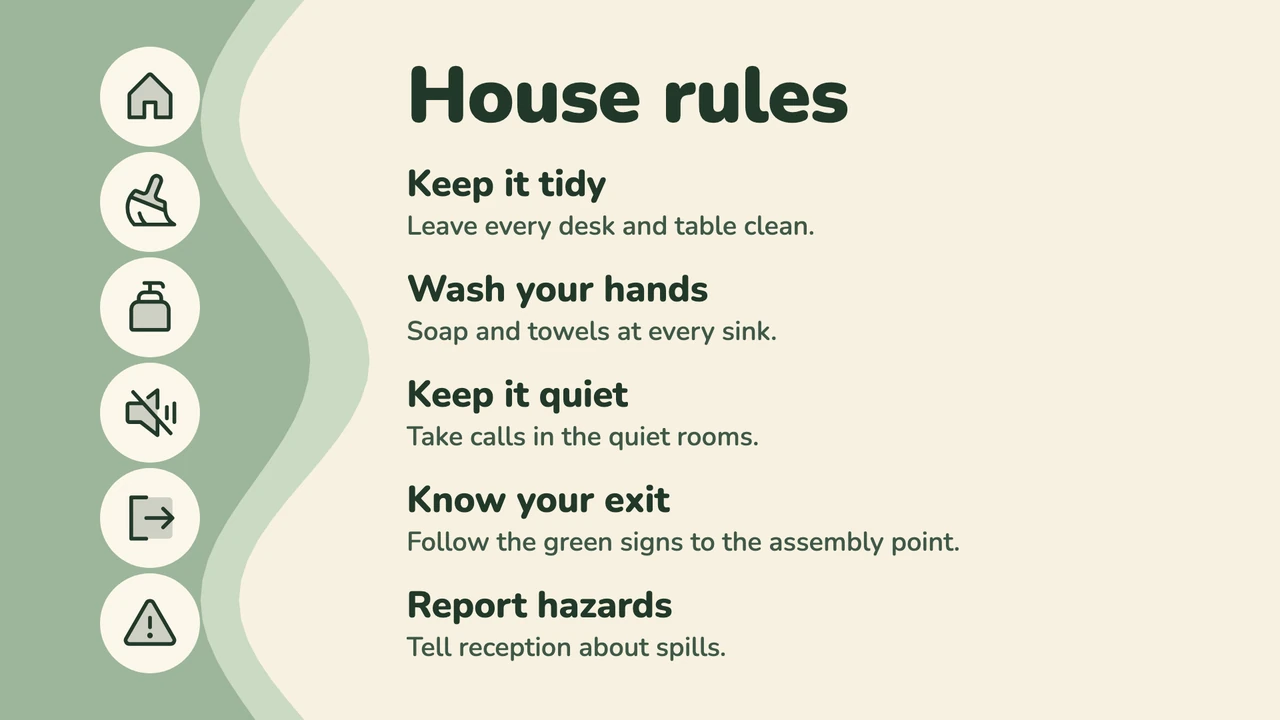
Show more templates
Type a notice, send it to the screen
The Notice Board app is a short form: a title, the message, a font, alignment and two colors, with a live preview next to it. Choose Send to screen and the notice is up within seconds. Because it is only a form, you can also make and change one from your phone, which helps when the buses run late and first period starts at 9:20 am. Our advice: use a template for the weekly overview and the Notice Board app for whatever changes on the day.
Every notice gets a start and an end
Paper notices go stale because nobody takes them down. Open a notice's menu in Files, choose Set validity and fill in Valid from and Valid until: the note about Friday's early library closing appears on Monday and is gone on Saturday. For the weekly rhythm there are Schedules, so the lunch menu can play every school day until 1:30 pm and the club notices after that.
Show the deck or calendar you already keep
Many schools and offices already keep announcements somewhere else: a Google Slides deck the front office updates on Monday mornings, a shared Google Calendar of events, news posts on the SharePoint intranet. Screenbird puts those on the hallway TV as they are, so nobody has to type anything twice.
Works with the tools you already use
Connect Screenbird to the apps and services your team already runs on, no extra software required.
Notice Board
Type "Gym closed today, PE meets in Room 12" and send it, from your phone if you are not at a desk.
Google Slides
The weekly announcements deck plays slide by slide on every hallway screen.
Google Calendar
Concerts, parent evenings and staff meetings straight from the calendar you plan them in.
SharePoint
News posted on your intranet shows up as cards on the screen by the break room.
From corkboard to screen by Monday
- 1
Start your 7-day free trial and open a notice board template, or add the Notice Board app.
- 2
Replace the sample notices with yours and give each one a Valid until date.
- 3
Plug the player into the hallway TV and enter the 6-character pairing code it shows in your dashboard.

Runs on the TV you already have, with Amazon's Signage Stick, which is built for 24/7 signage, or a Google TV Streamer. The TV's own browser, a PC, Mac or Raspberry Pi work too. Amazon Signage Stick · All supported players
Corkboard or screen: what changes
A corkboard costs next to nothing and everyone knows how to use it. These are the four places where a screen behaves differently, including one where paper still wins.
Changing a notice
On cork, a change means printing a new sheet and walking it to every board. On a screen you edit the text at your desk. A design made from a template saves straight to every screen showing it; a Notice Board app goes out again with Send to screen.
Taking it down
Paper stays up until someone remembers to remove it, so the bake sale flyer is still there in March. A notice with Valid until leaves the screen on that date without anyone touching it.
Three hallways, one notice
Three paper boards mean three copies to keep the same. With the hallway screens in one folder, you check Select all screens in Send to screen, and a snow day notice reaches every hallway at once.
Where paper still wins
Anyone can pin a flyer to cork. On a Screenbird board only people with a login can post: there is no form for students or tenants to send notices in, and no approval step before a change goes up. Give a login to each person who should post.
One plan. Everything included. No tricks.
Every feature & update included, without limitations or complicated tiers.
Everything you need for professional digital signage
All features included
No hidden costs. No contract. Cancel anytime.
Want Screenbird to manage your devices? Screenbird+ from $21/mo
Frequently asked questions
Everything you need to know about getting started with Screenbird digital signage. Can't find your answer? Check our help center.
Other use cases
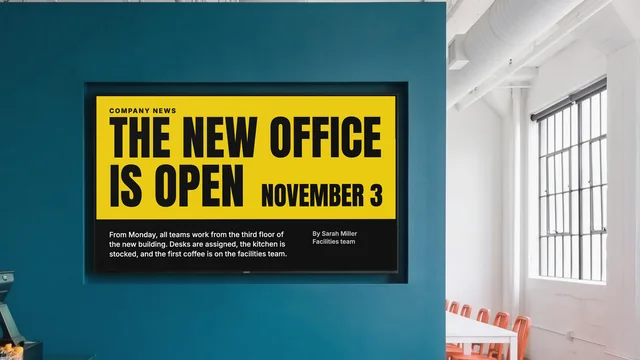
Internal communications
Company news, figures and new hires on the TVs in your break room and corridors.
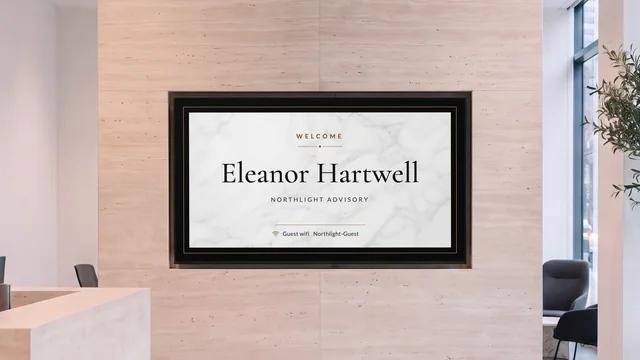
Lobby welcome screen
Greet the visitor by name and show who is on which floor, on the TV in reception.
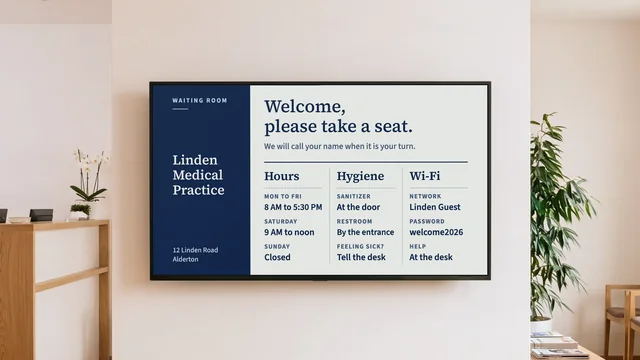
Waiting room TV
Your hours, your team and this week's health tip on the TV in the waiting room.
By industry: Digital signage for schools and campuses · Office digital signage for meeting rooms
Put Monday's notices on the hallway screen
Pick a notice board template, type this week's notices with their end dates, and pair the TV by the front office.
Start 7-day free trialFrom $14 per screen per month, billed yearly
7-day free trial. Cancel anytime.