Digital menu board software for the TV above your counter
A digital menu board puts your menu and prices on a TV above the counter. Change a dish on your computer and the screen follows within seconds.
From $14 per screen per month, billed yearly
7-day free trial. Cancel anytime.

Menu templates for bakeries, cafés, diners and pizzerias
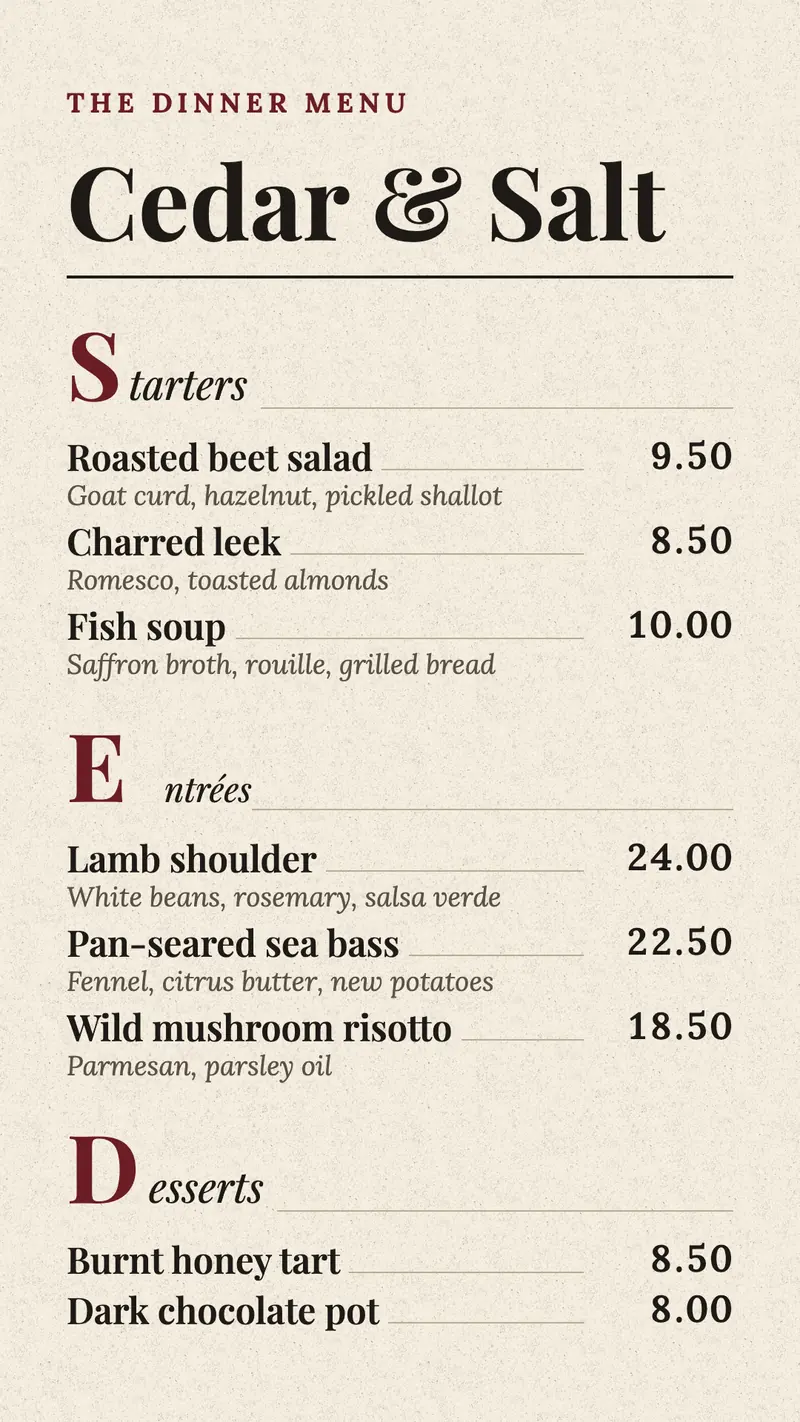
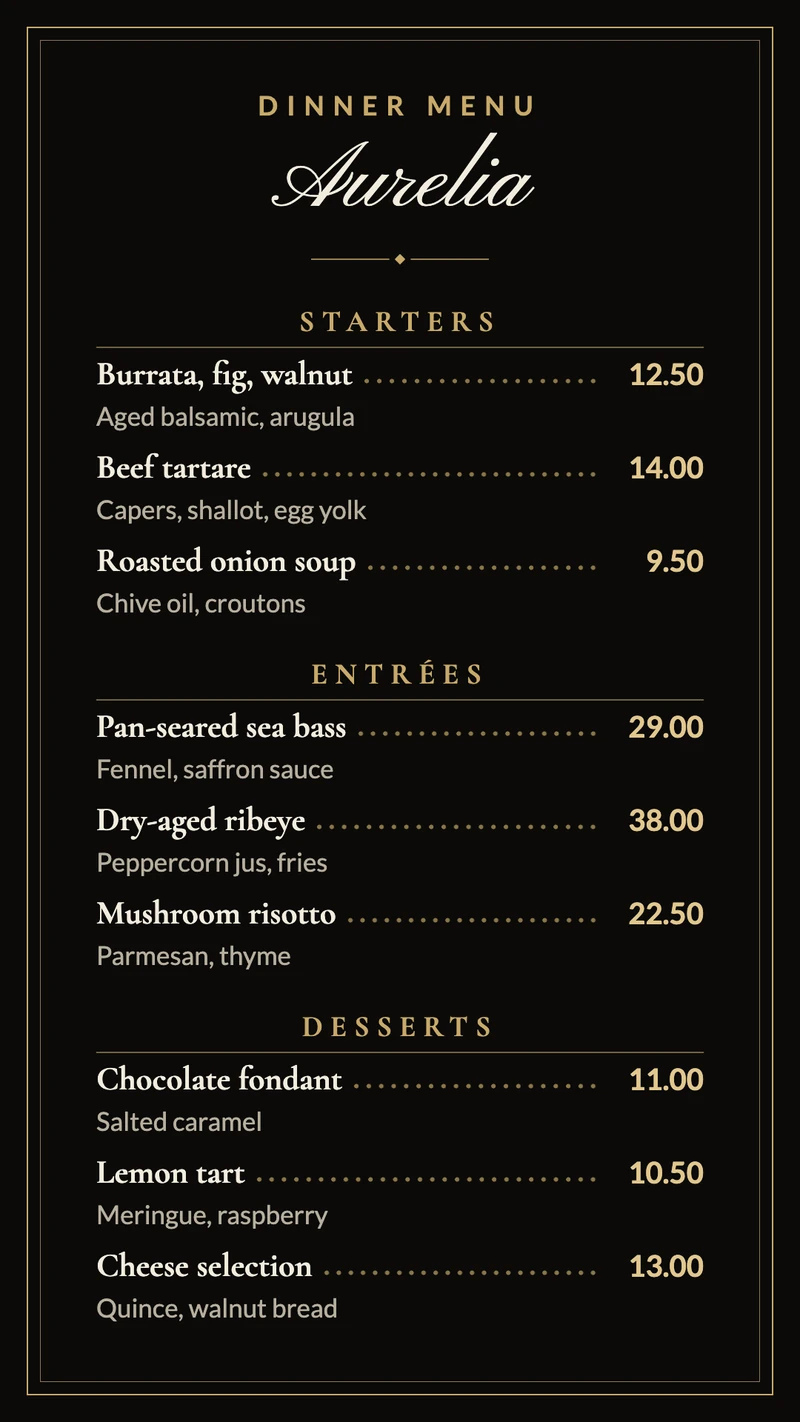
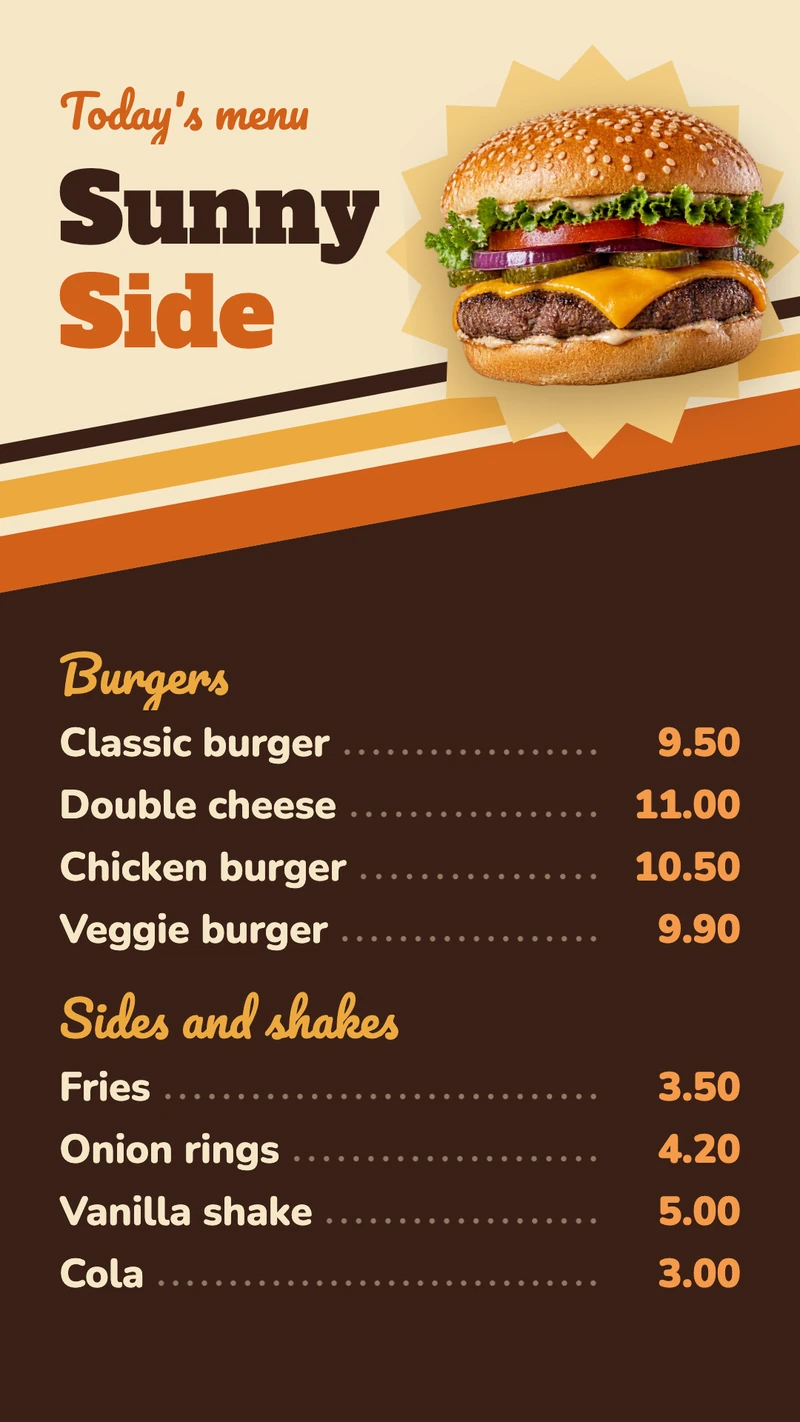
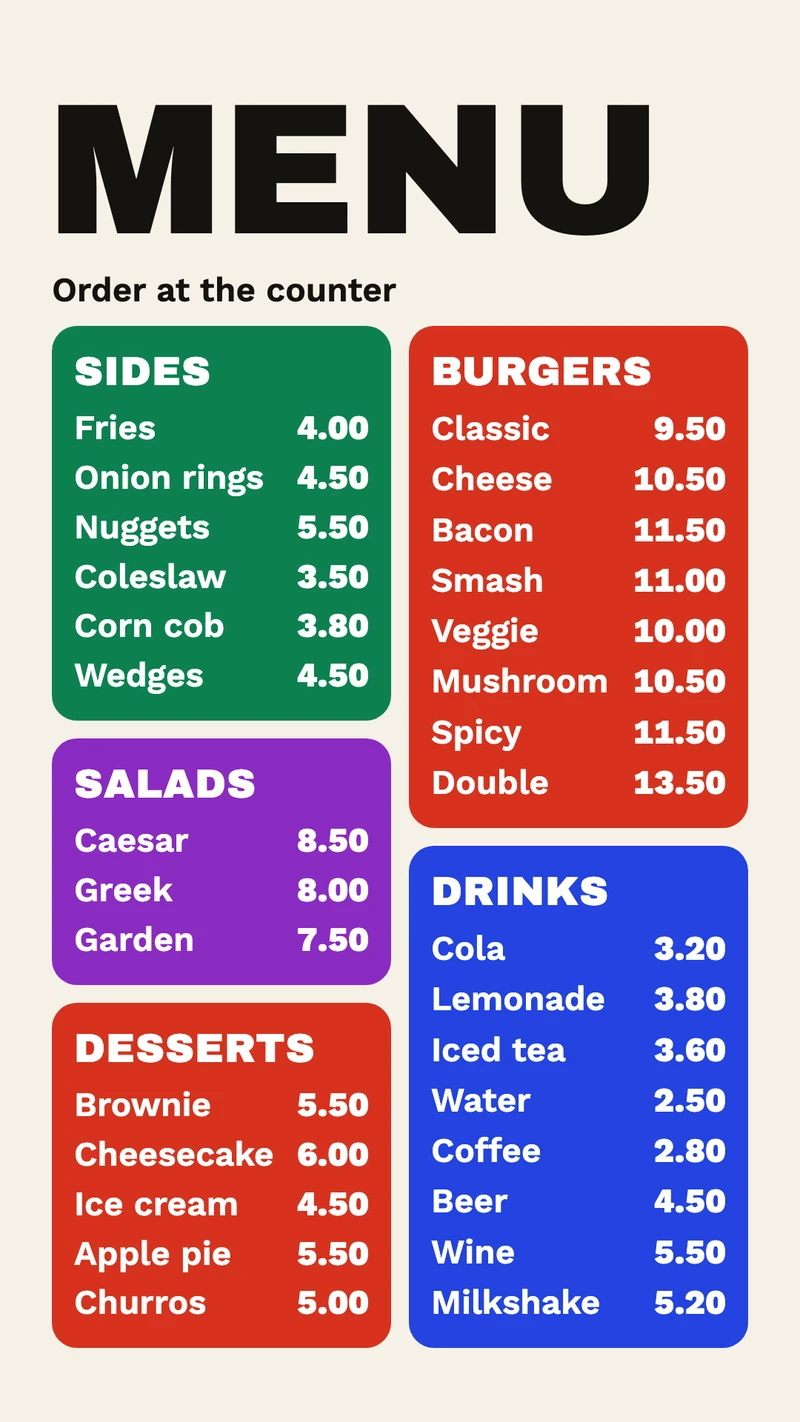
There are more than 50 menu and food templates in the Designer, each in portrait and landscape, and every one is laid out for a set number of items: Wheat ear bakery board takes 4 to 8 loaves, Colour tile menu board 18 to 36 items for a takeout counter with burgers, sides and drinks.
What to show on it
- Breakfast until 11 am, then the lunch menu
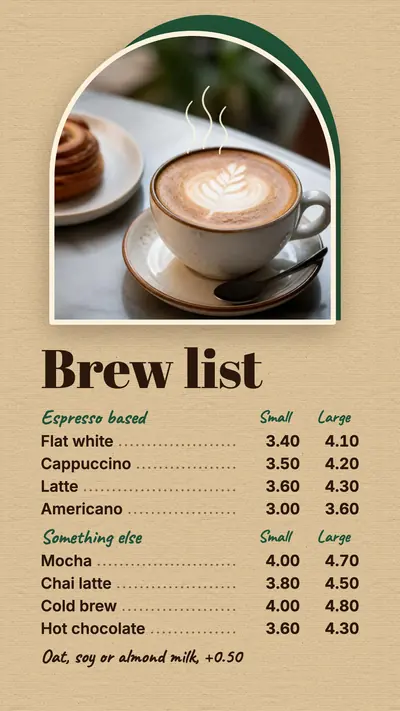
- Coffee in small and large, with the plant milk surcharge underneath
- Today's soup or special on its own screen
- Numbered combo deals that people order by number
- Allergen information per dish
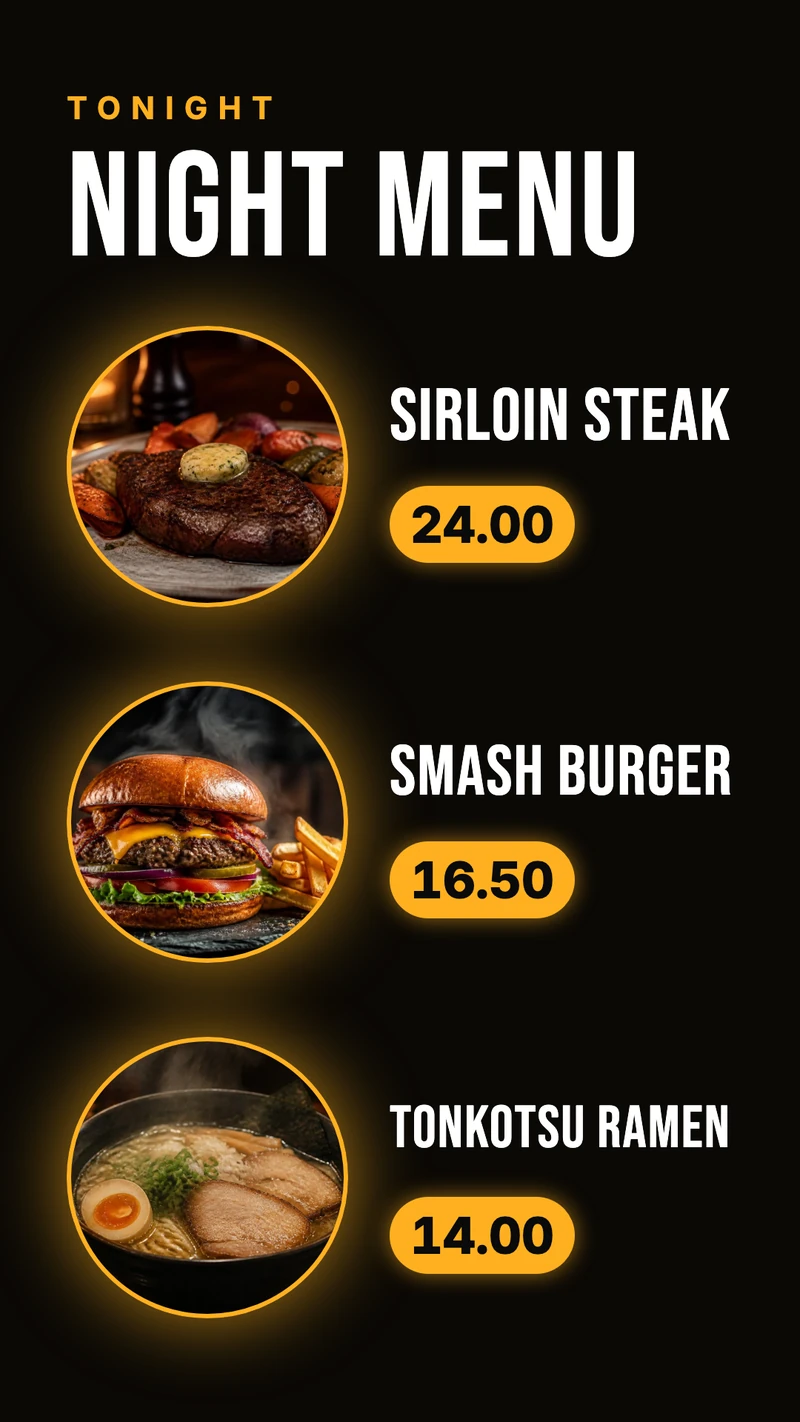
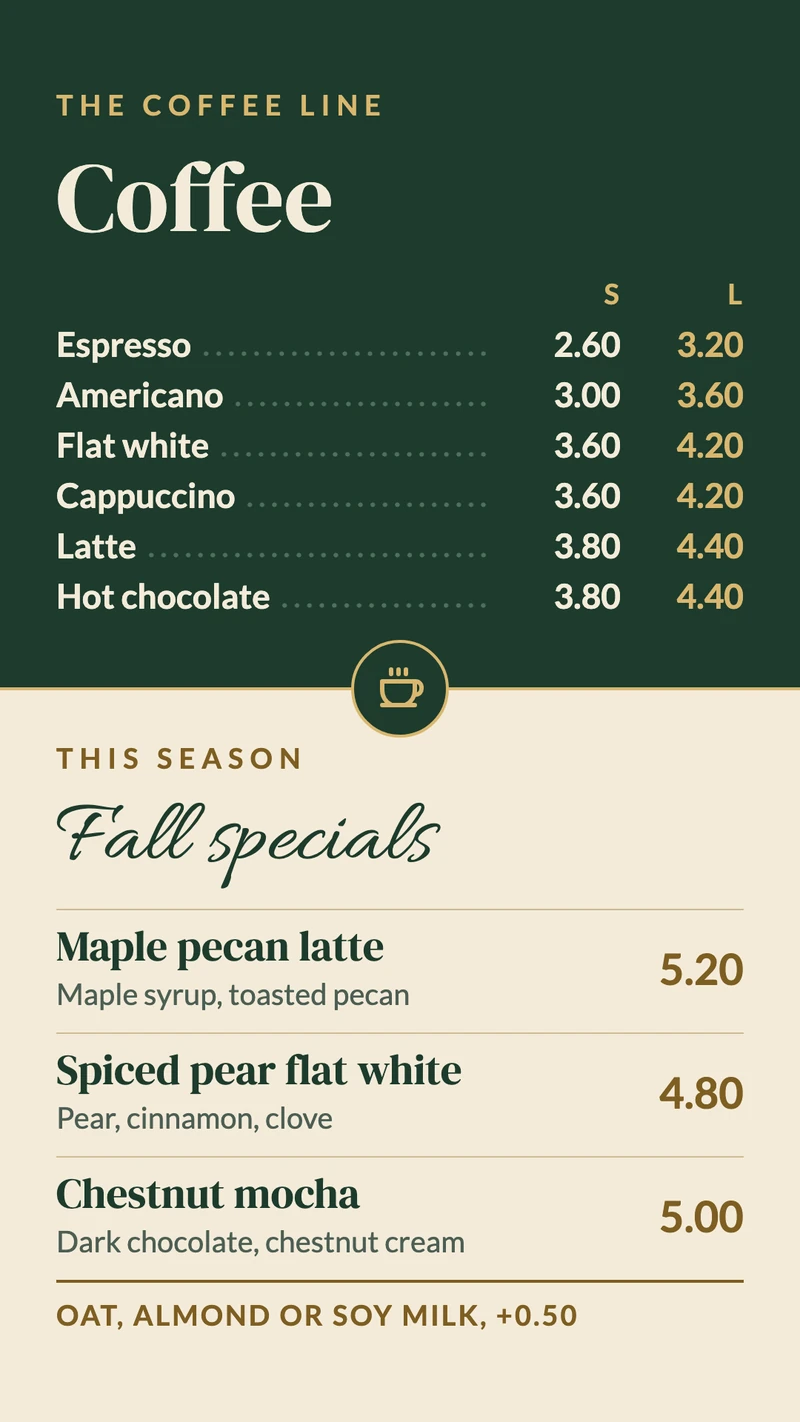
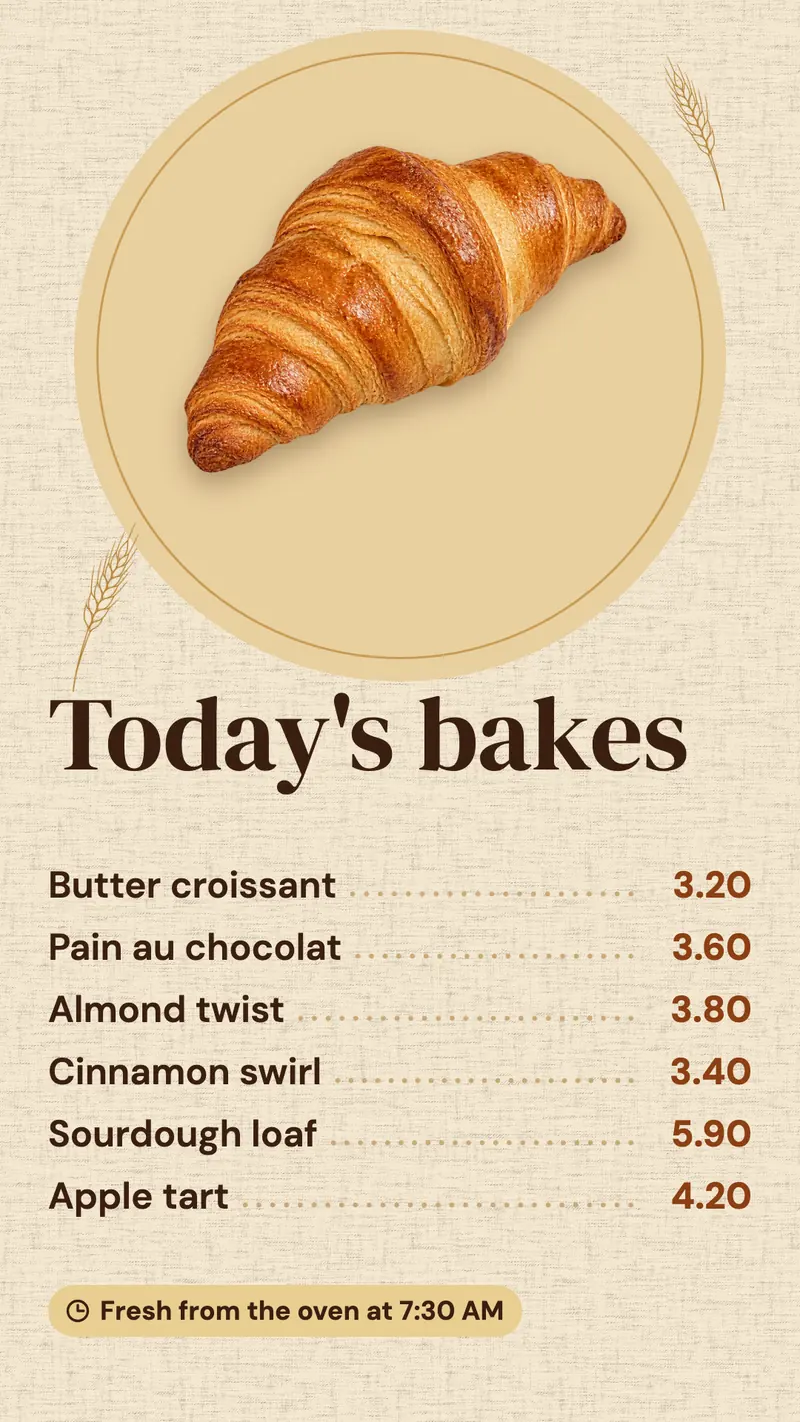
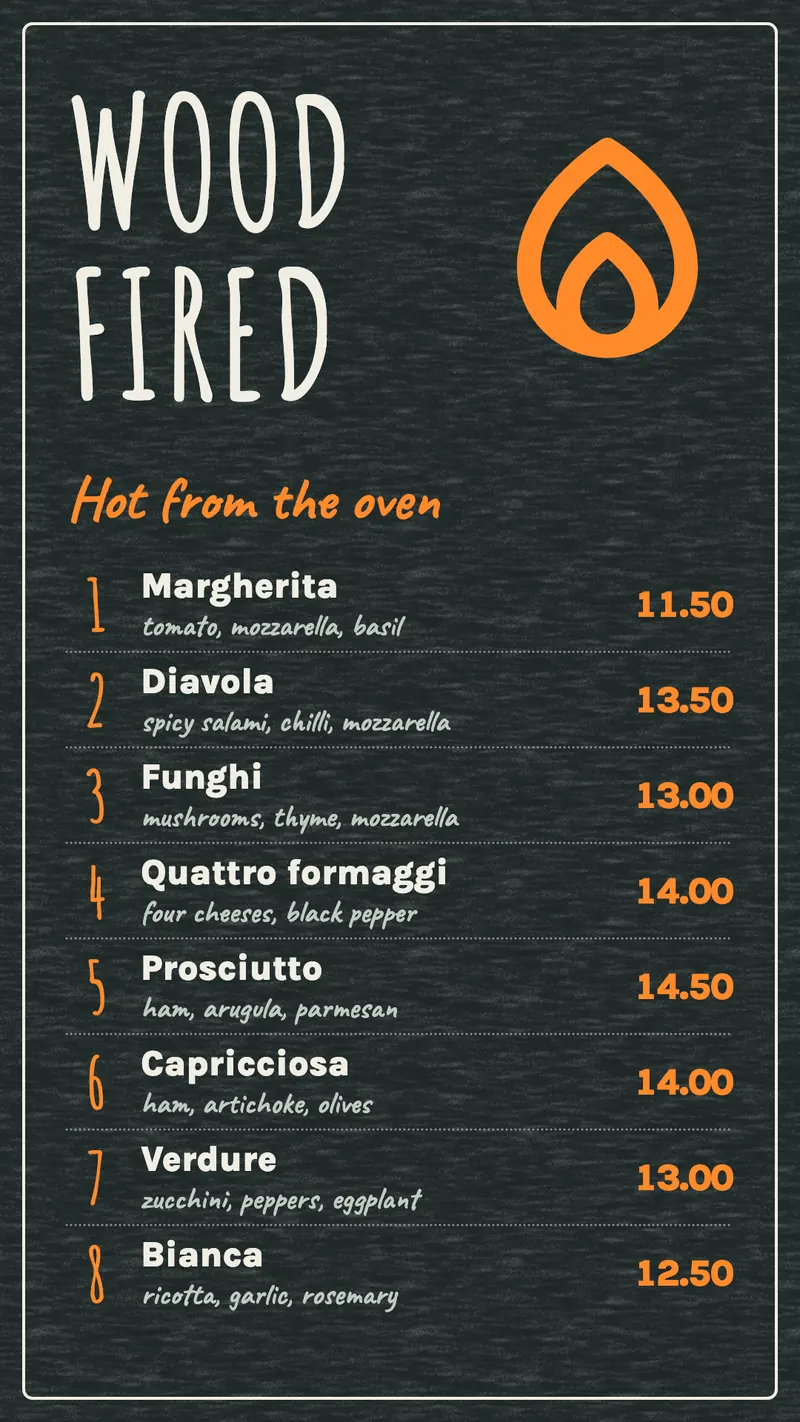
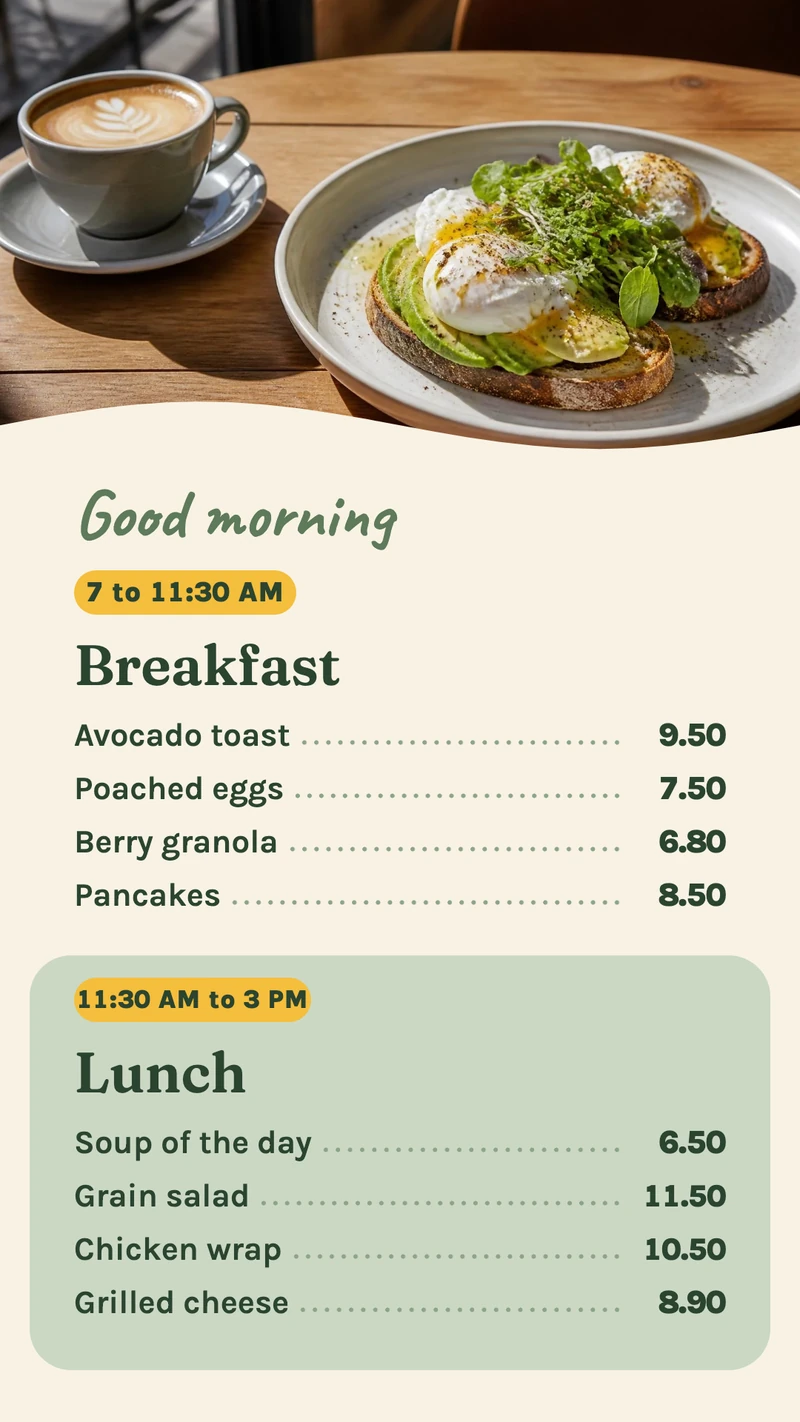
Portrait or landscape, one screen or three
Most counters end up with two or three screens side by side, and each screen shows its own design. For a counter we'd go portrait, one screen per part of the menu: the coffee board then never has to shrink its type to make room for sandwiches.
Portrait for a list
A portrait TV fits between shelves and reads from top to bottom, which suits a list of loaves or coffees. Set Orientation to Rotate 90° or Rotate 270° in the screen settings, depending on how it is mounted.
Landscape for a full menu
Magazine spread menu sets appetizers, entrees and desserts over two pages and holds up to 12 dishes. Past 12, give the drinks or the desserts their own screen instead of shrinking the type.
One design per screen
Over a pizza counter that could be pizzas on the left screen, sides and drinks in the middle, and today's special on the right. The special changes daily; the other two stay as they are.
Two things on one TV
With one TV, use Split Screen: the menu on 70%, a video from the kitchen or your Instagram feed on 30%. Video you upload is stored on the player; YouTube and Instagram need the internet.
Start from a menu template, or describe the menu you want
Open New design, choose Portrait or Landscape to match the TV, and pick a template under Food menu board, Coffee and drinks or Bakery and pastry. Then type over the sample dishes and prices. If you would sooner describe it, choose Design with AI and write something like "a weekly menu for our lunchroom, with prices": the AI picks one of the menu templates and fills it with your dishes.
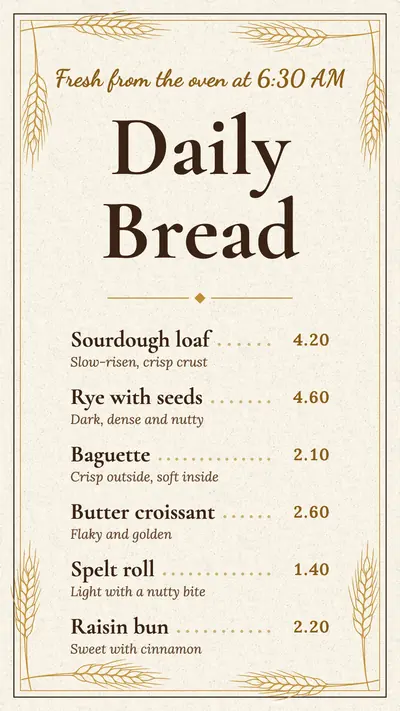
Breakfast and lunch on a schedule
Make one design per menu and put them in a schedule. The breakfast menu runs from 7 am to 11 am, repeating Daily, and the lunch menu is the Default item that fills the rest of the day. A lunch deal that only runs on workdays gets the repeat Every weekday (Mon to Fri).
Prices in a Google Sheet you can edit from your phone
The Designer needs a computer. When prices change during service, or a manager at another location keeps them, put the price list in a Google Sheet and show it as an app: as the whole screen, or inside your menu design next to the dish photos. The screen reloads the sheet at an interval you choose between 1 and 60 minutes.
Works with the tools you already use
Connect Screenbird to the apps and services your team already runs on, no extra software required.
Google Sheets
A price list you edit from your phone; the menu screen reloads it at the interval you set, from 1 to 60 minutes.
Excel Online
The same idea for a price list that already lives in an Excel workbook.
Canva
Menu already designed in Canva? Paste the public share link and it goes on the TV.
Your own dish photos from Instagram beside the menu, in a split screen.
Set it up before you open tomorrow
- 1
Create your account on a computer and start the 7-day trial.
- 2
Pick a menu template and type in your own dishes and prices.
- 3
Enter the 6-character pairing code from the TV in your dashboard and send the menu to it.

Most TVs with an HDMI input work. We recommend Amazon's Signage Stick, which is built for 24/7 signage, or a Google TV Streamer; a smart TV's built-in browser, a Windows PC, a Mac or a Raspberry Pi work too. Amazon Signage Stick · All supported players
One plan. Everything included. No tricks.
Every feature & update included, without limitations or complicated tiers.
Everything you need for professional digital signage
All features included
No hidden costs. No contract. Cancel anytime.
Want Screenbird to manage your devices? Screenbird+ from $21/mo
Frequently asked questions
Everything you need to know about getting started with Screenbird digital signage. Can't find your answer? Check our help center.
Other use cases
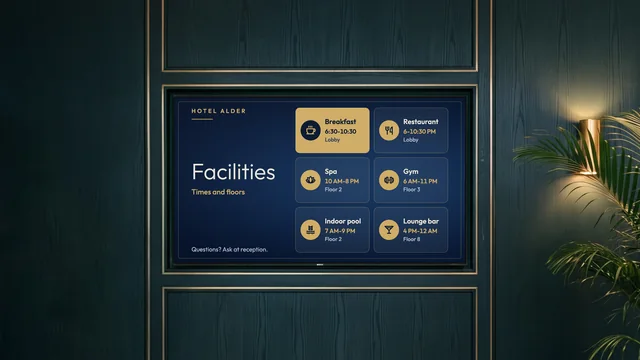
Hotel information screen
Breakfast hours, facility times, Wi-Fi details and today's events, by reception and the elevators.
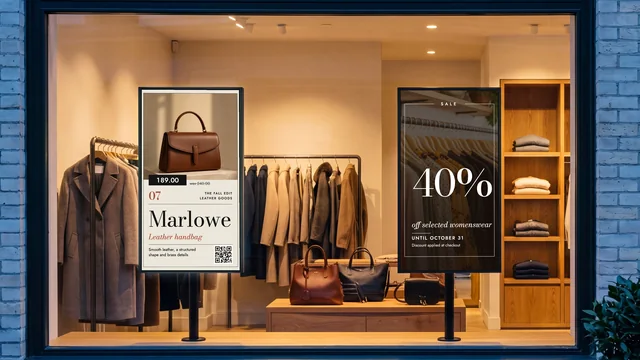
Storefront window screen
New arrivals, sales and listings in the window, with a different schedule after closing.
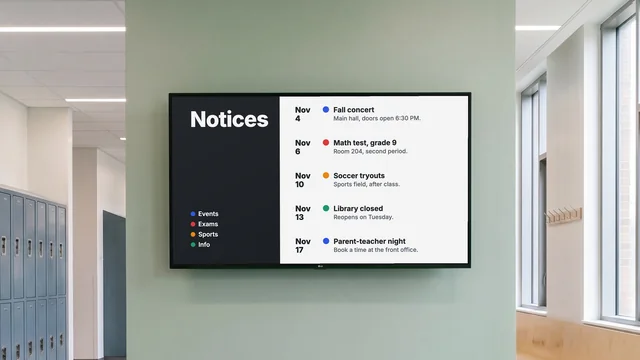
Digital notice board
Room changes, events and closures on the hallway TV, each with an end date.
By industry: Digital menu boards for restaurants and cafés · Digital signage for retail stores
Your menu on the TV above the counter
Choose a menu template tonight and type in your prices; the TV above the counter can show them before the first customer walks in.
Start 7-day free trialFrom $14 per screen per month, billed yearly
7-day free trial. Cancel anytime.