Hotel information screen for your lobby, elevators and breakfast room
A hotel information screen puts breakfast hours, facility times, Wi-Fi details and today's events on a TV. When the spa hours change, you edit one line in a browser.
From $14 per screen per month, billed yearly
7-day free trial. Cancel anytime.

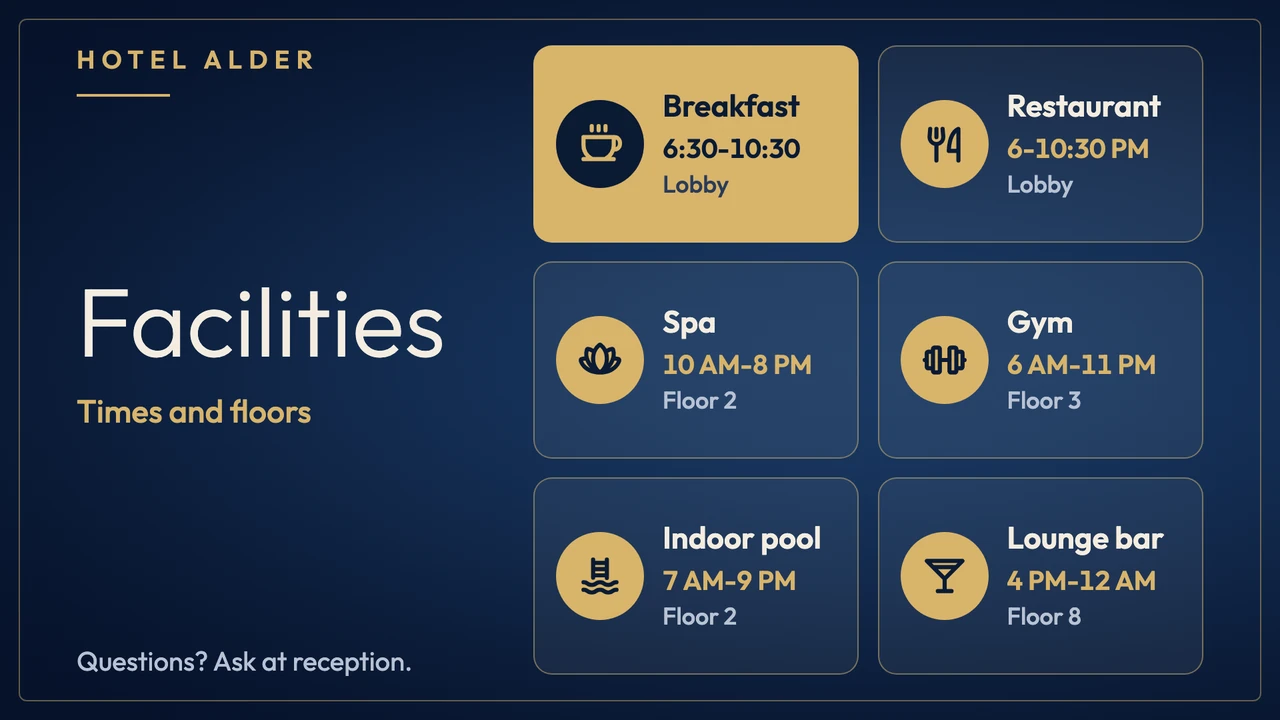
Hotel templates with the hours and floors already laid out
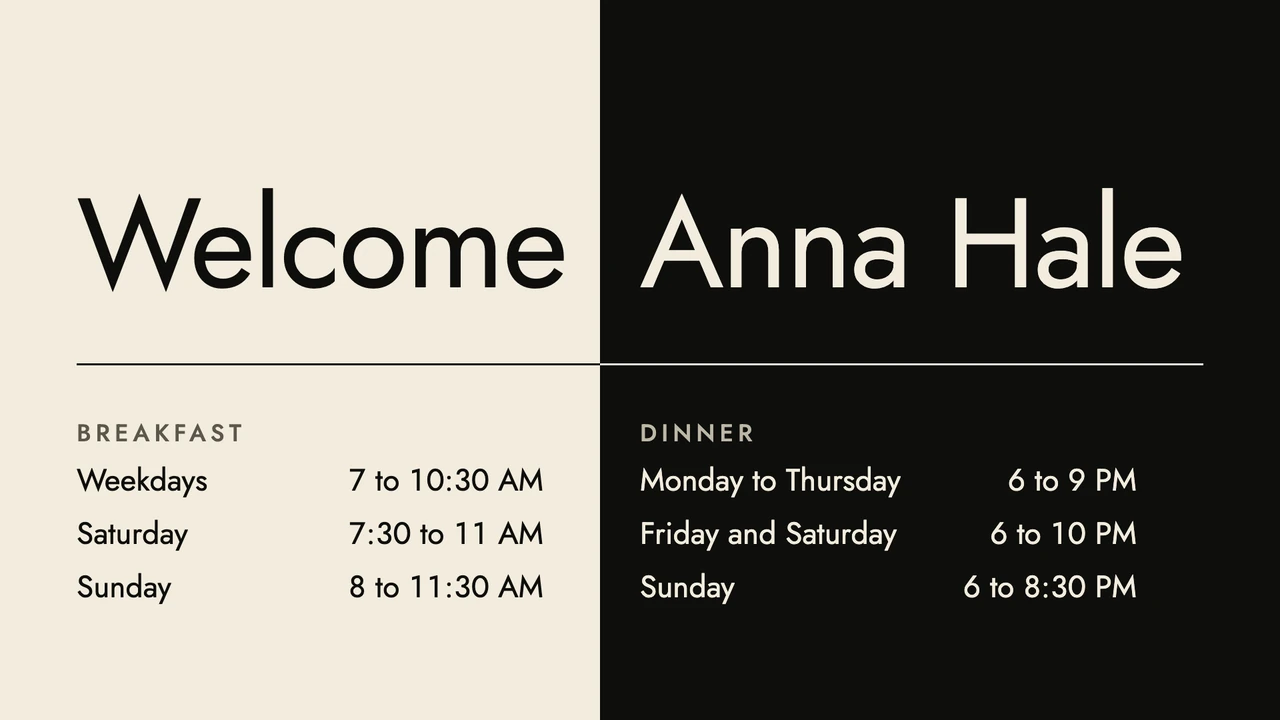
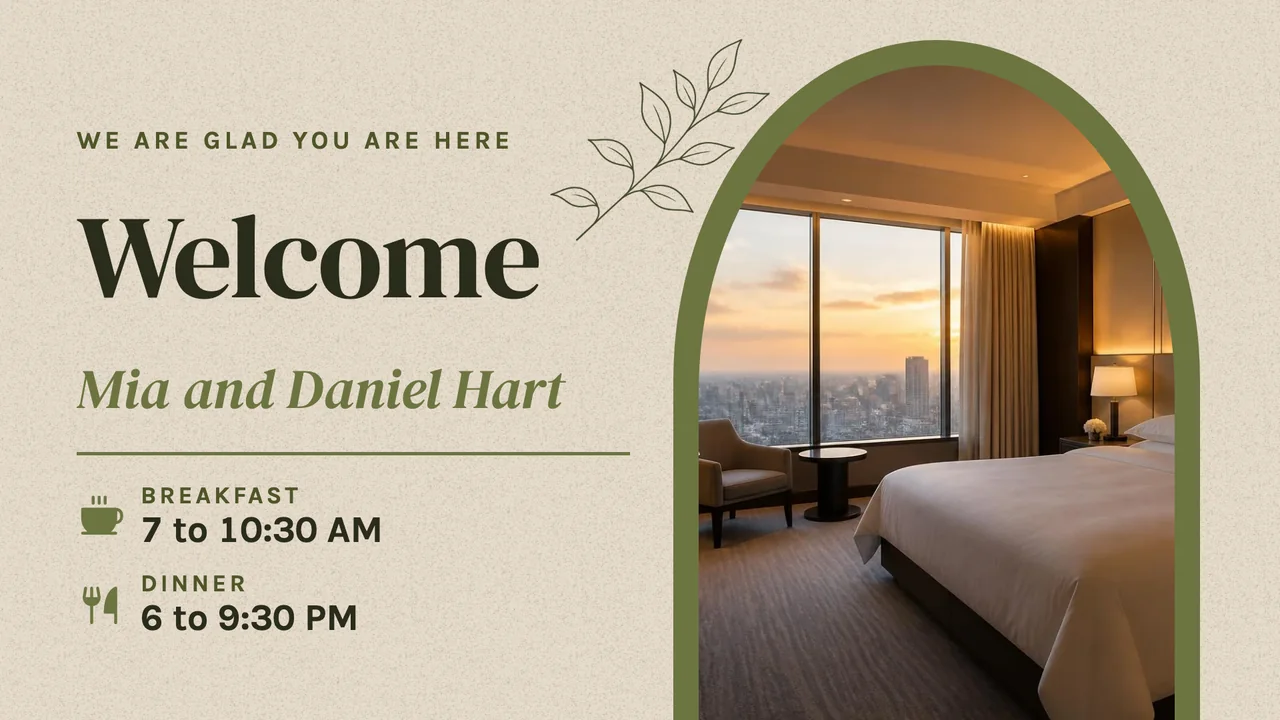
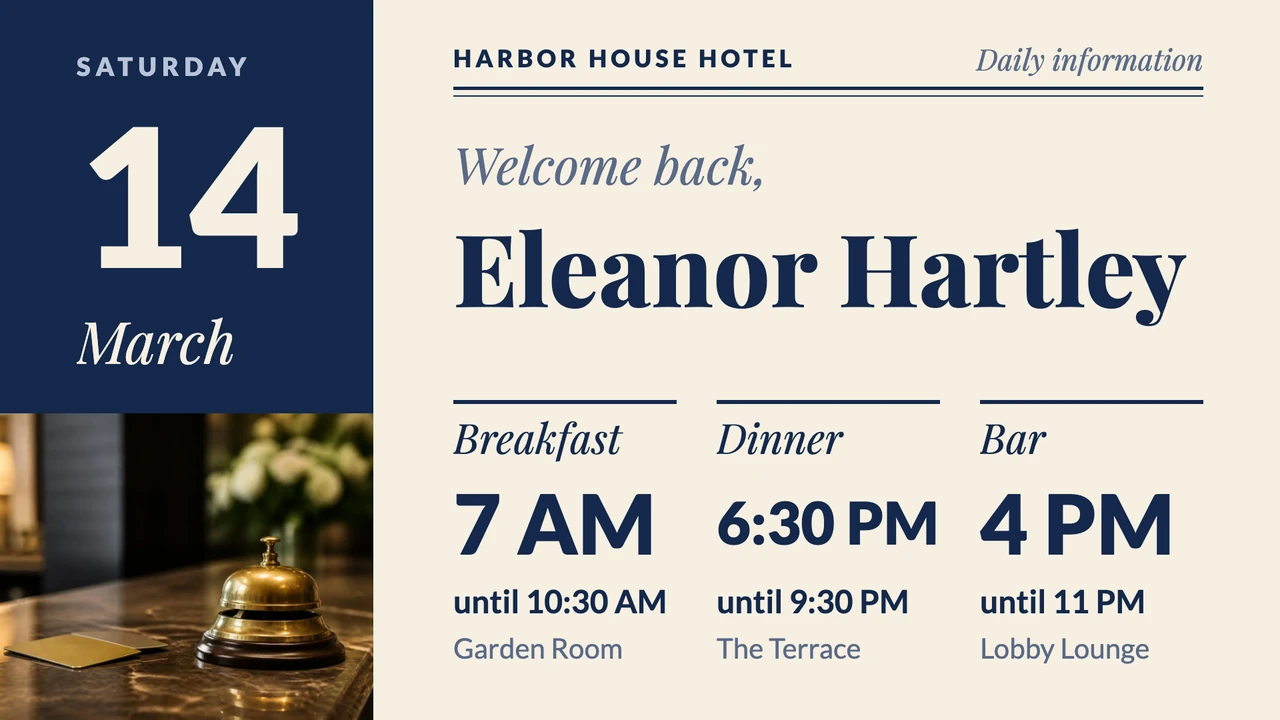
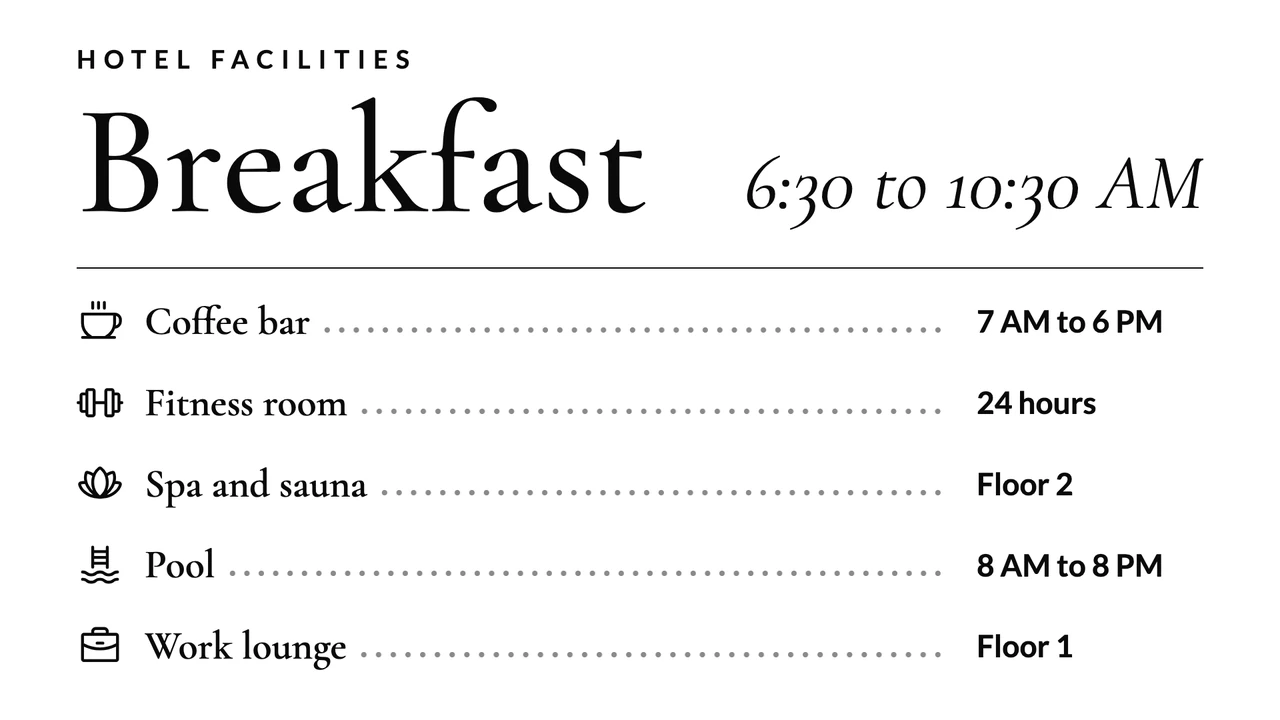
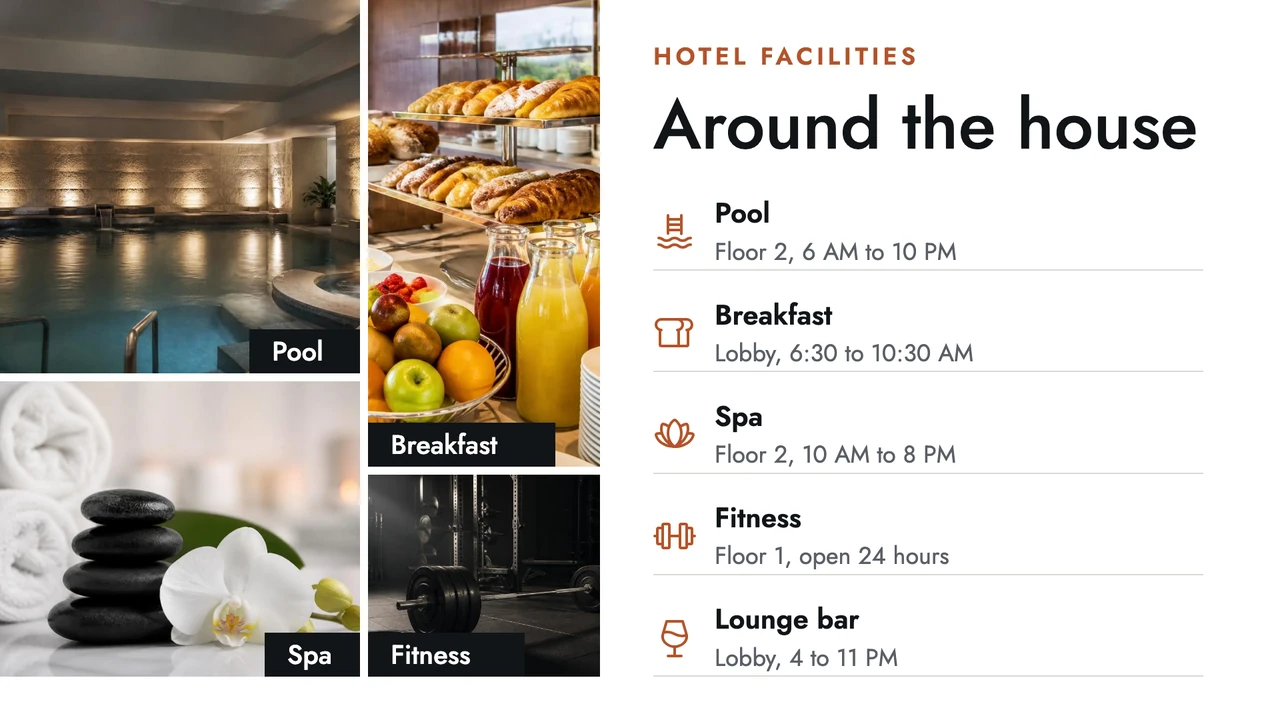
These are from the Hotels and stays templates in the Designer. You type your own times and floors over the sample ones, and guest names as well: Screenbird has no link to your PMS or booking system, so a name on the welcome screen is one you type yourself.
What to show on it
- Breakfast hours, and whether it's in the Garden Room or on the terrace
- Spa, gym and pool times with the floor each one is on
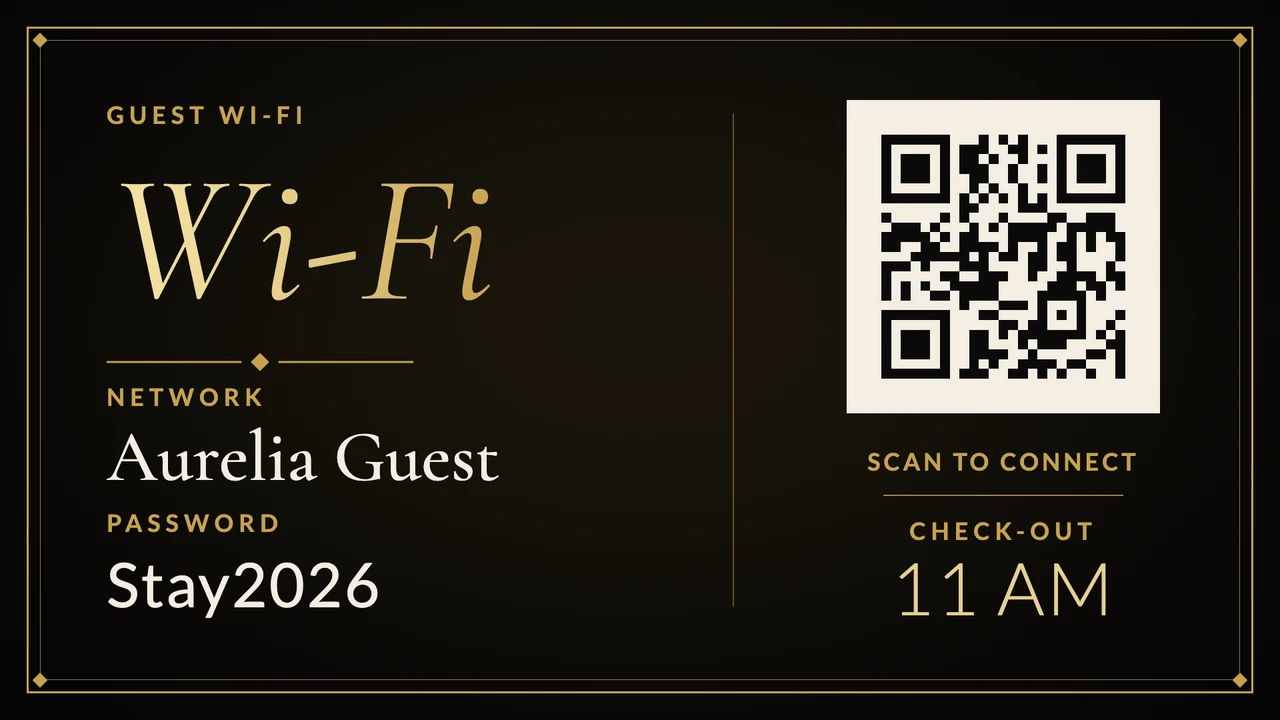
- The Wi-Fi network and password, with a QR code guests scan to connect
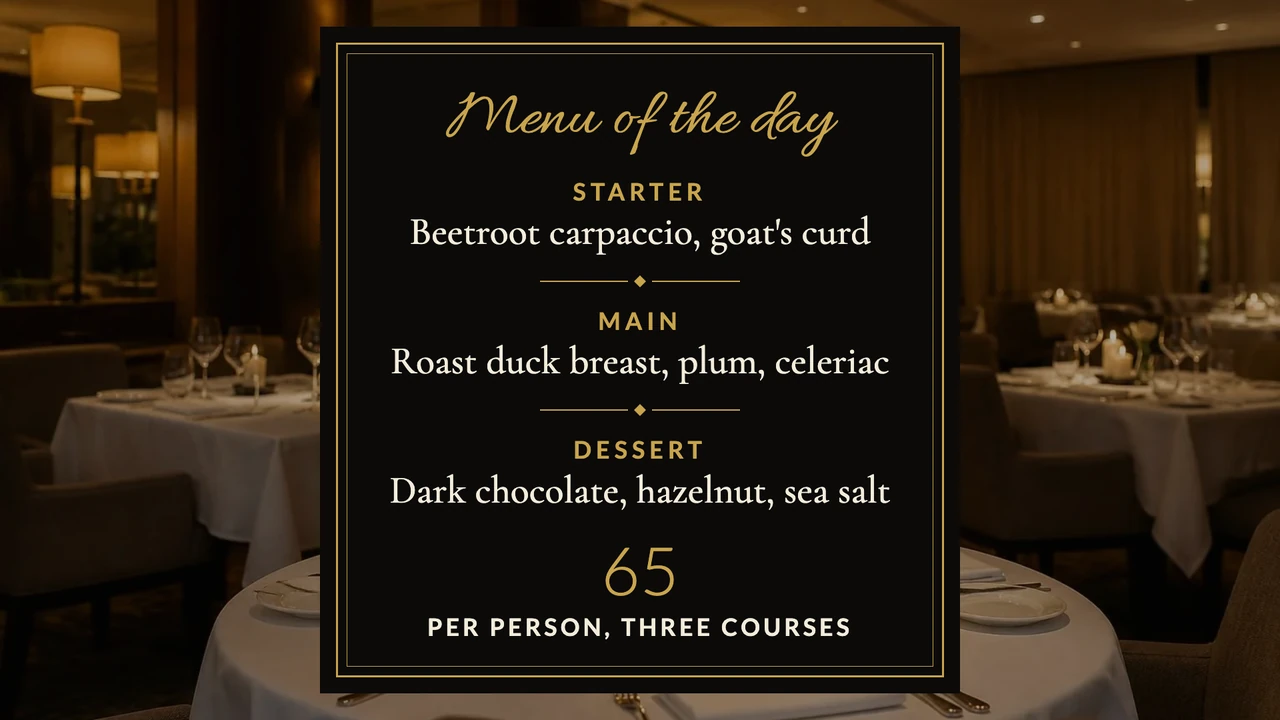
- Tonight's three-course menu in the hotel restaurant
- Today's meetings and events, each with its room
Show more templates
Breakfast in the morning, the restaurant in the evening
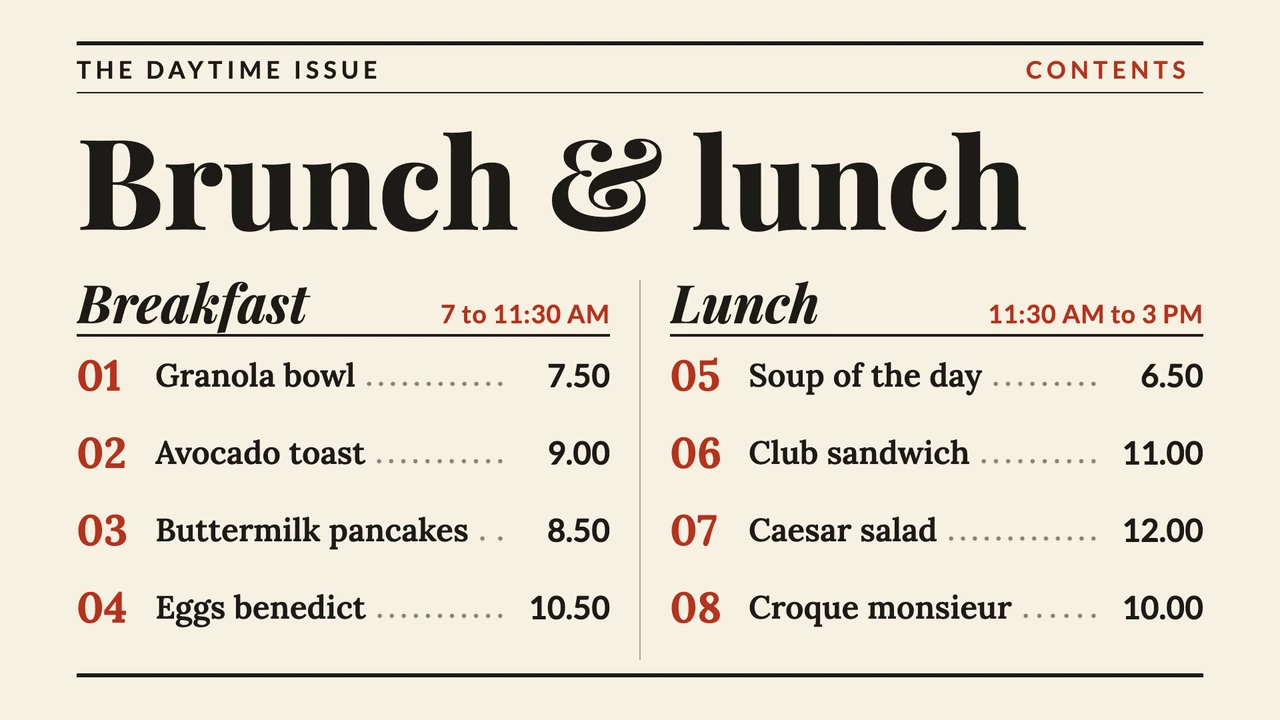
A schedule changes what the screen shows by the time of day. The breakfast design plays from 6 am to 10:30 am on weekdays, the restaurant's menu of the day takes over at 5 pm, and a Default item covers the hours in between. Nobody at the front desk has to remember to switch it.
Today's events from the calendar your events team already keeps
If your meeting rooms are planned in Google Calendar, the Google Calendar app puts that calendar on the screen with the room of each event, so "Board meeting, Harbor Room, 9 am" appears by the elevators without anyone typing it twice. It shows the calendar; it does not take room bookings.
Welcome, weather and the time back home on one TV
Split Screen divides one TV into areas, and each area holds its own design, app or playlist. For a reception screen, L-shape works well: the hotel welcome in the large area, the forecast beside it, and a World Clock along the bottom for the guests who flew in from London or Tokyo.
Works with the tools you already use
Connect Screenbird to the apps and services your team already runs on, no extra software required.
Google Calendar
Today's meetings and events with their rooms, straight from the calendar your events team plans in.
Weather
The forecast for your city next to the facility times, for guests deciding between the pool and a walk.
World Clock
The time in New York, London or Tokyo beside your own, for guests a long way from home.
Google Slides
A deck with local tips or the spa treatments, edited in Slides like any presentation.
Ready before the next check-in
- 1
Start your 7-day free trial in the browser. There is nothing to install on your computer.
- 2
Go to Files, click New, choose New design, click Hotels and stays, and type your hours and floors over a template.
- 3
Install the player on the lobby TV or stick, enter its 6-character pairing code in the dashboard, and send the design to that screen.

For a lobby TV, use an Amazon Signage Stick or a Google TV Streamer. Screenbird also plays in the TV's own browser and on a PC, Mac or Raspberry Pi. Amazon Signage Stick · All supported players
Lobby, elevators, breakfast room: what to show where
Guests look at each spot for a different length of time, and that decides how much one screen can carry.
Reception and lobby
Guests stand here for minutes while someone checks in. A playlist works: the welcome, the facility times, the Wi-Fi details with a QR code and the forecast, each up for 15 to 20 seconds.
Elevator lobby
We'd hang one design with the times and floors and leave it there, without a playlist. The wait for an elevator is short, and a slide that changes while someone is reading it is gone. Next to narrow elevator doors, a TV in portrait often fits better: set Orientation to Rotate 90° in the screen's settings.
Breakfast room
The breakfast menu until 10:30 am, then tonight's menu of the day, or a black screen until tomorrow. On an Android player the TV itself can go to standby through HDMI-CEC, but not every TV supports that, so test it after saving.
Conference floor
Today's sessions from Google Calendar in Agenda (list) view, each with its room, and the Wi-Fi details next to it in a split screen.
One plan. Everything included. No tricks.
Every feature & update included, without limitations or complicated tiers.
Everything you need for professional digital signage
All features included
No hidden costs. No contract. Cancel anytime.
Want Screenbird to manage your devices? Screenbird+ from $21/mo
Frequently asked questions
Everything you need to know about getting started with Screenbird digital signage. Can't find your answer? Check our help center.
Other use cases
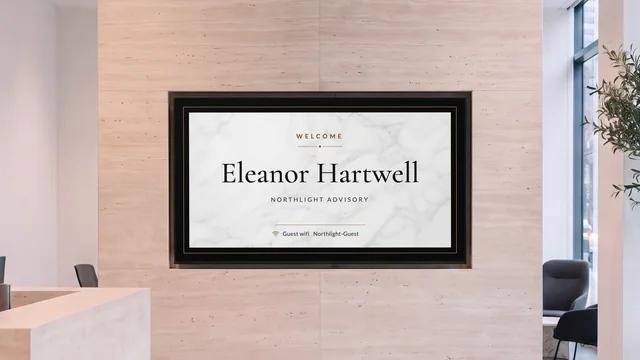
Lobby welcome screen
Greet the visitor by name and show who is on which floor, on the TV in reception.
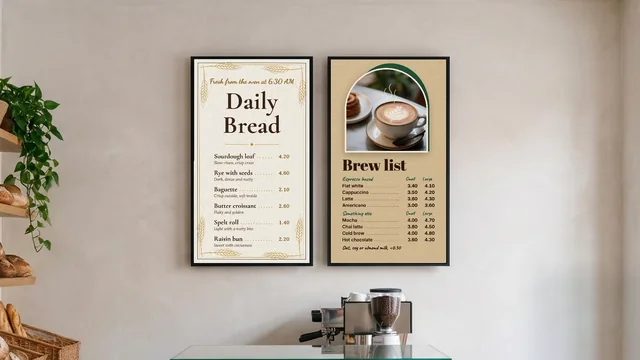
Digital menu board
Your menu and prices on the TV above the counter, switching from breakfast to lunch by the clock.
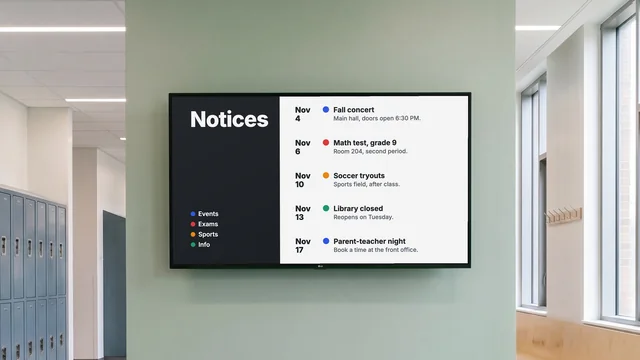
Digital notice board
Room changes, events and closures on the hallway TV, each with an end date.
By industry: Digital menu boards for restaurants and cafés
Tomorrow's breakfast hours, on the lobby screen tonight
Type your own times and floors over a Hotels and stays template and send it to the TV by reception.
Start 7-day free trialFrom $14 per screen per month, billed yearly
7-day free trial. Cancel anytime.