A digital directory board that lists every tenant, floor and suite
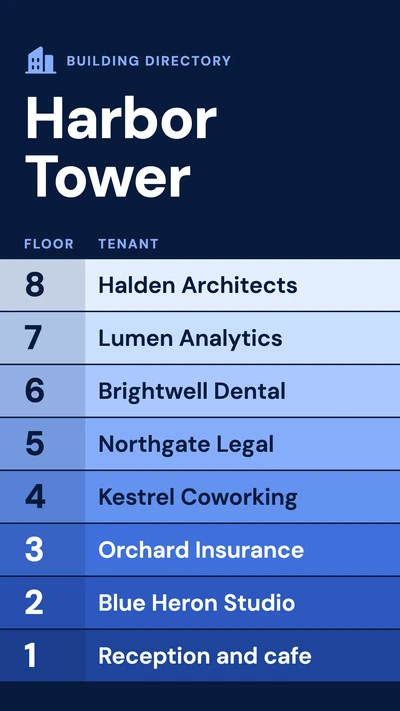
A digital directory board by the entrance shows which tenant is on which floor, and in which suite. When one moves, you retype a line, or edit the row in Google Sheets.
From $14 per screen per month, billed yearly
7-day free trial. Cancel anytime.

Directories and floor signs to start from
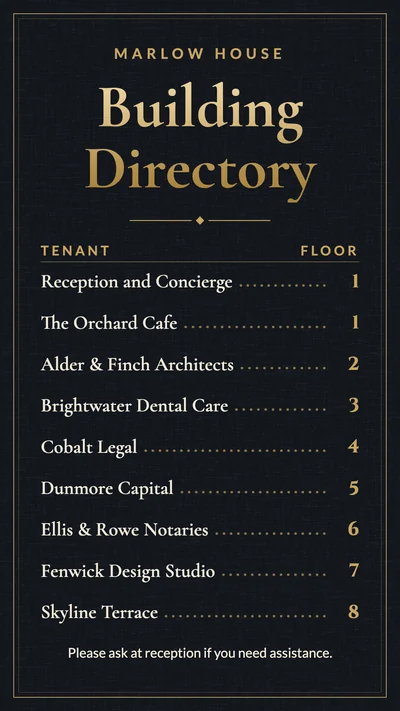
Shown upright, the way most directories hang. Type your own tenants and floors over the samples; the same designs also sit under Facility management in the template browser.
What to show on it
- Every tenant with its floor and suite number
- An A to Z company list for a building with a long tenant roster
- Arrows from the elevator landing to the rooms on that floor
- Clinic departments with their floor: lab, X-ray, physical therapy, pharmacy
- The front office, gym and library for parents arriving at a school
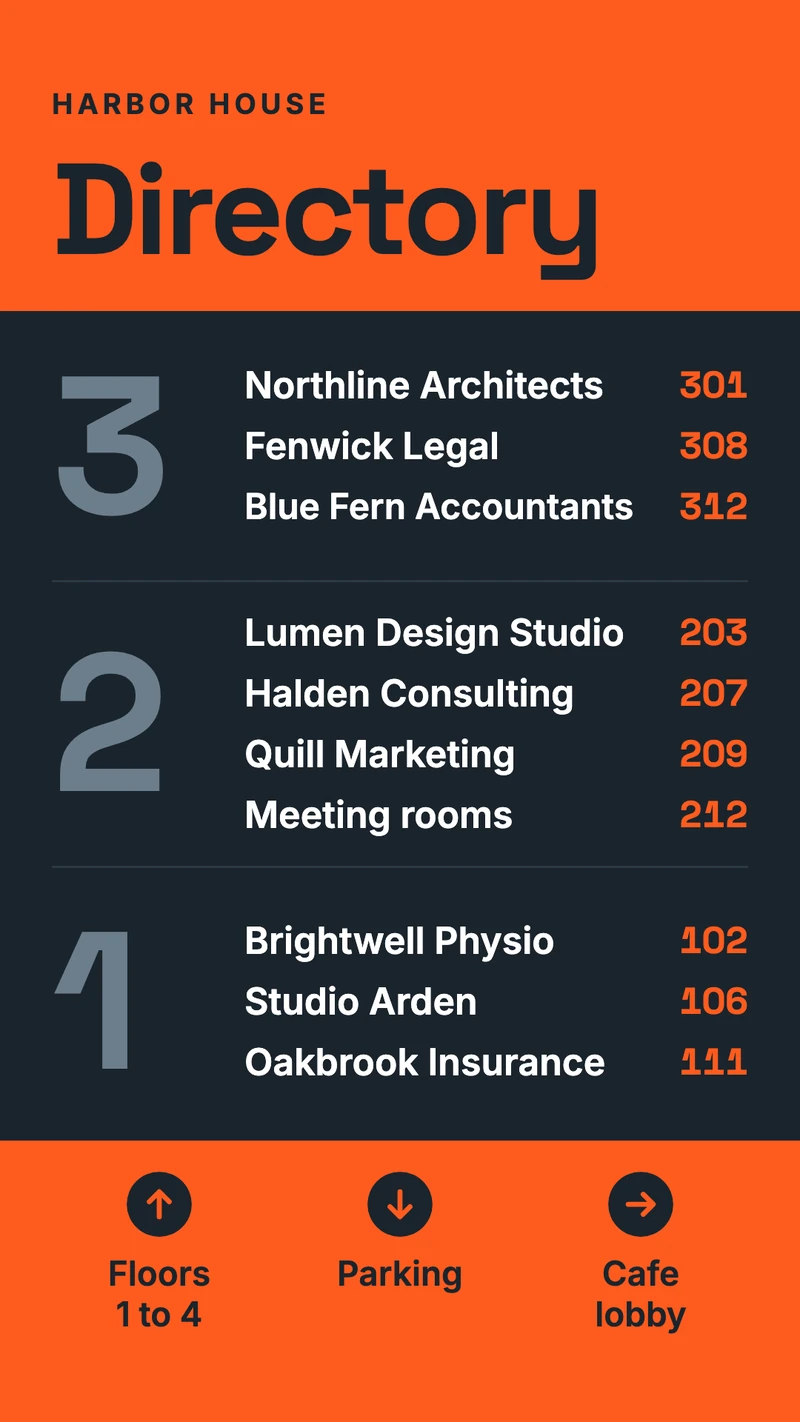
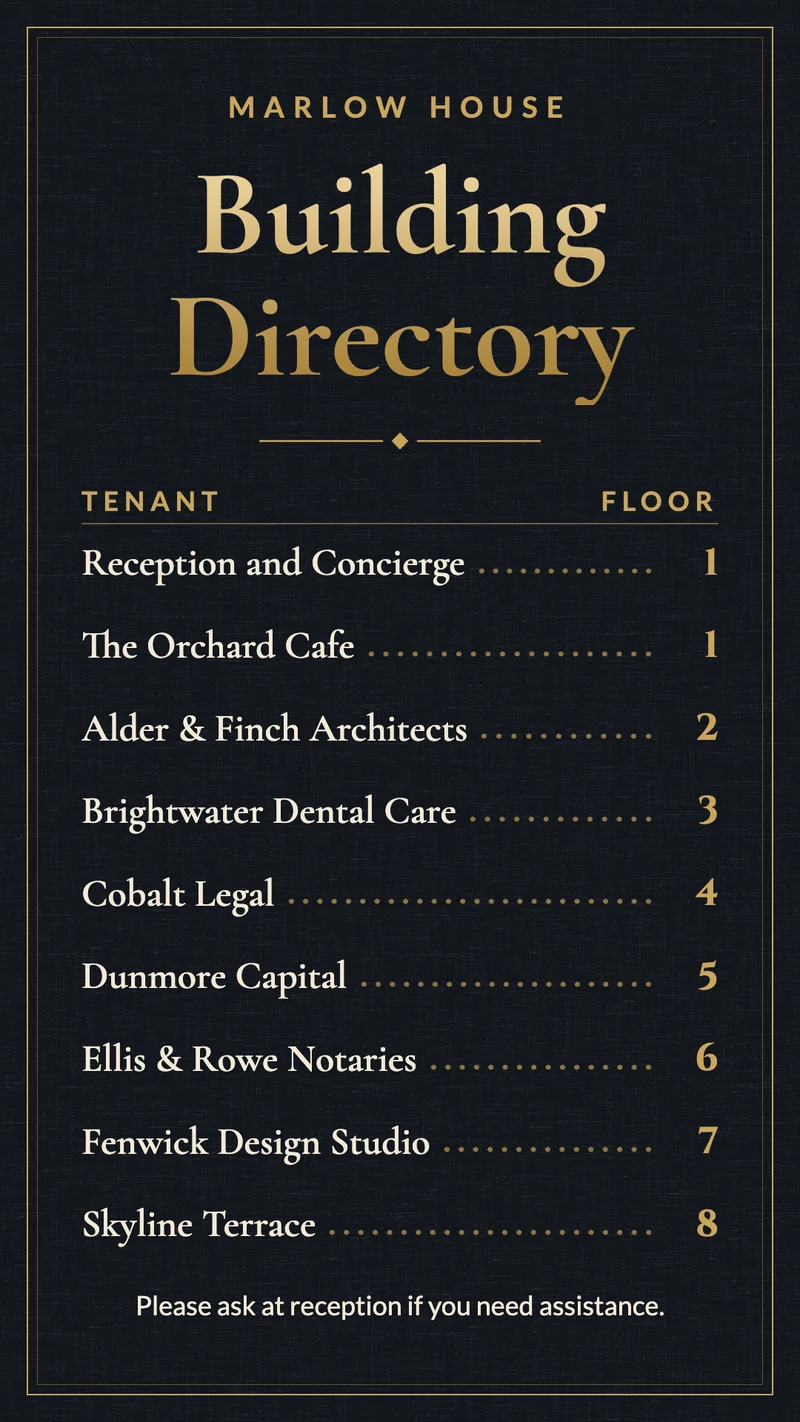
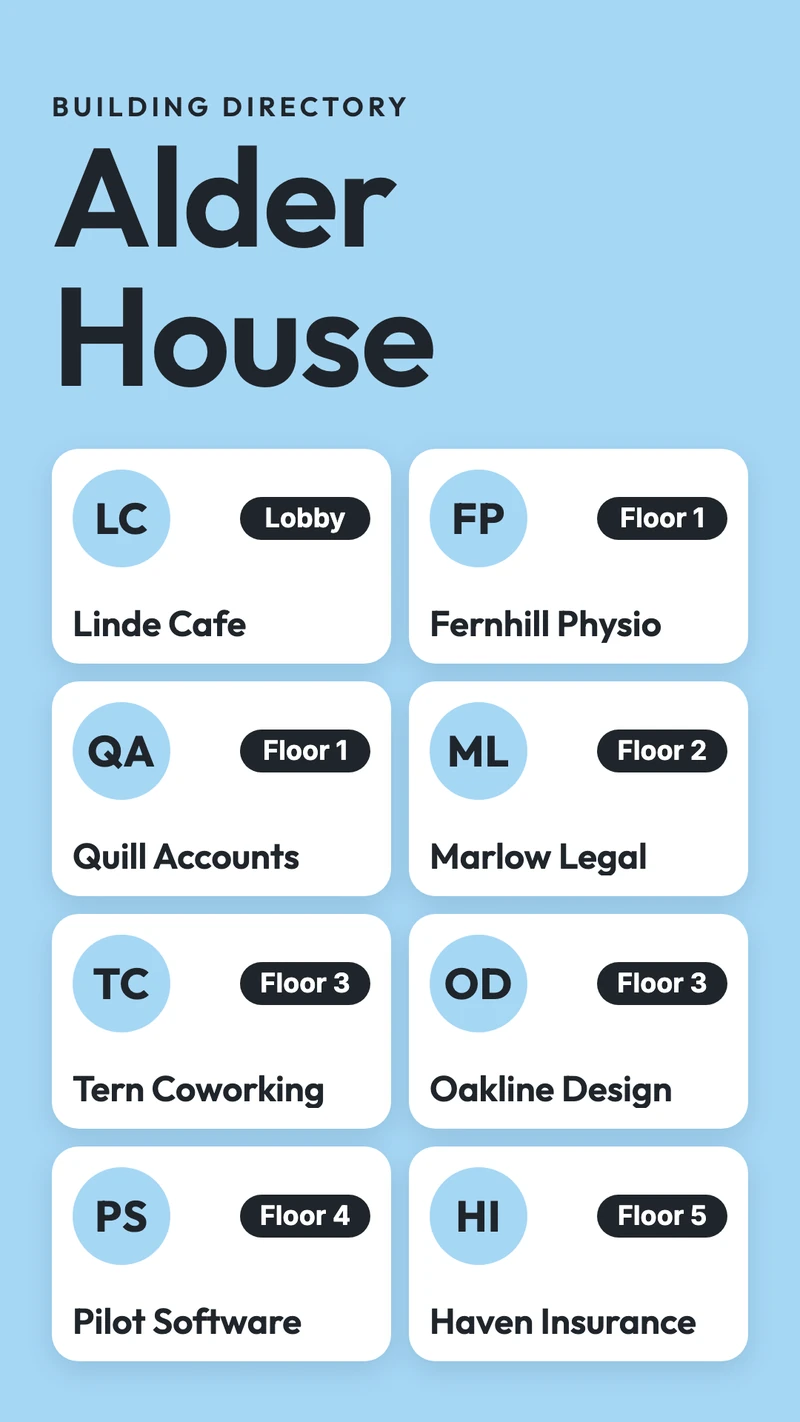
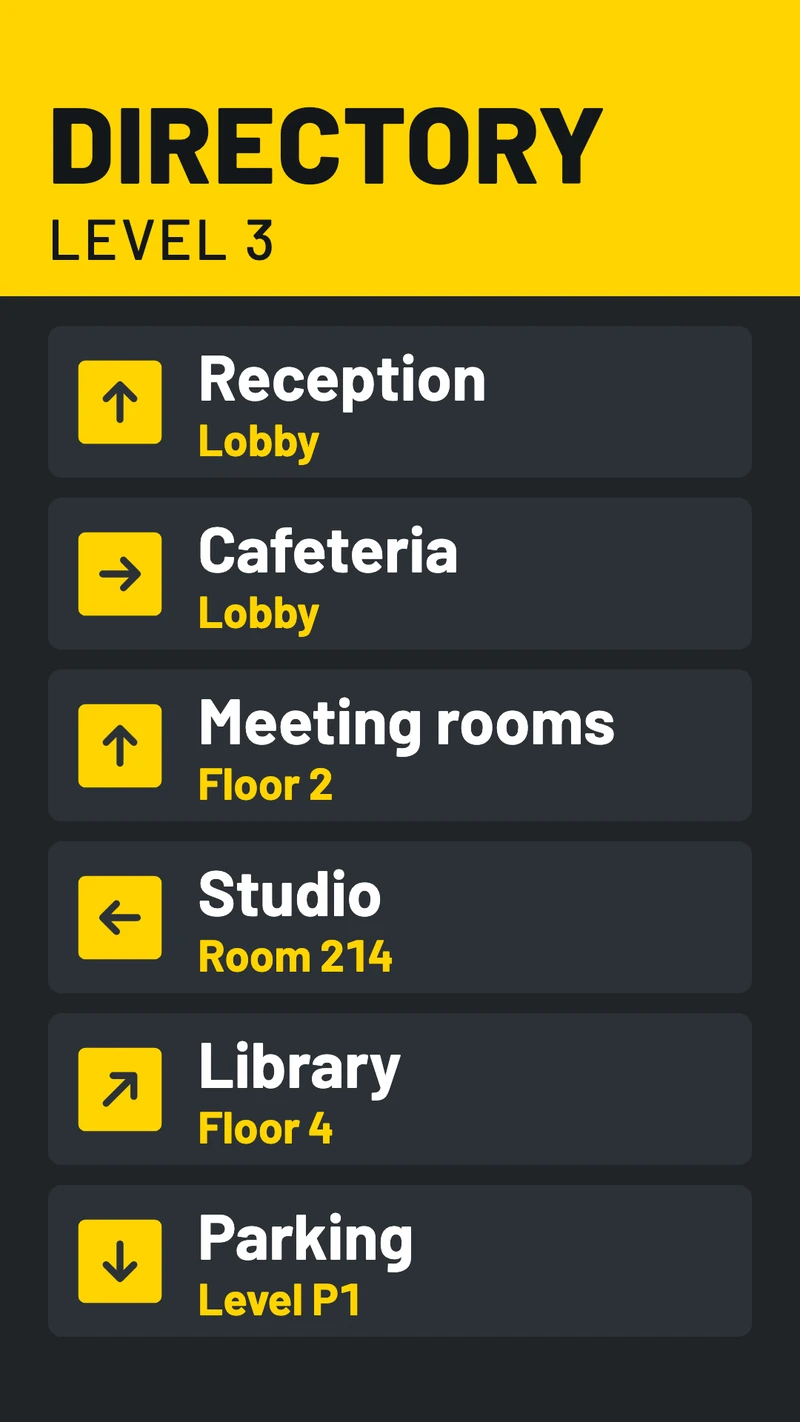
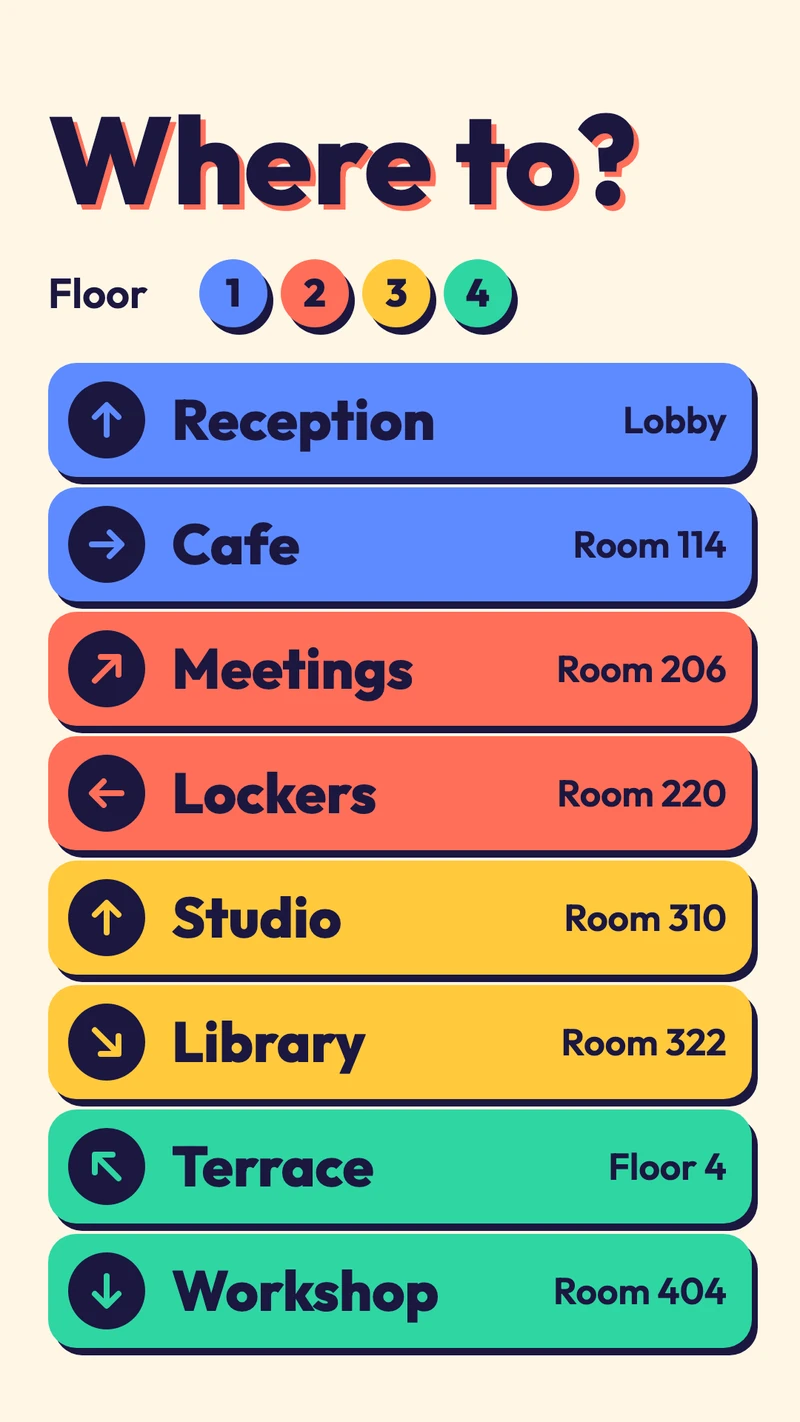
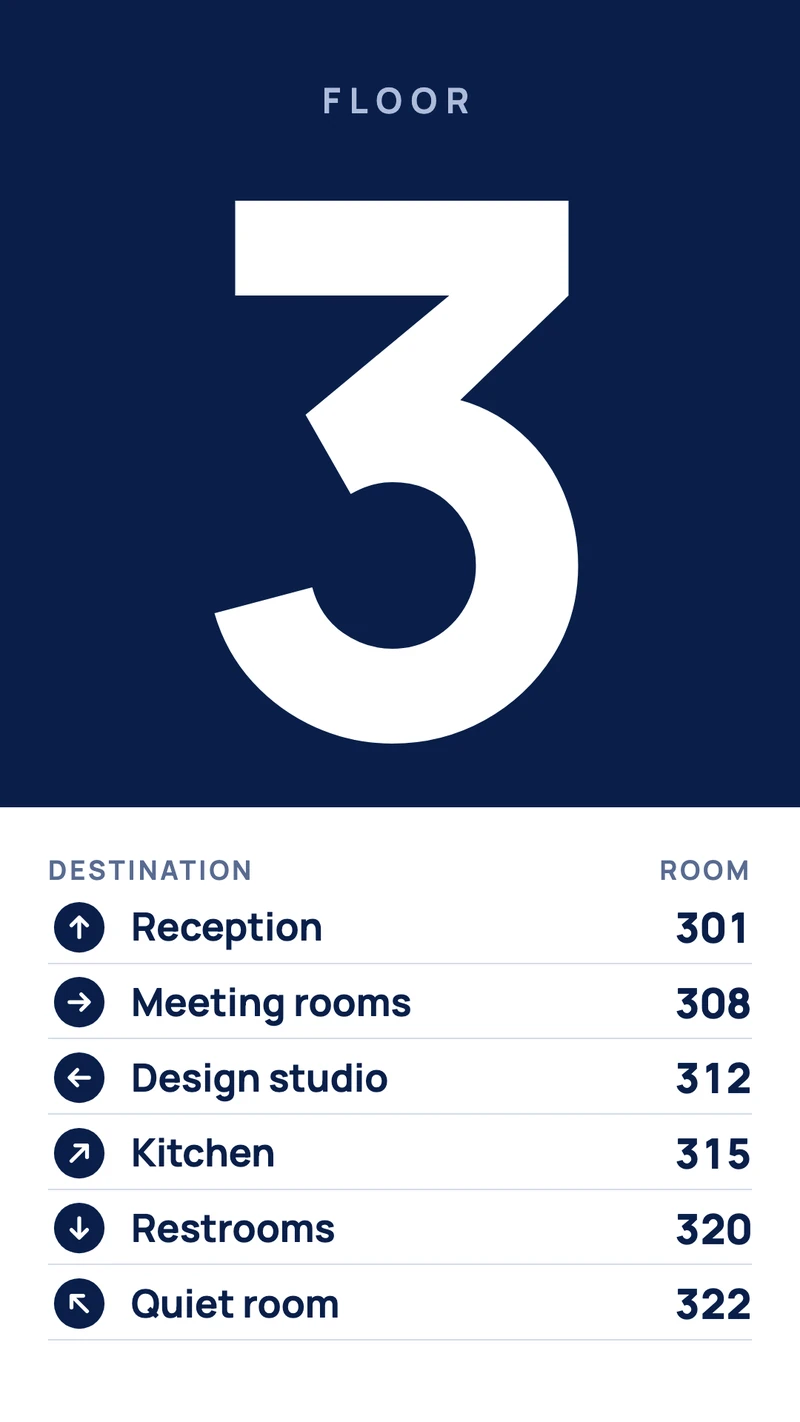
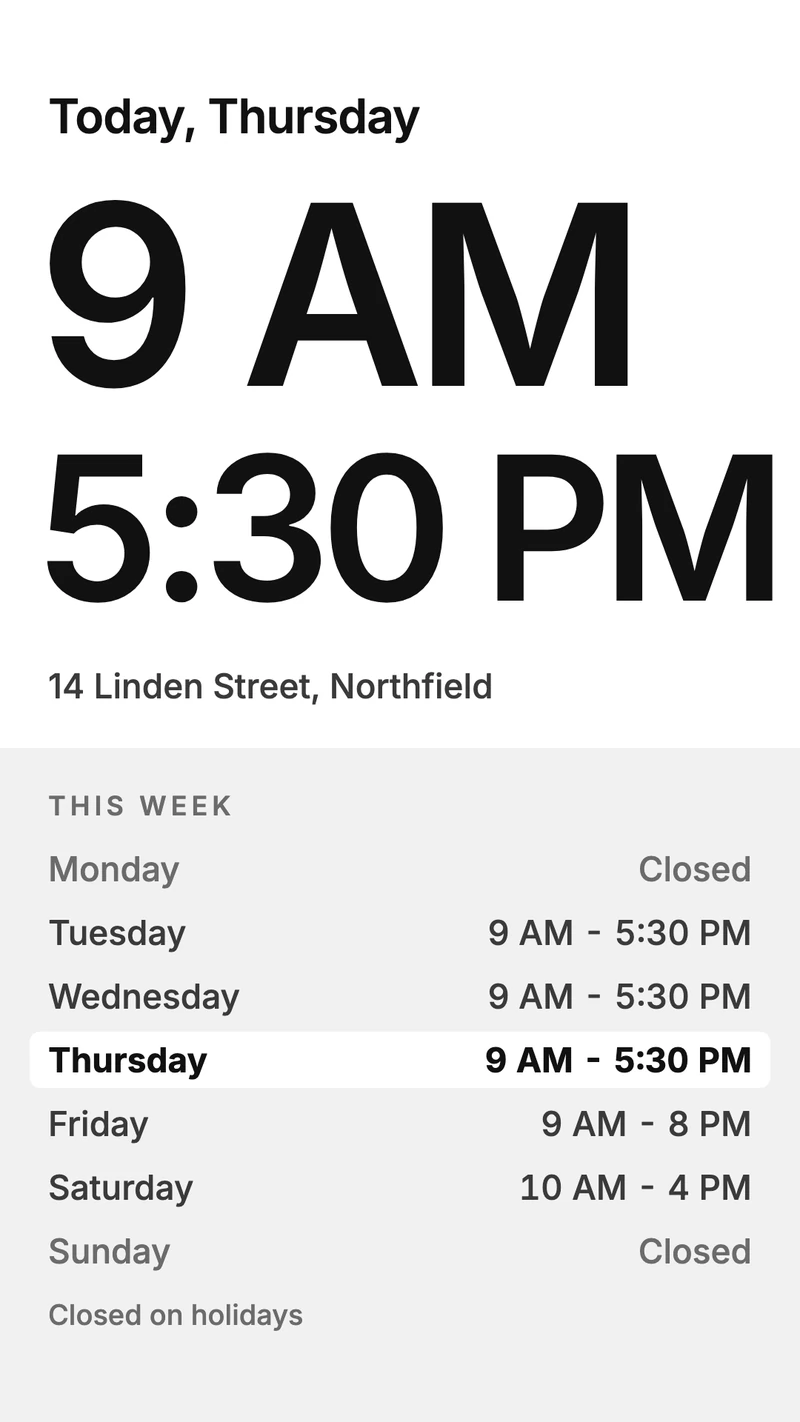
Tenants typed into a directory template
Open a Building directory template, type over the sample tenants and floors, and send it to the entrance screen. When Cobalt Legal moves from the third floor to the fifth, you change one line, and every screen showing that design picks up the change as it saves. Or, with the design open, ask the AI Assistant to move Cobalt Legal to floor 5.
The tenant list you already keep in a spreadsheet
Property managers often keep tenants in a spreadsheet anyway, next to lease dates and phone numbers. The Google Sheets app puts that sheet on the screen. Connect your Google account, pick a Cell range such as A1:C30, and only the name, floor and suite columns reach the wall. Delete a row when a tenant leaves, and the screen drops it at the next refresh.
A floor sign at every elevator landing
The entrance gets the full list. Each elevator landing gets a Wayfinding design for its own floor: a big 3, with Reception in 3.01 and the meeting rooms in 3.08. Duplicate that design in Files, change the numeral and the rooms, and send the copy to the screen on floor 4.
Works with the tools you already use
Connect Screenbird to the apps and services your team already runs on, no extra software required.
Google Sheets
The tenant list from the sheet the property manager already updates, by floor or A to Z.
Excel Online
A tenant workbook from OneDrive or SharePoint, with one page pinned to the entrance screen.
Notice Board
Type "Elevator B is out of service until Thursday" and send it to every landing.
Ticker
A scrolling line in a strip under the directory for this week's change, such as a new tenant on floor 6.
From tenant list to entrance screen
- 1
Start your trial, open Files on a computer, choose New design in Portrait and pick a Building directory template.
- 2
Type your tenants, floors and suite numbers over the samples, or add the Google Sheets app with your tenant sheet.
- 3
Connect the player to the TV and type the 6-character code it shows into the dashboard. A TV hung upright also needs Orientation set to Rotate 90°.

An entrance screen runs all day, so pair it with Amazon's Signage Stick, which is made for 24/7 signage, or with a Google TV Streamer. A PC, Mac, Raspberry Pi or the TV's own browser can run it as well. Amazon Signage Stick · All supported players
Plaque, screen or touch kiosk
Directory vendors sell all three. A Screenbird directory is the middle one.
Engraved plaque or letter board
It costs nothing to run until a tenant leaves. Then it's a new nameplate from the engraver, or an afternoon with the tray of plastic letters, and the old name often stays up until someone gets to it.
A screen with Screenbird
Shows the list, the arrows and the hours, and changes from a browser in the time it takes to retype a line. People read it from where they stand, so it works best when the whole list fits on one screen.
A touch kiosk
Lets visitors type a name, see a map and follow a route on screen, which takes a touch display and kiosk software. Screenbird has no touch input, search or interactive maps. A hospital campus with hundreds of rooms is where a kiosk earns its price.
What we'd do in a mid-size building
One directory by the entrance and a floor sign at every elevator landing. Past about a dozen tenants, sort the list A to Z, because visitors look up a company name. And make the floor number the biggest thing on both screens: people walk in knowing which company they're visiting, not which floor it's on.
One plan. Everything included. No tricks.
Every feature & update included, without limitations or complicated tiers.
Everything you need for professional digital signage
All features included
No hidden costs. No contract. Cancel anytime.
Want Screenbird to manage your devices? Screenbird+ from $21/mo
Frequently asked questions
Everything you need to know about getting started with Screenbird digital signage. Can't find your answer? Check our help center.
Other use cases
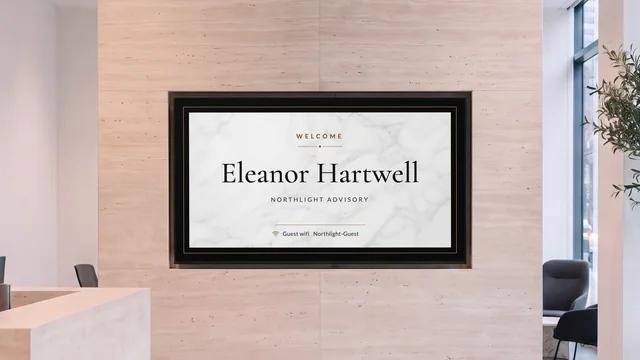
Lobby welcome screen
Greet the visitor by name and show who is on which floor, on the TV in reception.
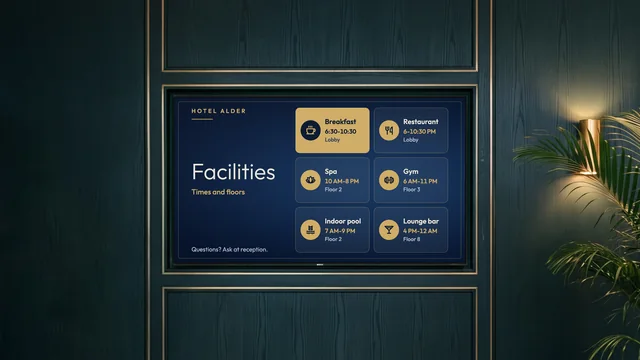
Hotel information screen
Breakfast hours, facility times, Wi-Fi details and today's events, by reception and the elevators.
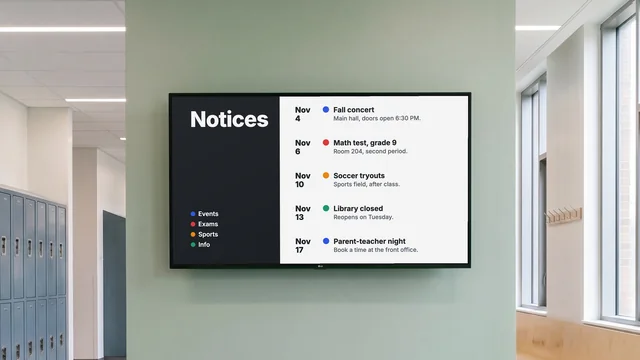
Digital notice board
Room changes, events and closures on the hallway TV, each with an end date.
By industry: Office digital signage for meeting rooms · Waiting room digital signage for hospitals and clinics
Next time a tenant moves, change one line
Start from a Building directory template or your tenant spreadsheet, and pair the TV by the entrance.
Start 7-day free trialFrom $14 per screen per month, billed yearly
7-day free trial. Cancel anytime.