Digital signage for apartment buildings, in the lobby and the stairwell
Apartment building digital signage brings house rules, trash days and elevator notices to a screen by the mailboxes, and you can post a new notice from your phone.
From $14 per screen per month, billed yearly
7-day free trial. Cancel anytime.

House rules, closures and safety notices for the stairwell
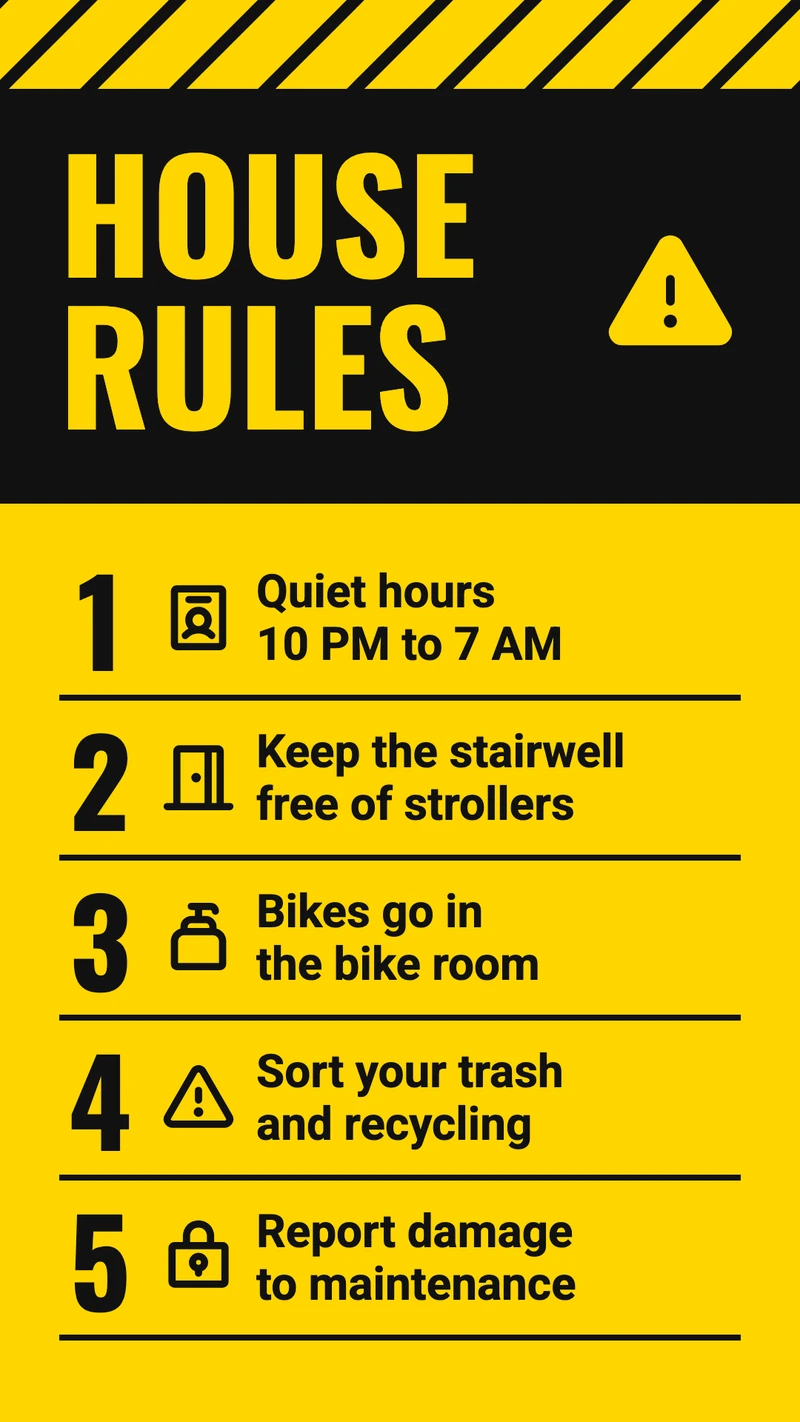
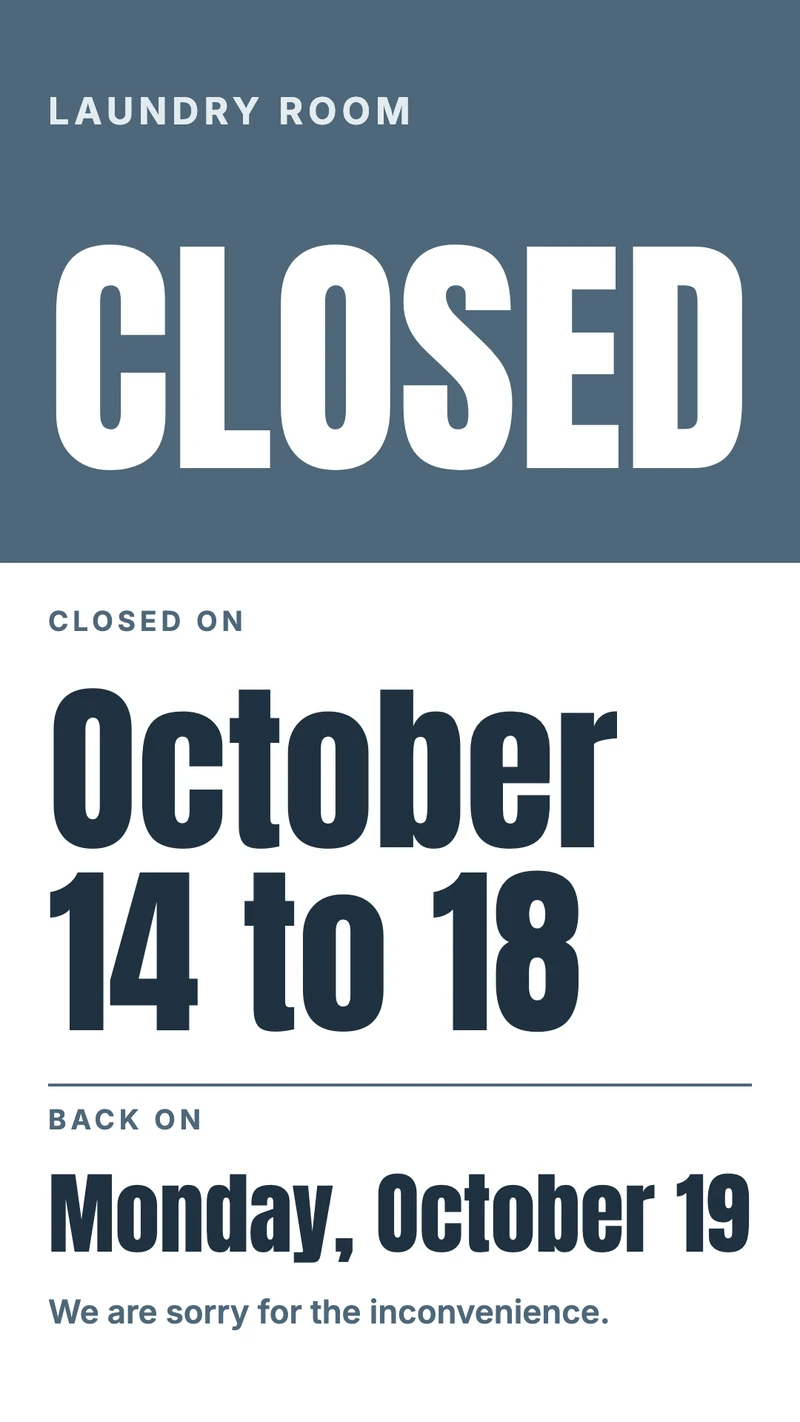
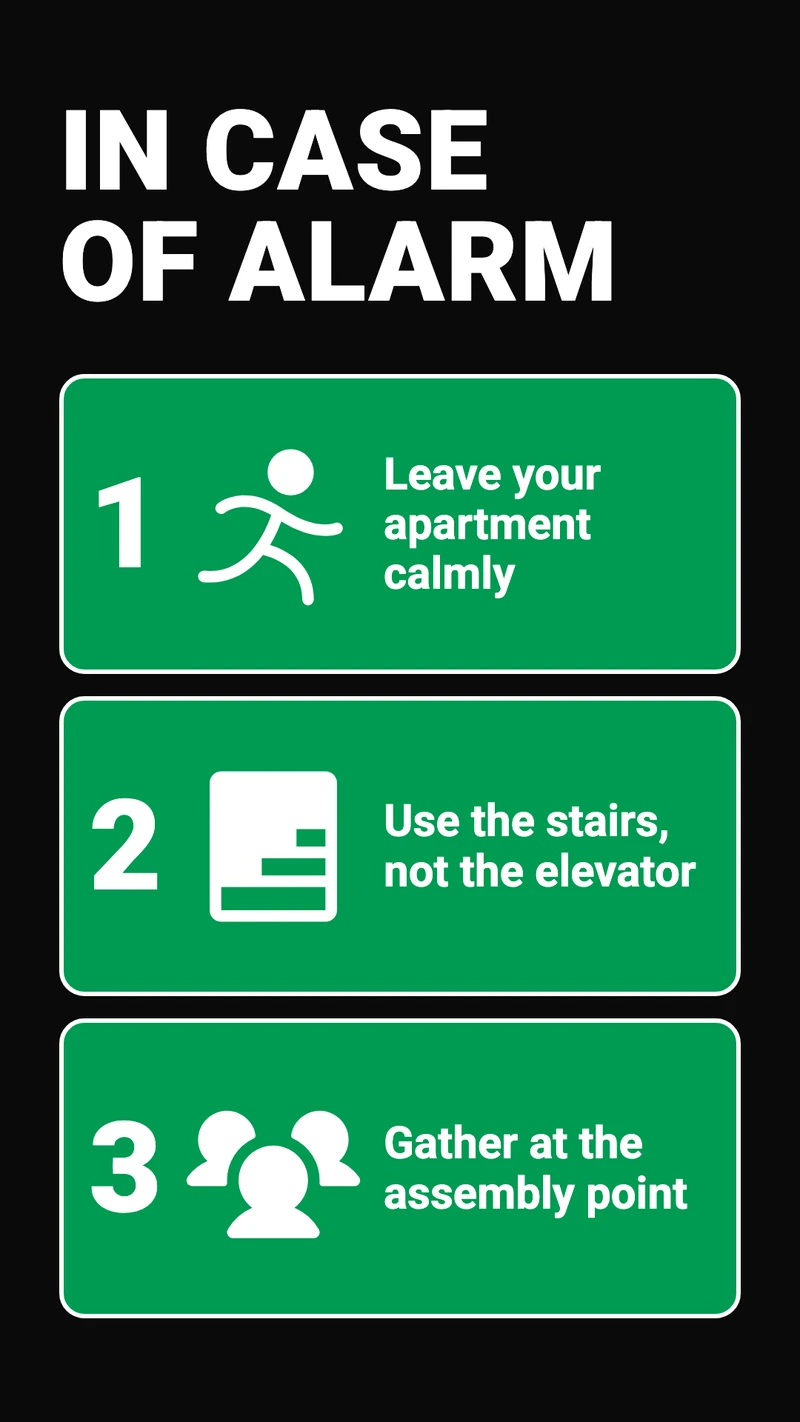
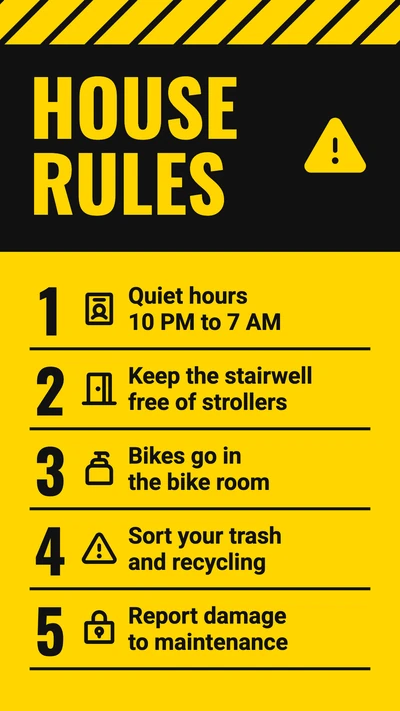
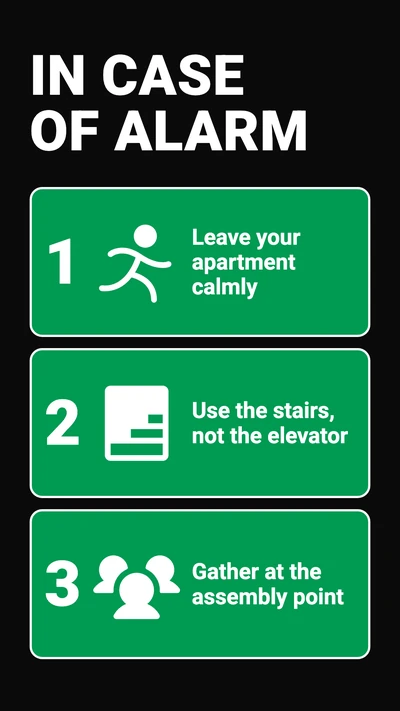
Shown upright, the way most stairwell screens hang. Put in your own address, dates and phone numbers; the house rules and evacuation designs also come up when you click Facility management in the template browser.
What to show on it
- An elevator outage, with the day the repair is due
- Trash, recycling and bulk pickup days
- House rules: quiet hours, bikes, strollers in the stairwell
- Planned work, such as painting the stairwell or a water shut-off
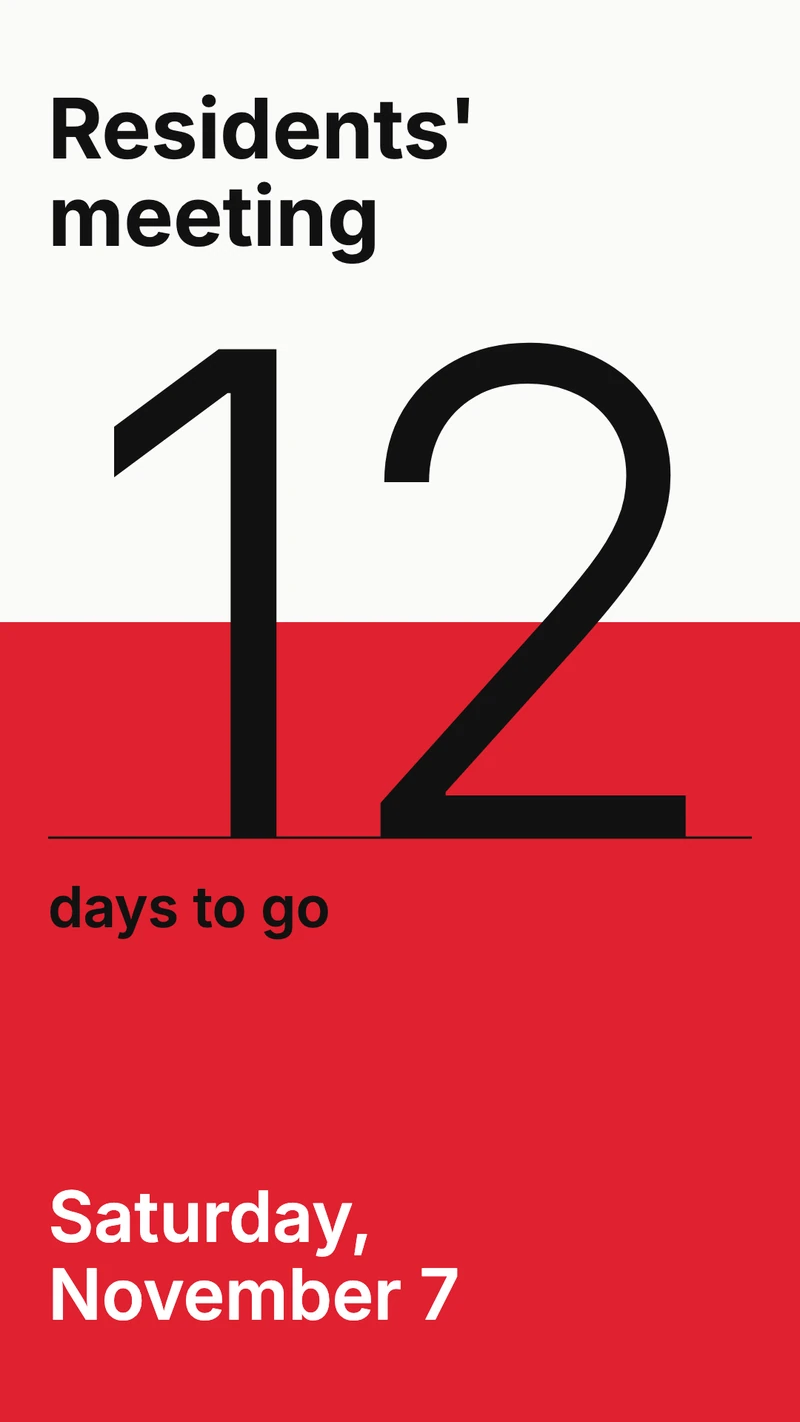
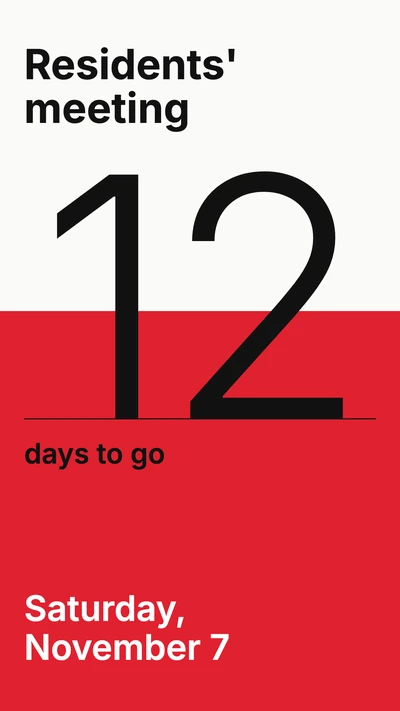
- Date, time and room of the residents' meeting

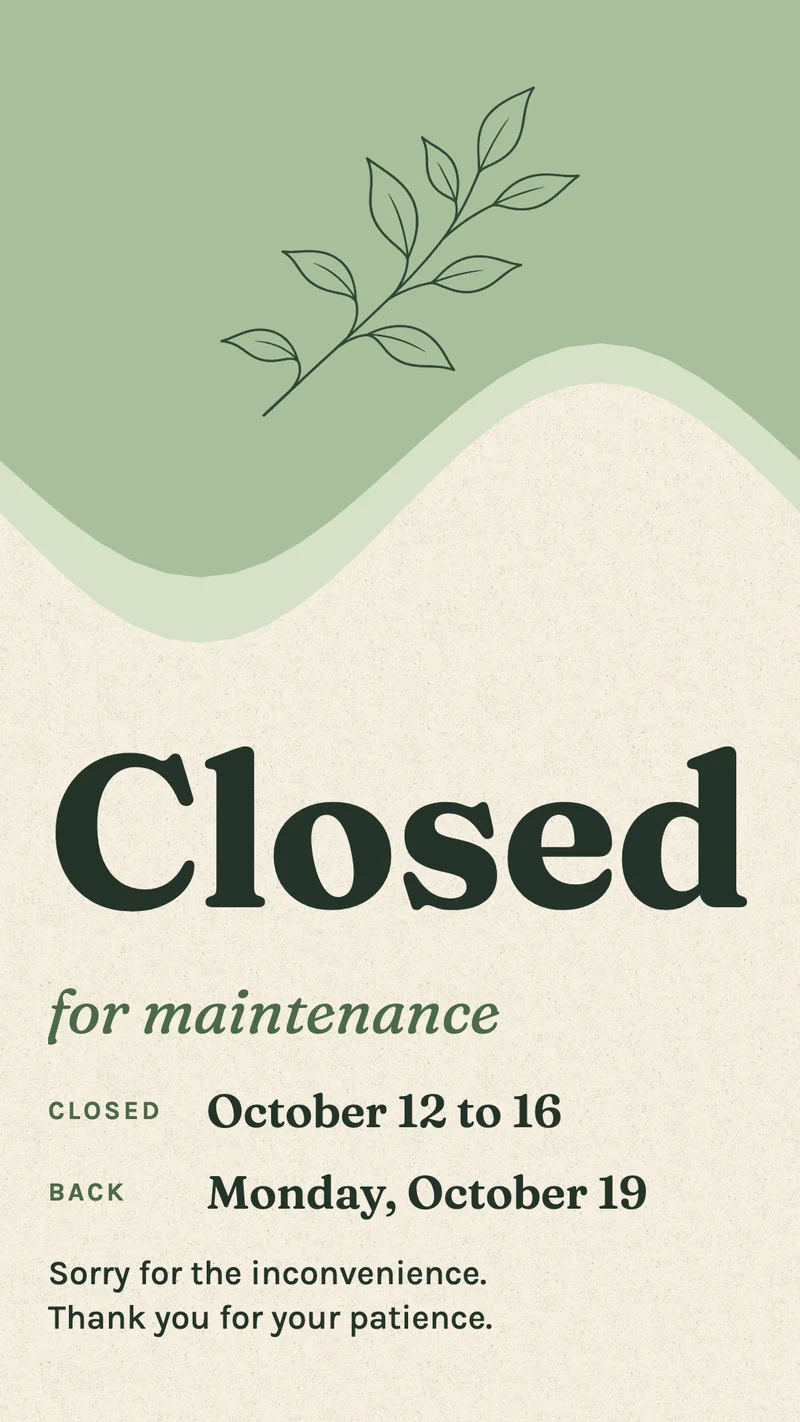
Elevator out of service: post it from your phone
The elevator stops on a Saturday and the repair company can come on Tuesday. From your phone, open the elevator notice you designed earlier, or add a Notice Board app and type the message, then choose Send to screen. Open the building's folder, check Select all screens, choose Temporary and let it end on Tuesday at 6 pm. After that time each screen goes back to its usual playlist, so nobody has to remember to take the notice down.
Trash days and the meeting date on a calendar
Trash goes out on Monday and Thursday evenings, recycling every other Wednesday. In Schedules, an event that repeats Weekly on Monday and Thursday shows a "Trash goes out tonight" design from 5 pm to 10 pm, and a second event set to Biweekly does the same for recycling. The rest of the time the building's playlist runs as the Default item.
Twenty buildings, one account
A property manager or condominium administrator rarely looks after one address. Under Screens, make a folder per building and give each building a playlist of its own. The items every building shares go into each of those playlists: the house rules, the evacuation steps, the after-hours repair number. When that number changes, you edit the one design, and every building that shows it has the new number.

Works with the tools you already use
Connect Screenbird to the apps and services your team already runs on, no extra software required.
Notice Board
Type "Elevator out of service until Tuesday" on your phone and send it to the building's screens.
Countdown
Counts down the days to the residents' meeting by itself, up to the date and time you set.
Google Calendar
If the board plans meetings and contractor visits in a shared calendar, the lobby shows the coming weeks as a list.
Ticker
A scrolling line under the house rules: "Water off in stairwell B on Tuesday, 9 am to noon."
One building first
- 1
Start your 7-day free trial on a computer and add a folder under Screens for the first building.
- 2
In New design, choose Portrait, open a house rules template and type in your building's own rules.
- 3
Plug the player into the lobby TV, enter the 6-character code it shows under Screens, and send it the building's playlist.

Our first choice for a lobby is Amazon's Signage Stick, made for screens that run 24/7: after a power outage the screen comes back on its own. A Google TV Streamer comes second. Screenbird also plays on a PC, Mac or Raspberry Pi, and in the TV's own browser. Amazon Signage Stick · All supported players
Where a Screenbird lobby screen stops
Some stairwell screens for HOAs and condo boards are sold as a package with a resident register, a digital name board and an app for residents. Screenbird has no resident register, no link to a name board and no resident app: it shows what you put on the screen and cannot send anything to residents' phones.
What it covers
House rules, planned work, trash days, the meeting, phone numbers: anything the property manager, the superintendent or the board types or designs, on one screen or on the screens of every building you manage.
Names on the screen
You can type residents' names and floors into a design, but Screenbird doesn't know who lives where, so every move-in and move-out is an edit you make yourself.
Notices everyone has to see
A resident who doesn't walk past the screen won't see it. A water shut-off or a gas inspection still needs a letter or an email as well.
No booking on the screen
The screen has no touch input, so residents can't book the laundry room or the guest apartment on it.
The formal notice of a meeting
If your bylaws or local law say how a meeting must be announced, keep doing it that way. The screen is the reminder people see on their way out.
One plan. Everything included. No tricks.
Every feature & update included, without limitations or complicated tiers.
Everything you need for professional digital signage
All features included
No hidden costs. No contract. Cancel anytime.
Want Screenbird to manage your devices? Screenbird+ from $21/mo
Frequently asked questions
Everything you need to know about getting started with Screenbird digital signage. Can't find your answer? Check our help center.
Other use cases
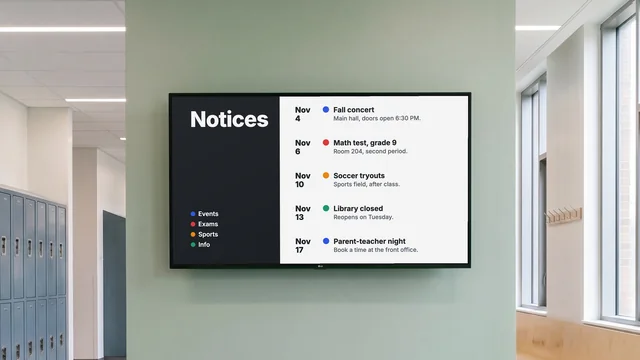
Digital notice board
Room changes, events and closures on the hallway TV, each with an end date.
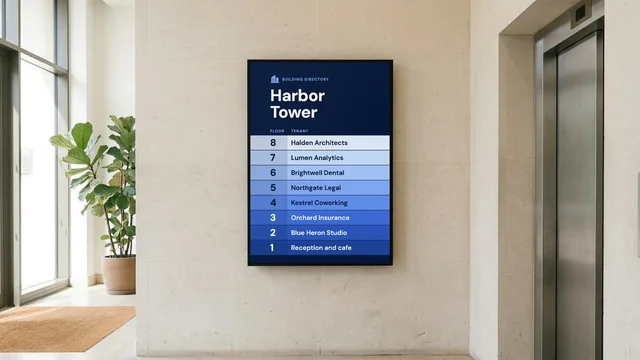
Digital directory board
Tenants, floors and suite numbers by the entrance, and a sign at every elevator landing.
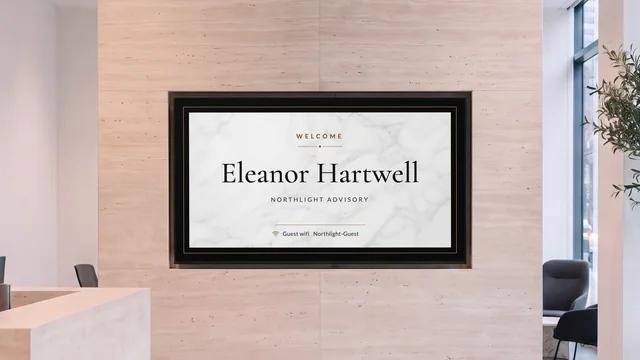
Lobby welcome screen
Greet the visitor by name and show who is on which floor, on the TV in reception.
Your first screen goes by the mailboxes
Put up the house rules and the after-hours repair number first. The next elevator notice can then go out from your phone.
Start 7-day free trialFrom $14 per screen per month, billed yearly
7-day free trial. Cancel anytime.