In-store digital signage for your offers, by the register and on the sales floor
In-store digital signage runs your offers on a TV inside the store, by the register or next to the shelf. Give each offer an end date and it leaves the screen by itself.
From $14 per screen per month, billed yearly
7-day free trial. Cancel anytime.

Offer templates, from bundle deals to gift cards
Bundle deals, gift cards, bestsellers and seasonal campaigns from the Retail templates in the Designer, shown wide for a TV behind the counter. Each has a portrait twin for a screen on a floor stand; you type your own product, price and dates over the sample.
What to show on it
- Three candles for the price of two, Thursday to Sunday
- A QR code to join the rewards program, with 10% off the next visit
- This week's top three sellers, with their prices
- Gift cards by the register from mid-November
- A product video from the brand, between your own offers
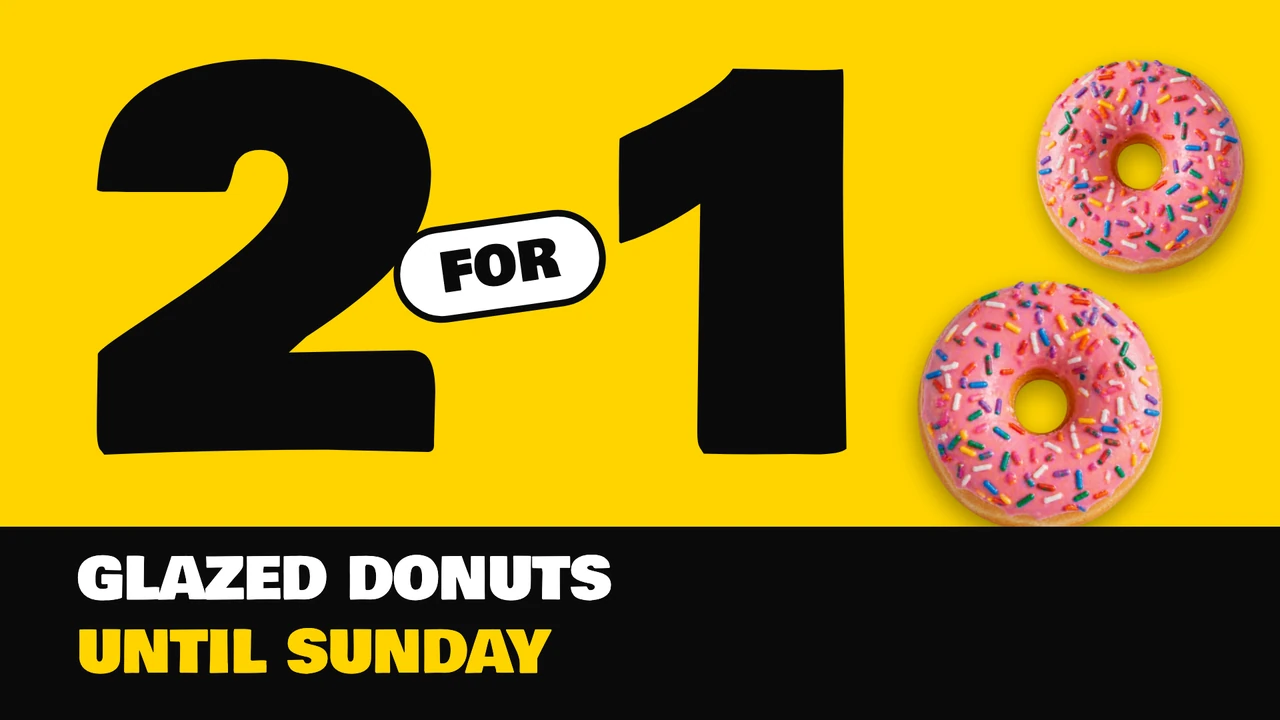
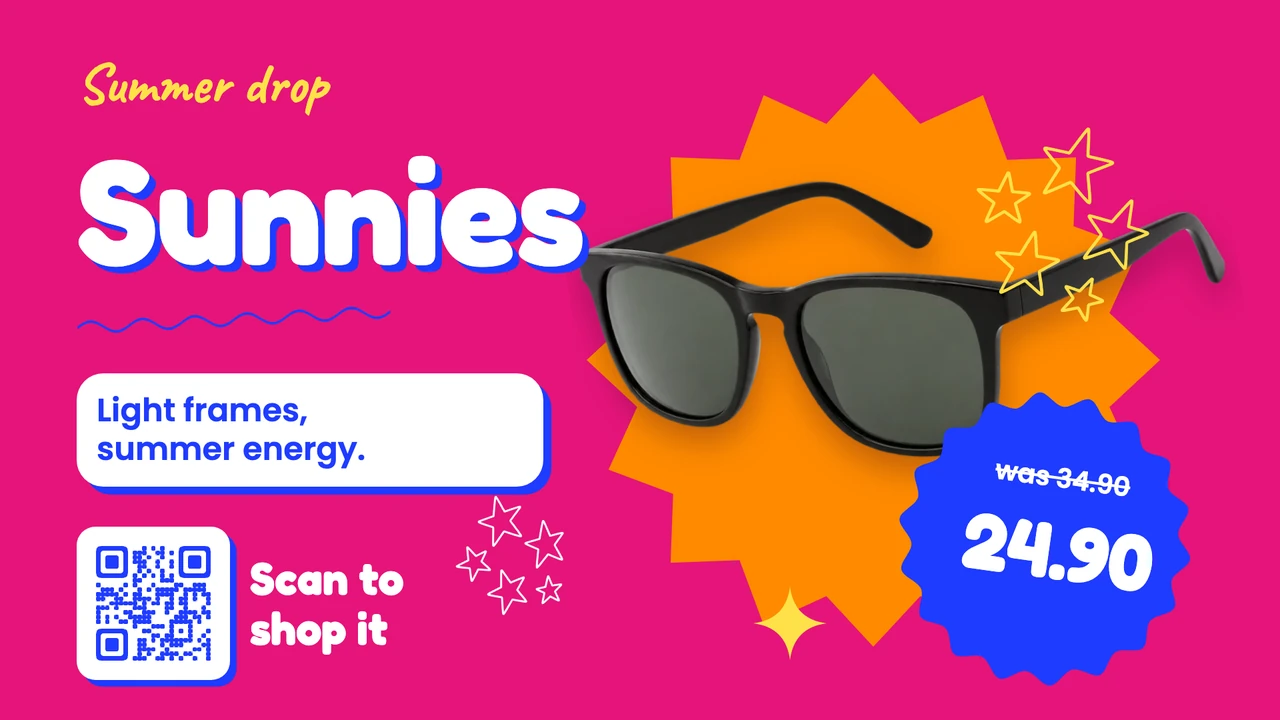
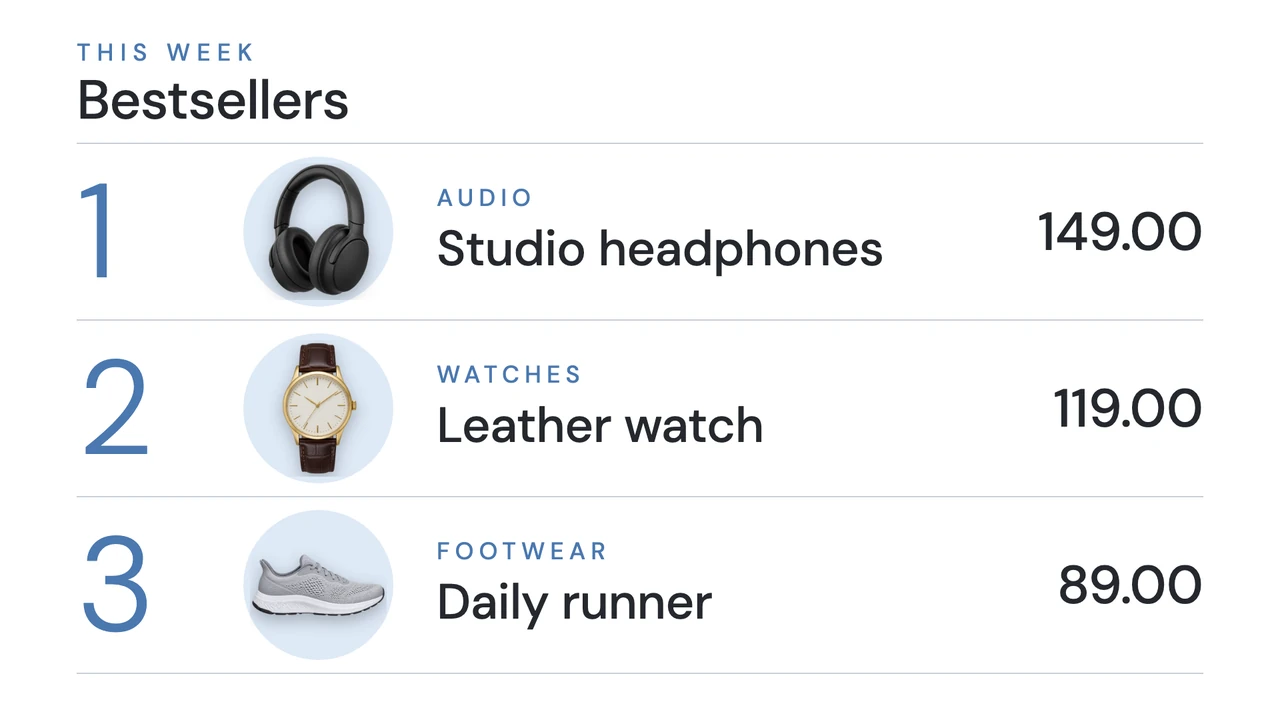
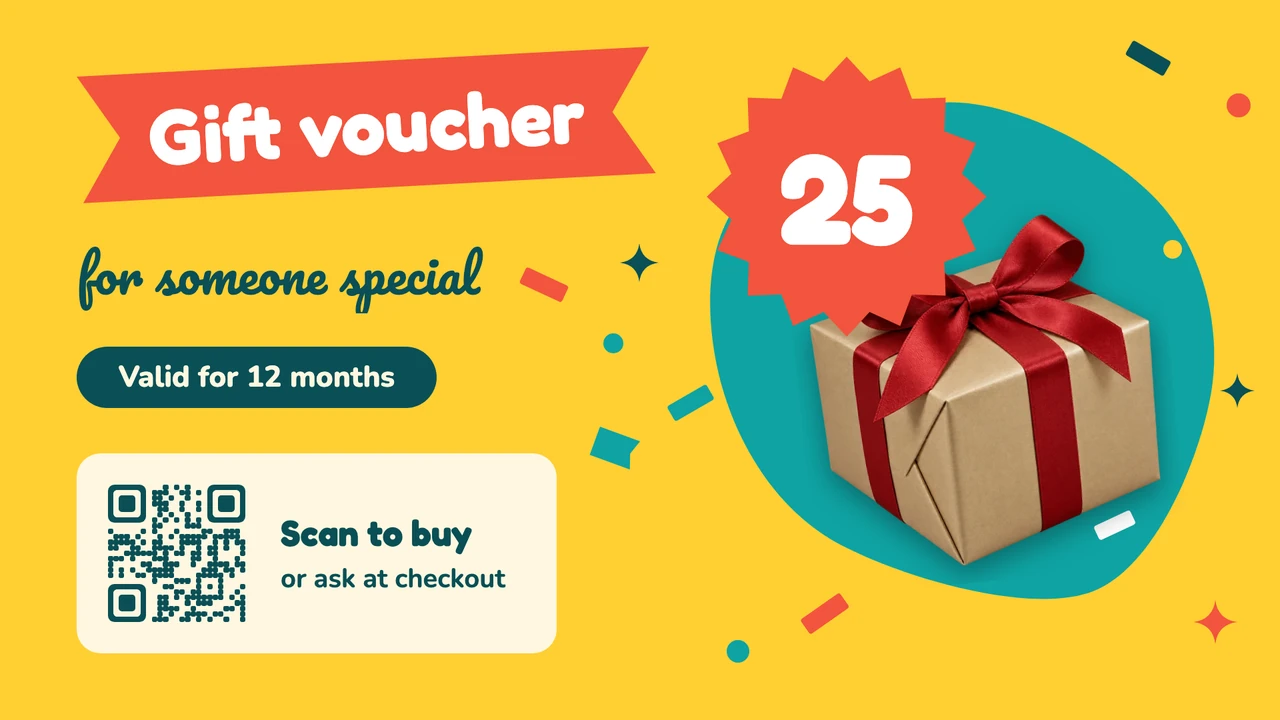


Show more templates


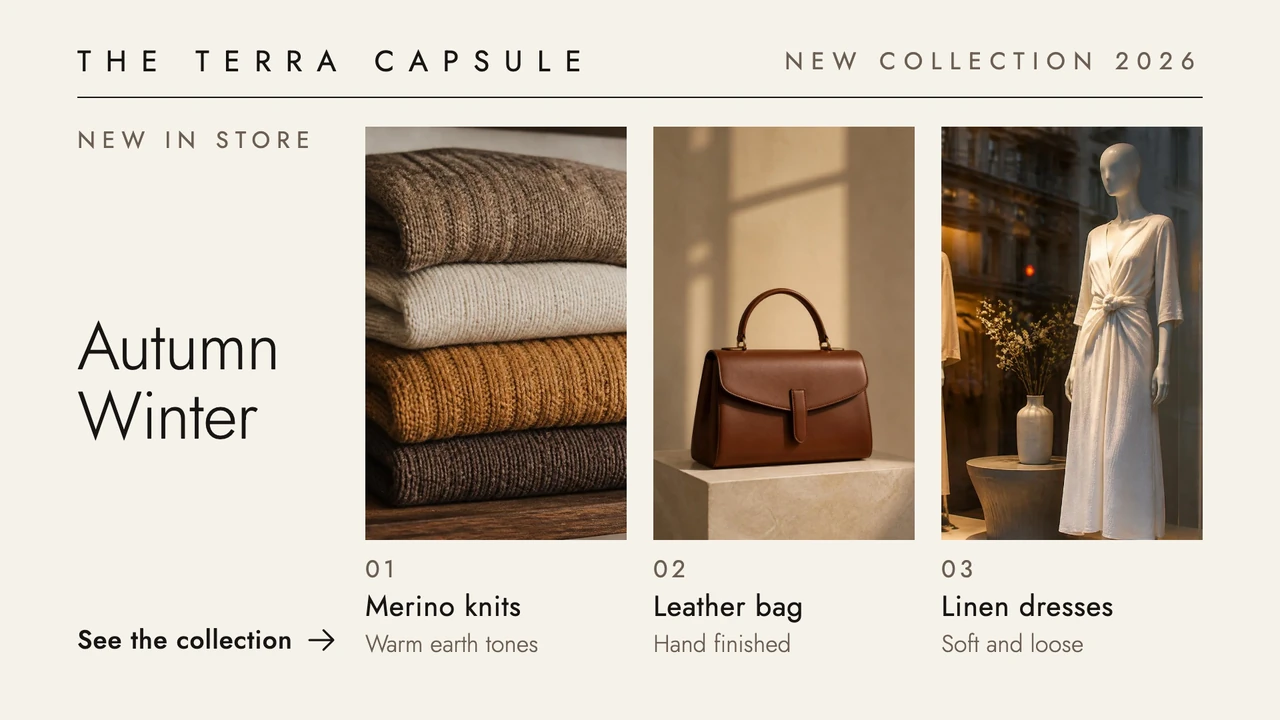
One loop by the register, every offer with its own dates
Put this week's offers in one playlist and send it to the screen behind the register. We'd keep one offer per design, with a price you can read from the back of the line, and the whole loop to about a minute, so someone waiting to pay sees every offer once. Each item in the playlist gets its own Display period, and outside those dates the screen skips it.
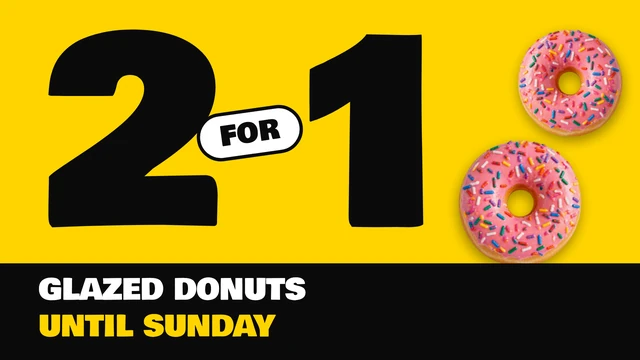
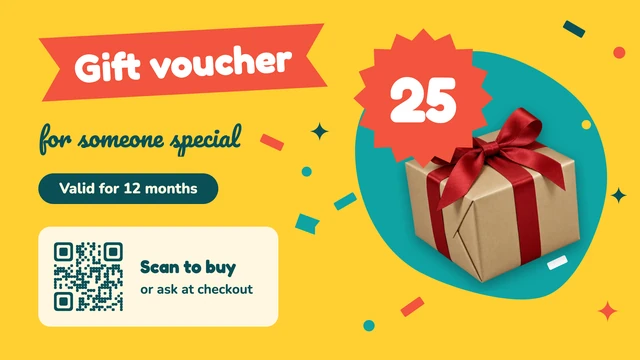
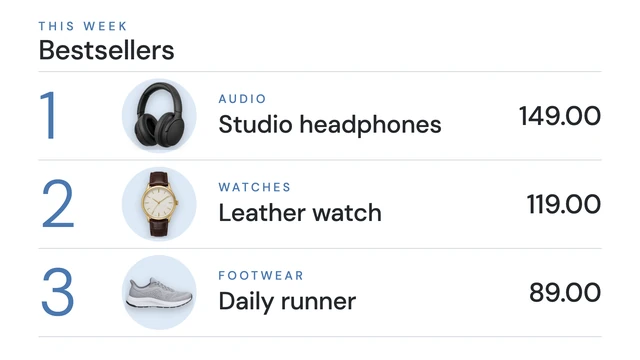

A flash sale on every screen in the store, until the time you choose
It has rained all morning, so the umbrellas go 20% off until closing. Select the poster, open Send to screen, pick Select all screens and choose Temporary, with 6 pm as the end. At six, each screen goes back to its own loop. A temporary send only reaches screens that are online at that moment.
A countdown to the last day of the sale
The Countdown app counts down to the End date you set, under a Title of your own, in a Basic, Flip board or Odometer style. At zero it shows your Done message, such as "The sale is over. The spring collection is here." With Split Screen, the sale poster takes the large area and the countdown runs beside it.
Works with the tools you already use
Connect Screenbird to the apps and services your team already runs on, no extra software required.
Canva
For stores that design their offers in Canva: paste the design's link, and a price you fix there reaches the checkout screen at the next refresh.
Countdown
Days, hours and minutes to the end of the sale, then a line of your own when it is over.
YouTube
A brand's product videos from YouTube, played without sound. They stream, so they need the store's internet.
Google Sheets
Prices that change every morning, such as the fish counter or the farm stand's eggs, kept in a sheet and reloaded at the interval you set, from 1 to 60 minutes.
Your first offer on the checkout screen
- 1
In your 7-day free trial, open a template under Multi-buy deal or Loyalty offer with QR.
- 2
Type your product, price and last day over the sample, and add the design to a playlist.
- 3
Plug the player into the TV by the register, enter its 6-character pairing code under Screens, and send the playlist.

Behind the register, an ordinary TV does the job once a player sits in its HDMI port: an Amazon Signage Stick, made for screens that run all day, or a Google TV Streamer. Recent Samsung and LG smart TVs can play it in their own browser, and so can a PC, Mac or Raspberry Pi. Amazon Signage Stick · All supported players
A USB stick in the screen, or offers you change from a browser
Plenty of monitors sold as advertising displays play a loop from a USB stick. For one brand video that stays up for months, that is all a store needs. Once the offers change every week, four things work differently.
Changing an offer
With a stick, someone exports the new file, walks to the screen and swaps it, then does the same at the next screen. In Screenbird you change the price in the design once, and every screen that shows it picks up the change.
Ending on the right day
A stick plays last week's sale until somebody pulls it out. A Display period or Set validity takes an offer off the screen at the time you entered, on a Sunday evening when nobody is in the store.
Open late on Thursdays
A stick plays the same loop all day. In Schedules, Thursday evening can get its own playlist, repeated Weekly, while the daytime loop is the Default item for the rest of the week.
Proof for the brand
A stick keeps no record. Reports shows Plays, Duration, First played and Last played per item and per screen, which is what a supplier who paid for the spot wants to see. It counts plays, not viewers: there is no camera or audience measurement.
One plan. Everything included. No tricks.
Every feature & update included, without limitations or complicated tiers.
Everything you need for professional digital signage
All features included
No hidden costs. No contract. Cancel anytime.
Want Screenbird to manage your devices? Screenbird+ from $21/mo
Frequently asked questions
Everything you need to know about getting started with Screenbird digital signage. Can't find your answer? Check our help center.
Other use cases
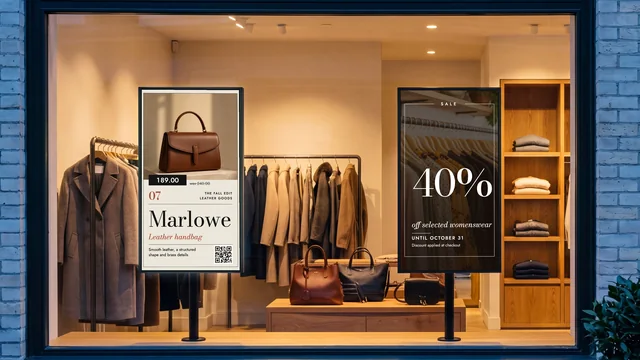
Storefront window screen
New arrivals, sales and listings in the window, with a different schedule after closing.
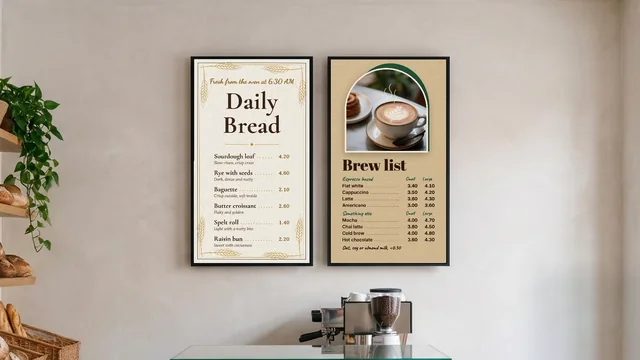
Digital menu board
Your menu and prices on the TV above the counter, switching from breakfast to lunch by the clock.
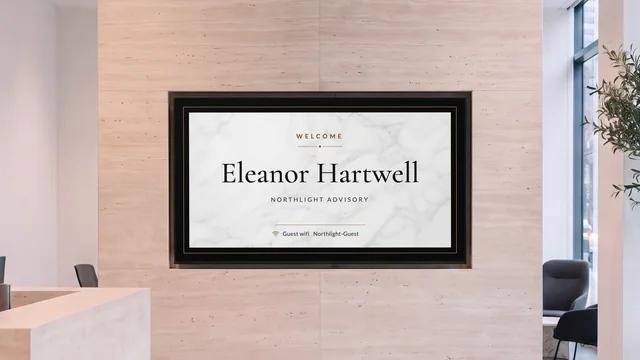
Lobby welcome screen
Greet the visitor by name and show who is on which floor, on the TV in reception.
By industry: Digital signage for retail stores
Give the checkout screen its first offer
Pick a Multi-buy deal template, type the product and the price, and set the day the offer ends.
Start 7-day free trialFrom $14 per screen per month, billed yearly
7-day free trial. Cancel anytime.